21
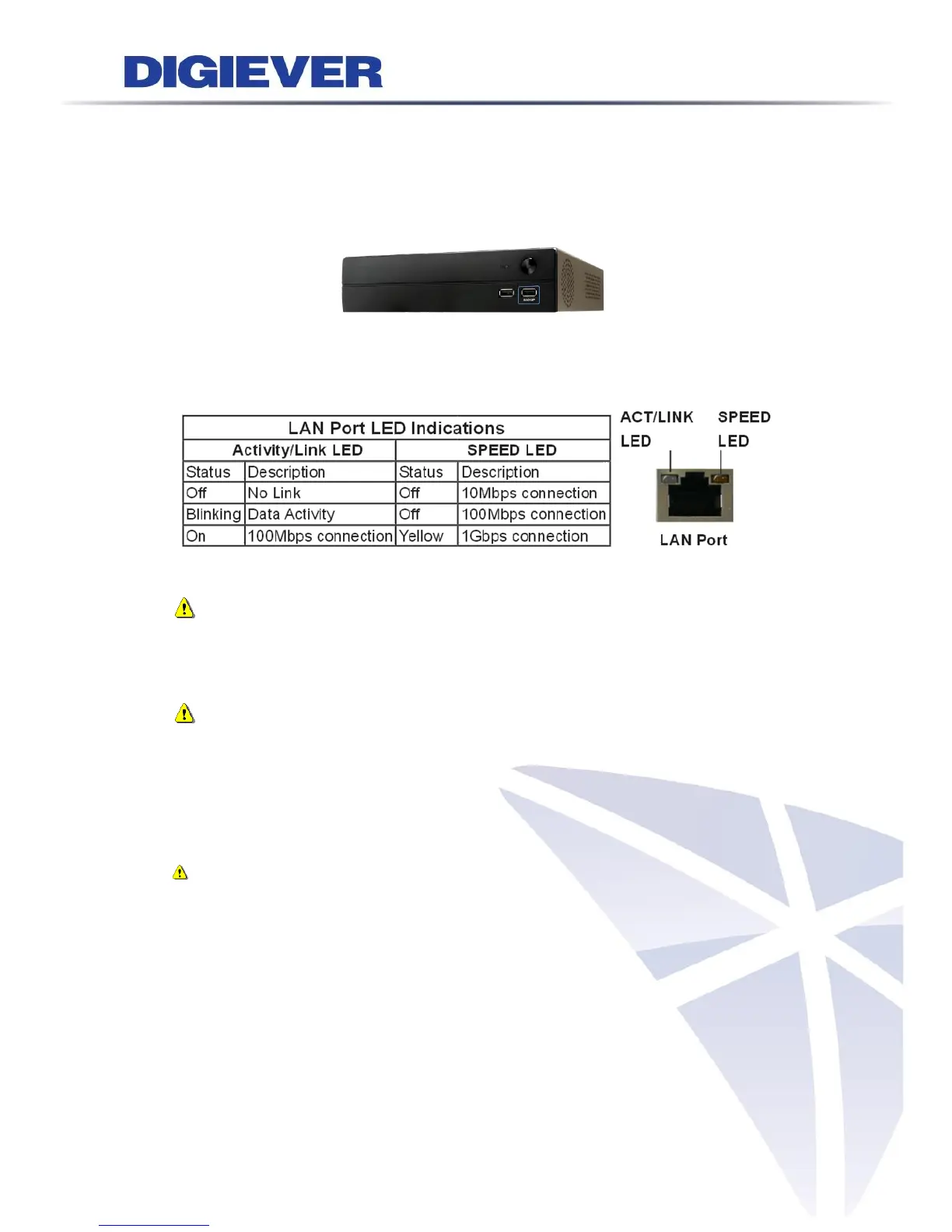
1.2.3 DS-1100 Pro Series
DS-1105 Pro/ DS-1109 Pro/ DS-1112 Pro/ DS-1116 Pro/ DS-1120 Pro/ DS-1125 Pro/
DS-1132 Pro/ DS-1136 Pro
Figure 2-3. DS-1100 Pro Series Front Panel
Note:
**To turn off your NVR, long pressing power button at least 2 seconds.
**To turn on your NVR, long pressing power button at least 3 seconds.
Note: To reset to default, please follow below methods:
Press the power button twice with the interval of one second. In other words, please
press the power button in the 1
st
second and press the power button again in the 2
nd
second. It will be easier to operate the reset to default with the assistance of watch
or clock.
Note: Once users press reset button, configuration of Camera Setting,
Recording Settings, Event & Action Setting, E-Mail Settings, and Server Settings
will reset to default. It is advised to backup system configurations. For more
information, refer to detail information in user manual 5.6.3 Save/Load
Configuration.



 To Next Page