70
2.3 Quick Configuration
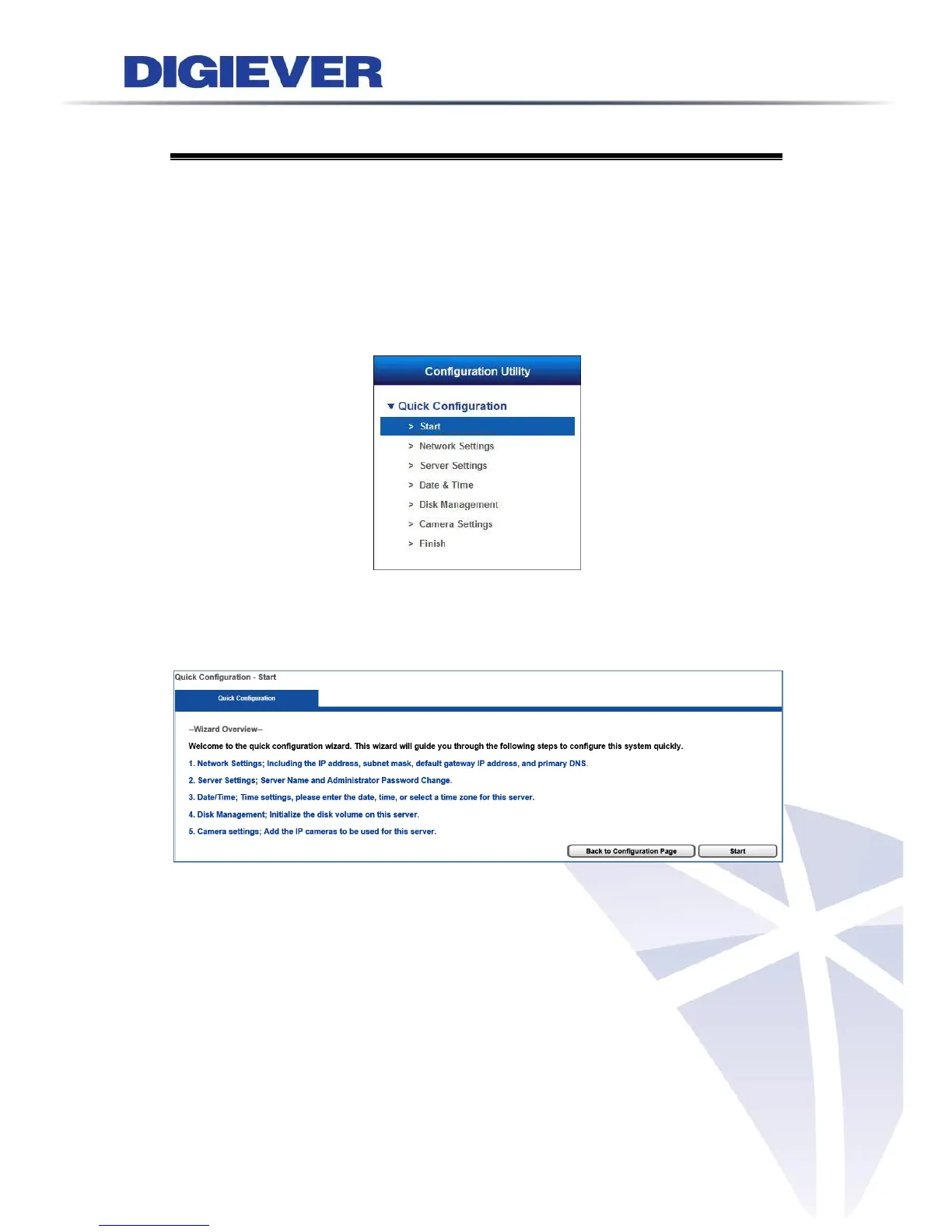
After users log in NVR and install the ActiveX control, the system will direct you to
set Quick Configuration in five main steps. Follow the instructions of the Overview of
wizard to complete system setup.
2.3.1 Start
System will lead you to “Start” from the drop-down menu of Configuration Utility to
begin.
To initial the configuration, please study the Overview of wizard first. Through five
steps, the wizard will guide you to set up the system quickly.
Click “Start” in Overview of wizard page to begin Quick Configuration.



 To Next Page