213
5.6.3 Save/Load Configuration
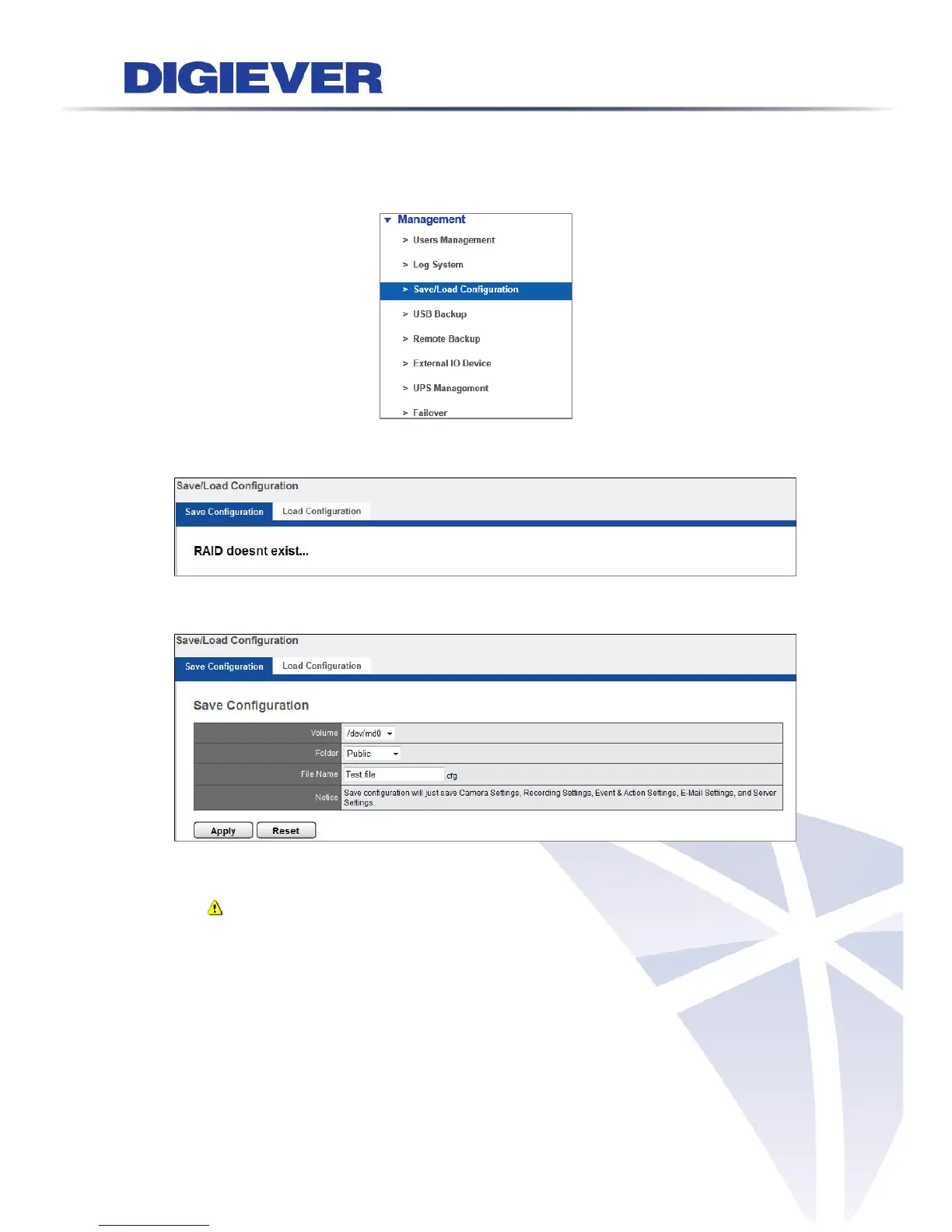
Please select “Save/Load Configuration” from the drop-down menu of Management
to begin.
If the raid disk is not built, the following window will pop up.
1. Save Configuration
Select Volume and Folder to save configuration in a format of cfg file and specify the
File Name.
Note: Save configuration will just save Camera Setting, Recording Settings,
Event & Action Setting, E-Mail settings, and Server Settings.
The configuration file is saved in NVR's Public folder, where users can find
It from Windows Networking or FTP service.



 To Next Page