212
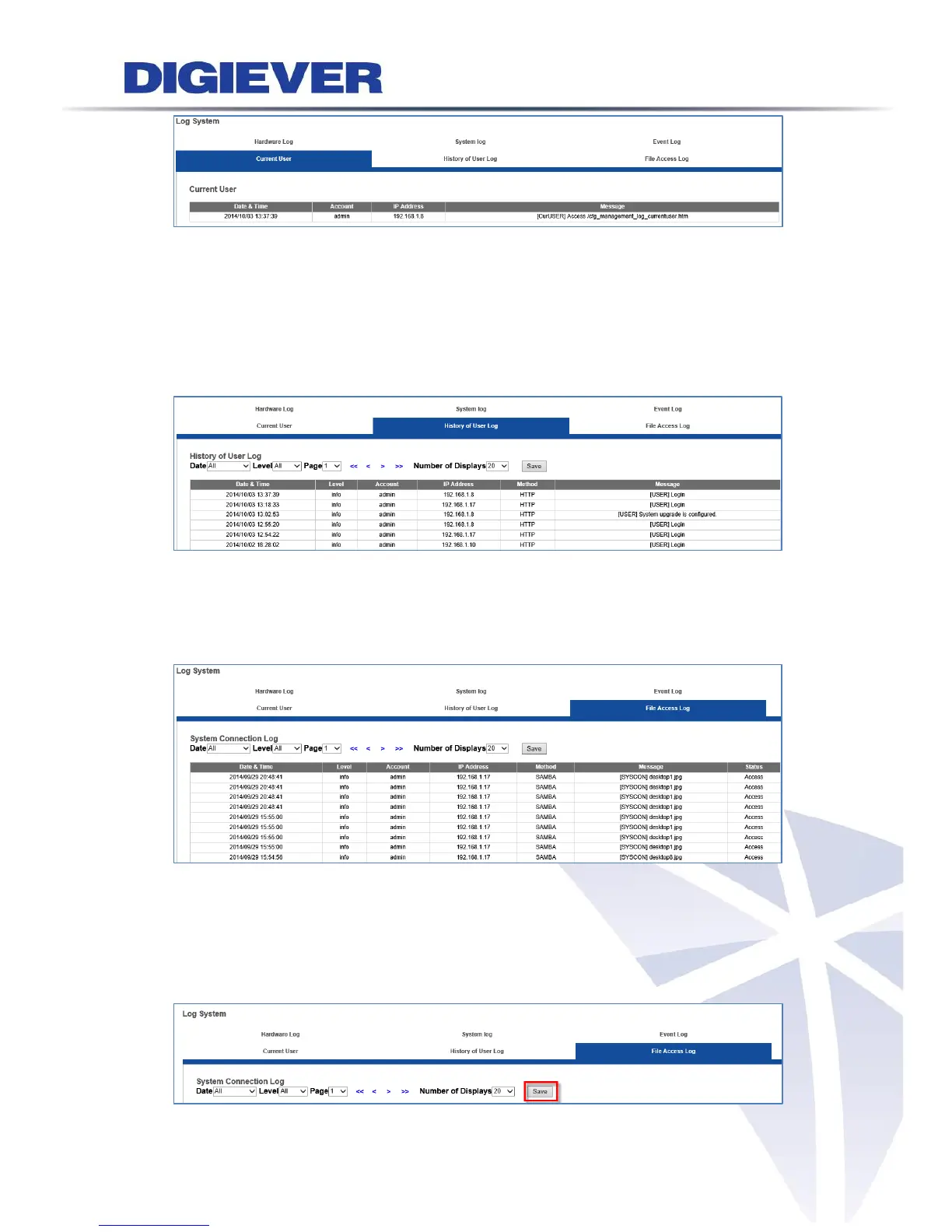
5. Historical User Log
The log information in Historical User Log records any user who has logged in the
NVR. For example, “Execute detect,” “Motion detected,” “FTP service is configured,”
“Account is created,” “Execute system shutdown,” etc.
6. File Access Log
The message occurred is related to other method to get in NVR such as SAMBA or
FTP.
Export the log files
Users can export and save log files from Log System page by clicking “Save” button.
Each log types correspond to one log file. The log content can be saved as html or txt
format.



 To Next Page