118
4.1.1 Select View Modes on Liveview Page
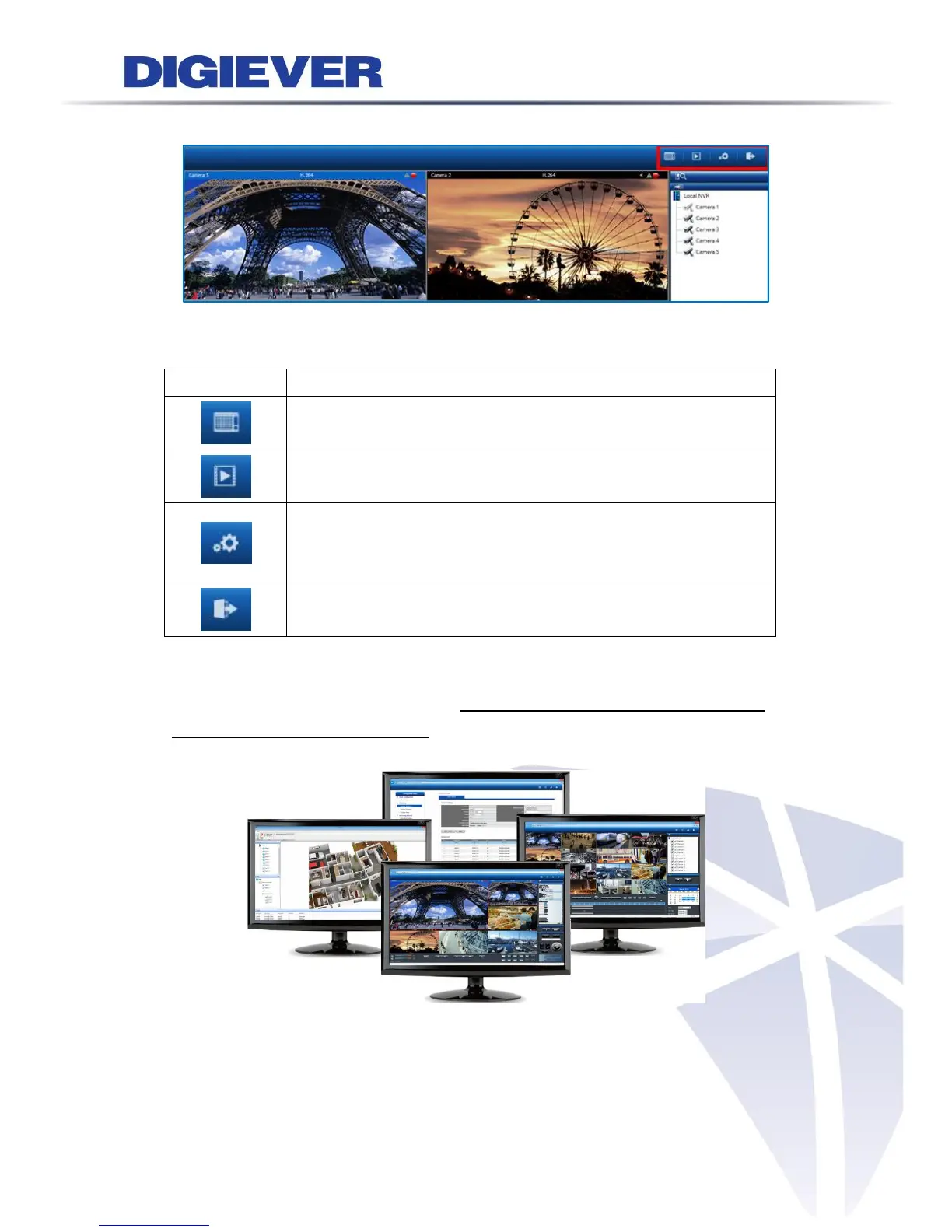
On top right of live view, users can select four view modes.
Liveview:
Click “Liveview” to control the monitoring instantaneously.
Playback:
Click “Playback” to play and to export the recorded video files.
Configuration:
Click “Configuration” to configure camera, recording, event, management,
network, quick configuration and system.
Logout:
Click “Logout” to leave NVR.
Multi-window Operation:
Multi-window operation allows users to individually execute liveview, playback and
configuration in different web pages to operate multi-task monitoring to enhance
surveillance efficiency.



 To Next Page