107
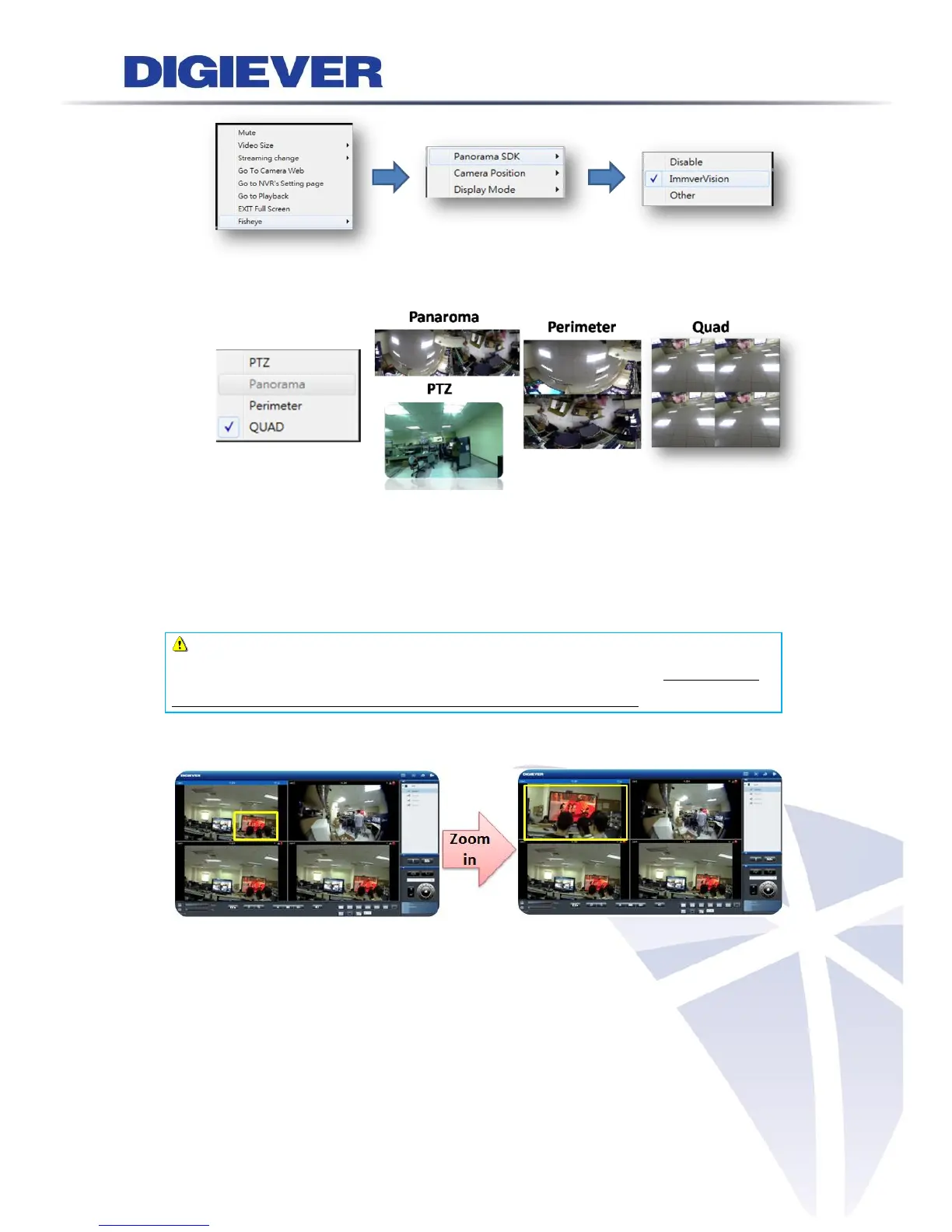
b. Chosse display mode:
3.3.4 Zooming with Mouse Scroll
In addition to digital zoom in/out button, users can use mouse scroll to prevent
potential crisis in live-view monitoring.
Note: For PTZ cameras, zooming with mouse in live-view is adopted optical
zoom in/out. If users would like to view more detailed image, please use zooming
with mouse scroll first and then click digital zoom in/out button.
Please click on the video window and use mouse scroll to zoom in or zoom out image
To press and hold left mouse button, drag the image to the place that you would like
to monitor.



 To Next Page