192
5.3.3 File Sharing Service
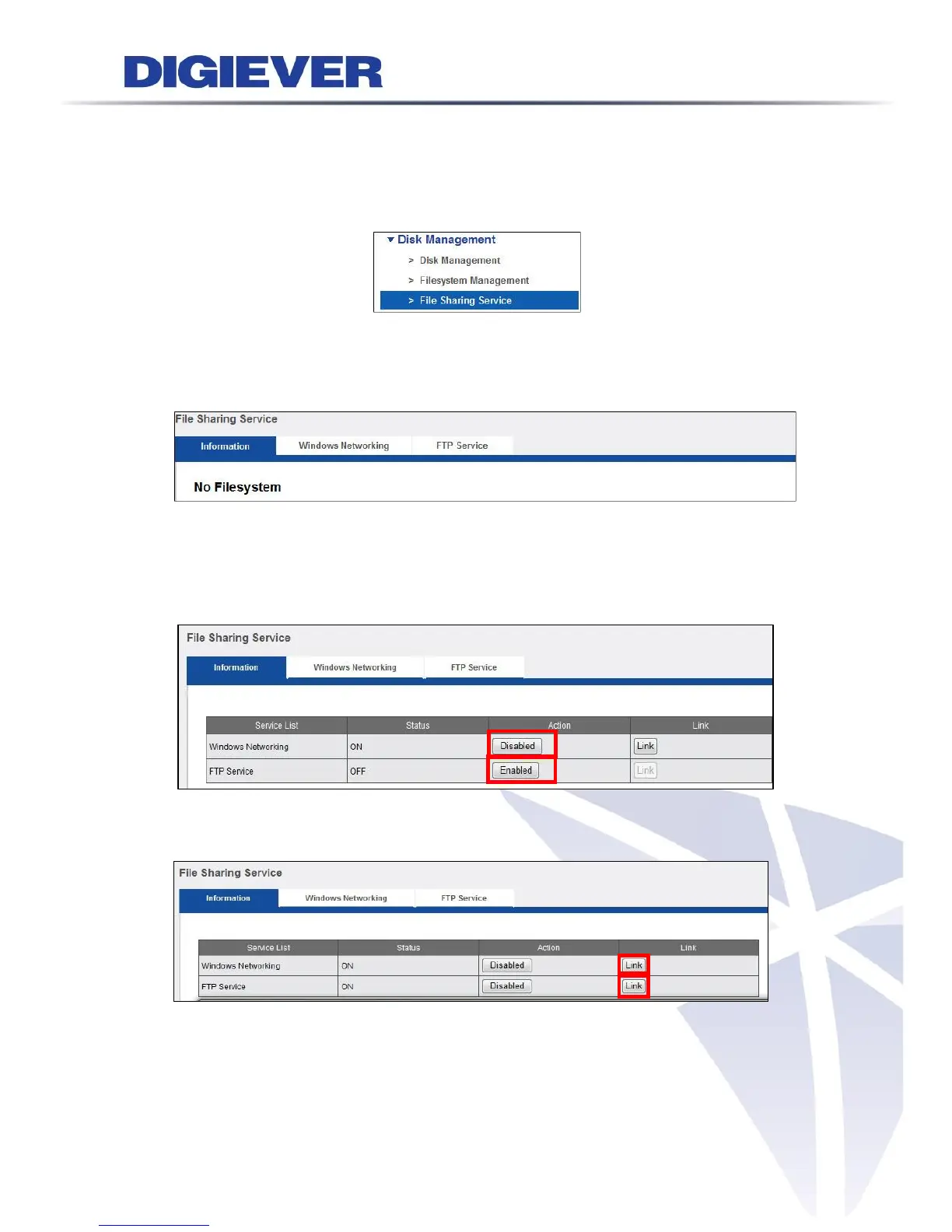
Please select “File Sharing Service” from the drop-down menu of Disk Management
to begin.
Arrange data transmission service including Windows Networking and FTP service.
When there is no hard disk installed in the NVR, the screen will show “No
Filesystem.”
1. Information
Once the hard disk is installed, the filesystem will show status as below. Turn On or
turn off sharing service to enable or disable Windows Networking and FTP service.
After the service is enabled, by using link button on the File Sharing Service page,
users can open the dialog of windows to share service and FTP service directly.



 To Next Page