95
3.2 Quick Configuration
After you log in local display of NVR, the system will direct you to set Quick
Configuration in five main steps. Follow the instructions of the Overview of wizard to
complete the system setup. For further information, please refer to chapter 2.3
Quick Configuration.
3.3 Liveview
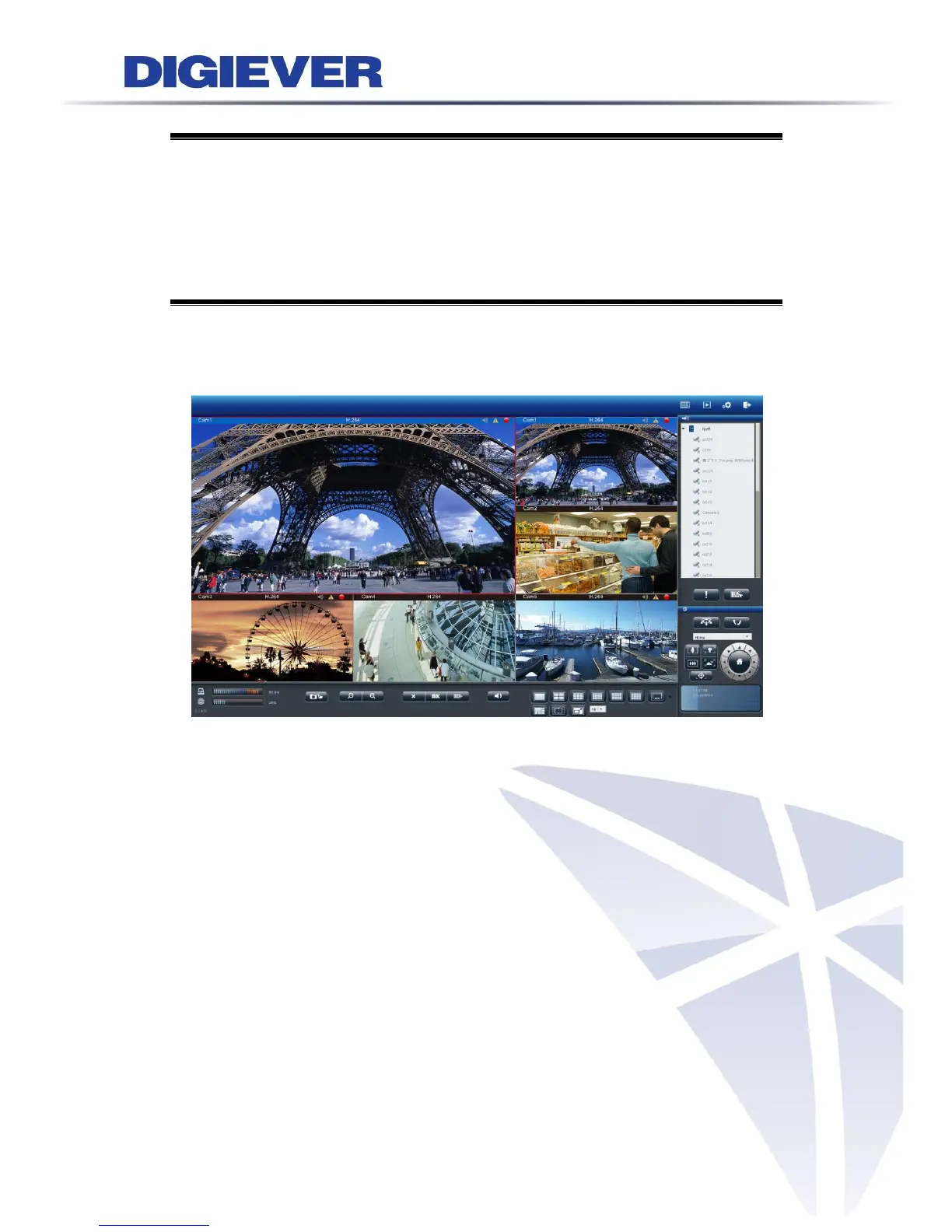
After the Quick Configuration is complete, users can successfully monitor IP cameras.
In live view page, users can monitor cameras in various display modes and control
PTZ cameras.
3.3.1 Select View Modes on Liveview Page



 To Next Page