163
4.4 Play Video Files
Users can access the video files by Windows Networking and FTP Service.
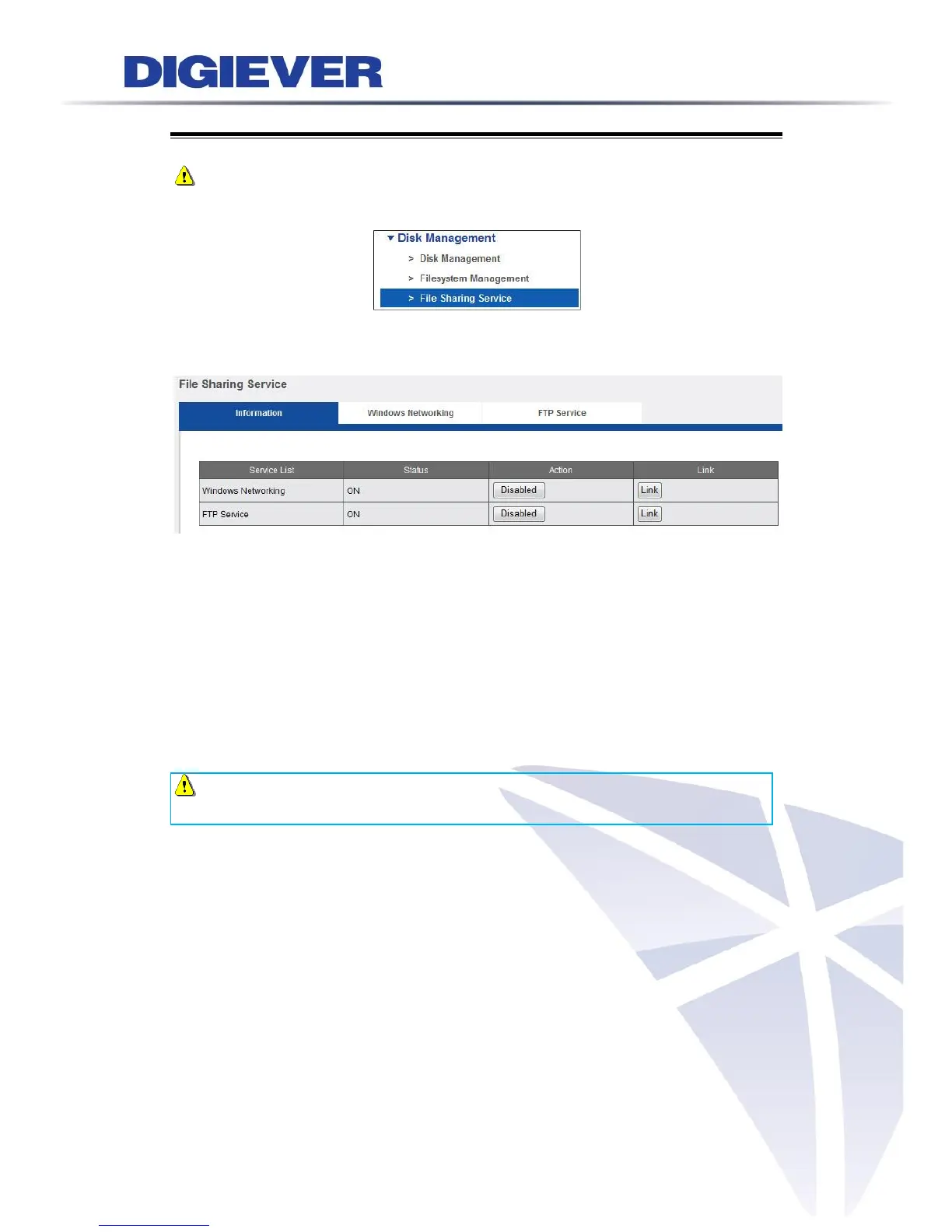
Note: To use Windows Networking and FTP Service, please enable both in“File
Sharing Service” in configuration page.
By using the link button on file sharing service page, users can open the dialog
directly after the service is enable.
4.4.1 Windows Networking
Through Windows Networking, users can search video files in LAN via choosing a
computer of NVR or entering IP address from Windows Start menu.
Choose a Computer of NVR
Please go to “Network” folder and choose NVR. If more than one server exists in
the same network, “Network” folder will display all servers.
Note: The default computer name of each connected NVR is from “Mac
Address” of each NVR, which can be found in configuration page.



 To Next Page