156
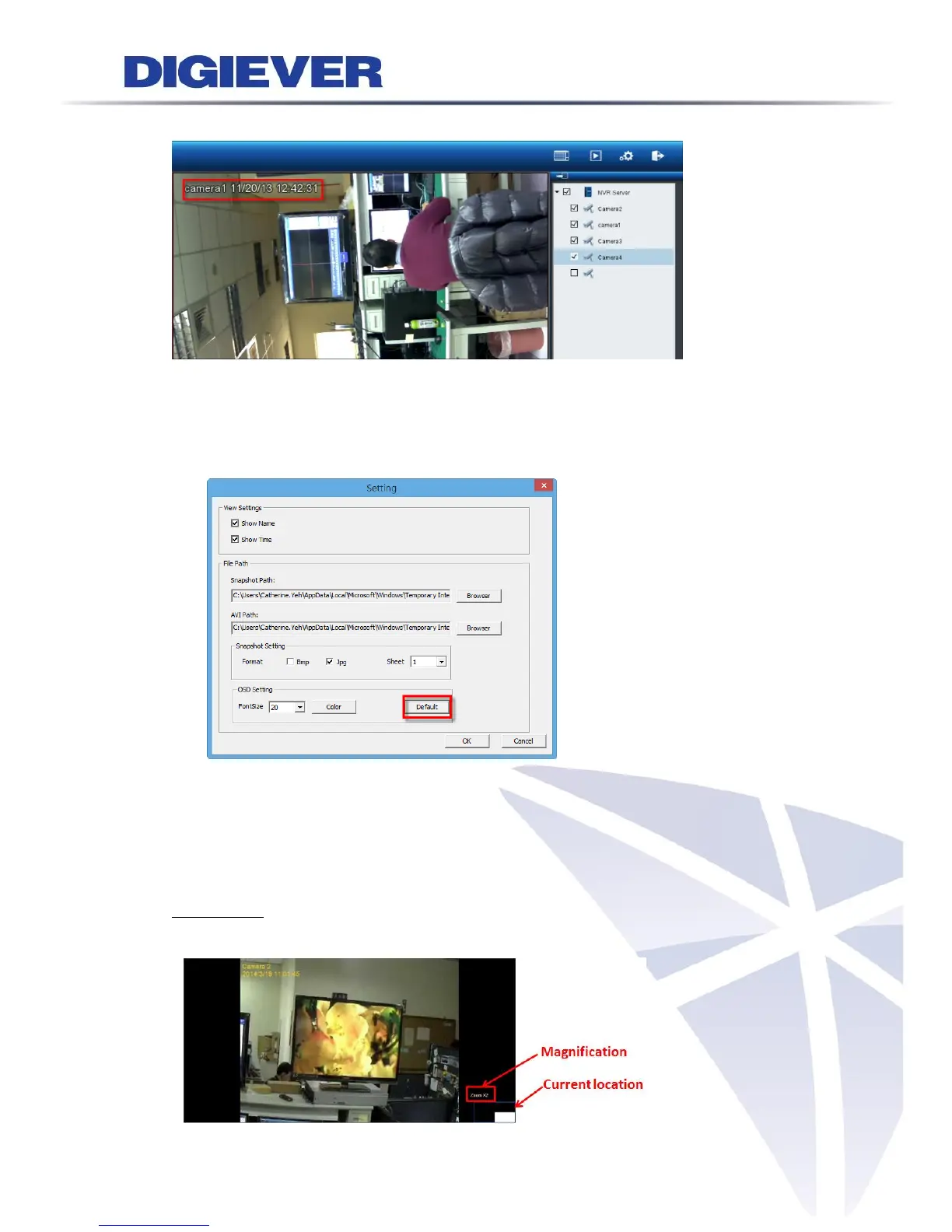
4) OSD color and font size will be changed as below.
Default button
By clicking “Default” button, users can default OSD setting. Default font size is
20 in orange color.
4.3.4 Zooming with Mouse scroll
In addition to digital zoom in/out button, users can use mouse scroll to find out
crucial proof in incident site in playback.
Zoom in/out: To click on the video window and use mouse scroll to enlarge the
image.



 To Next Page