168
4.4.2 FTP Service
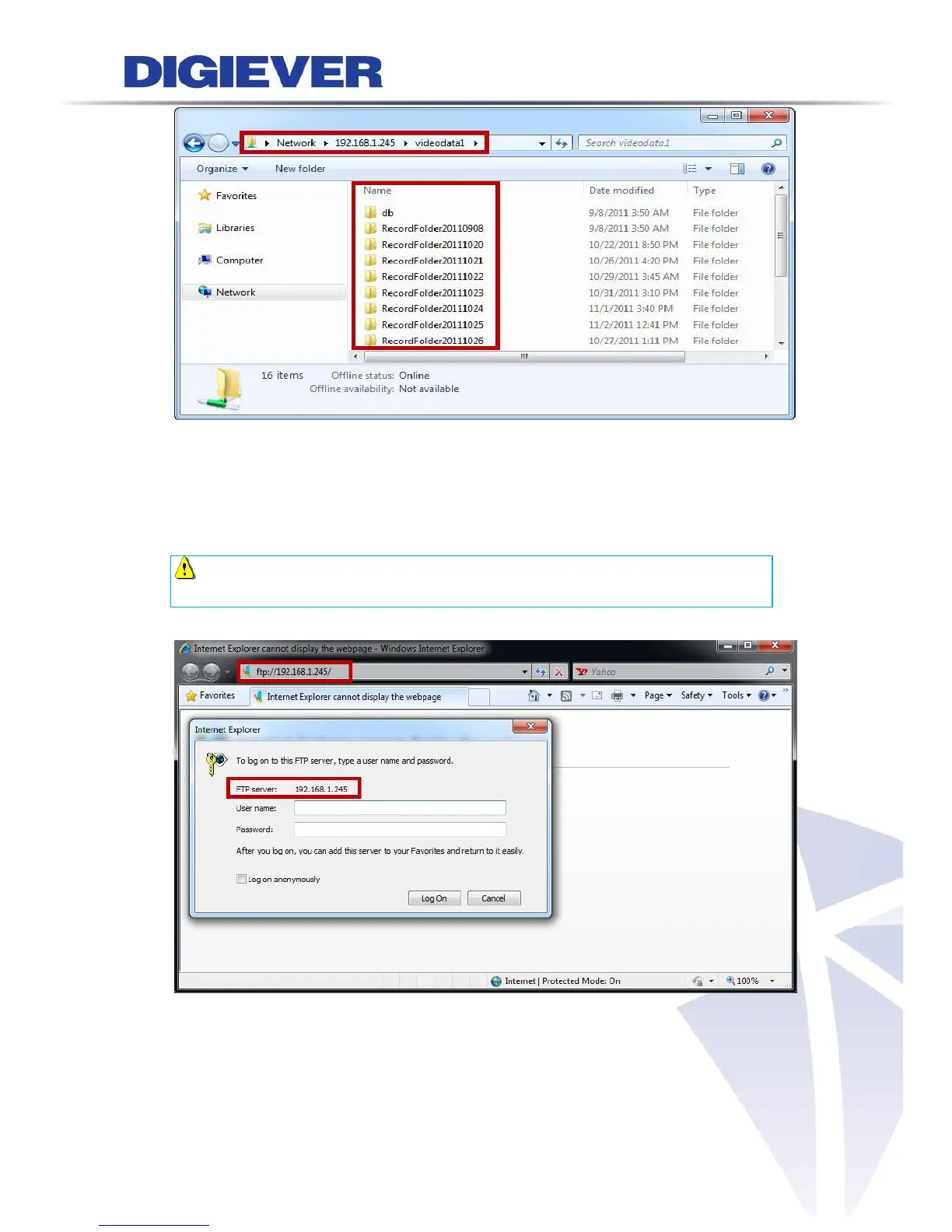
To access FTP service in a web-based interface, please open Windows Internet
Explorer and enter NVR IP address which users configure.
Note: To access FTP service in WAN, please enable router’s Internet access
and specify the same port as NVR. (The default is 21)
As you enter the IP address, a window will pop up and ask to type a user name and
password to log in FTP server. If you don’t amend the user name and password,
please enter the default ones:“admin/admin.”



 To Next Page