214
2. Load Configuration
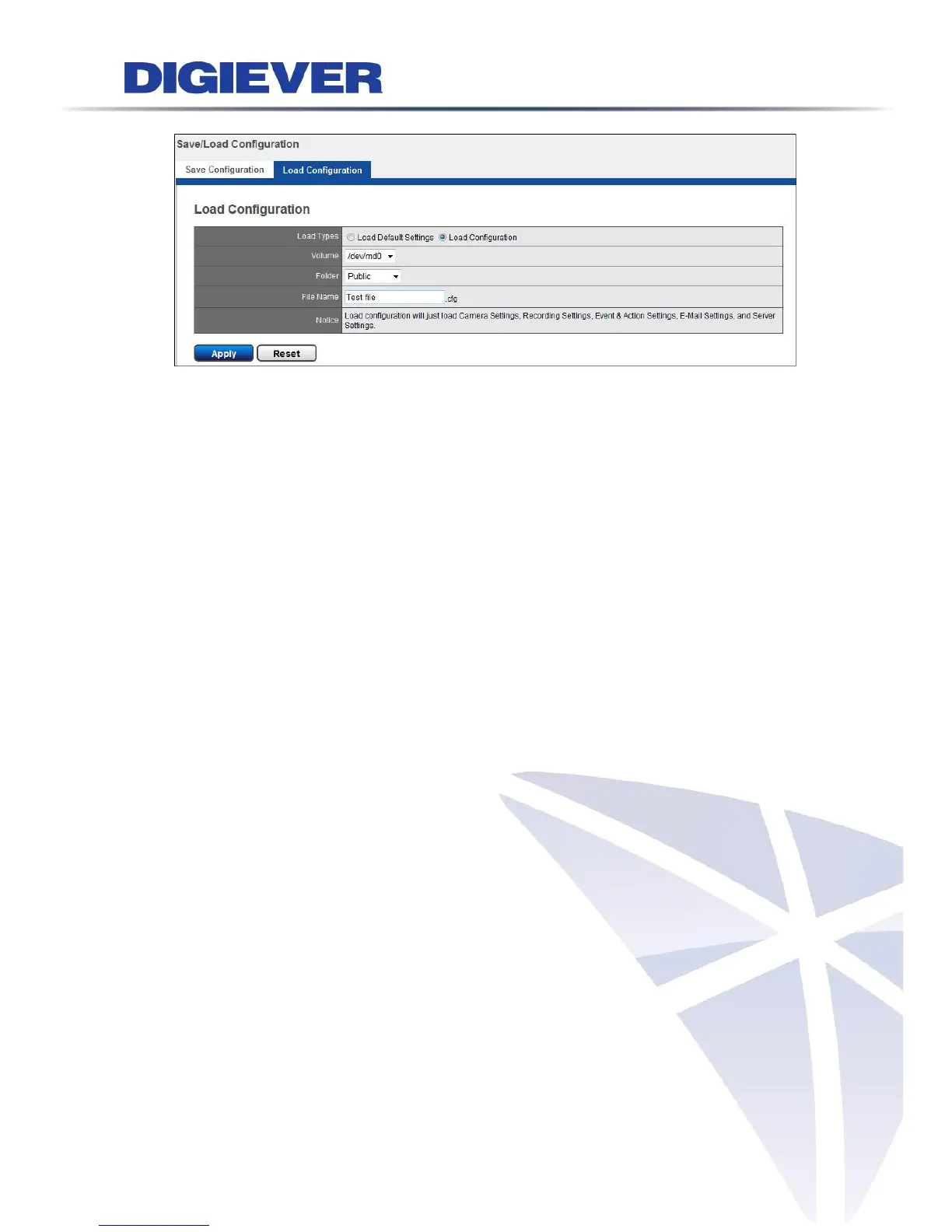
Load configuration can help users duplicate the same settings from one NVR to
another without configuring system manually. Users can select Load Type as “Load
Default Settings” or “Load Configuration.”
Once you select “Load Default Settings” and click “Apply,” configuration of Camera
Setting, Recording Settings, Event & Action Setting, E-Mail settings, and Server
Settings will reset to default.
When select “Load Configuration,” please browse the NVR folder to find the saved
configuration. Once file name displayed, click “Apply” to load configuration.



 To Next Page