141
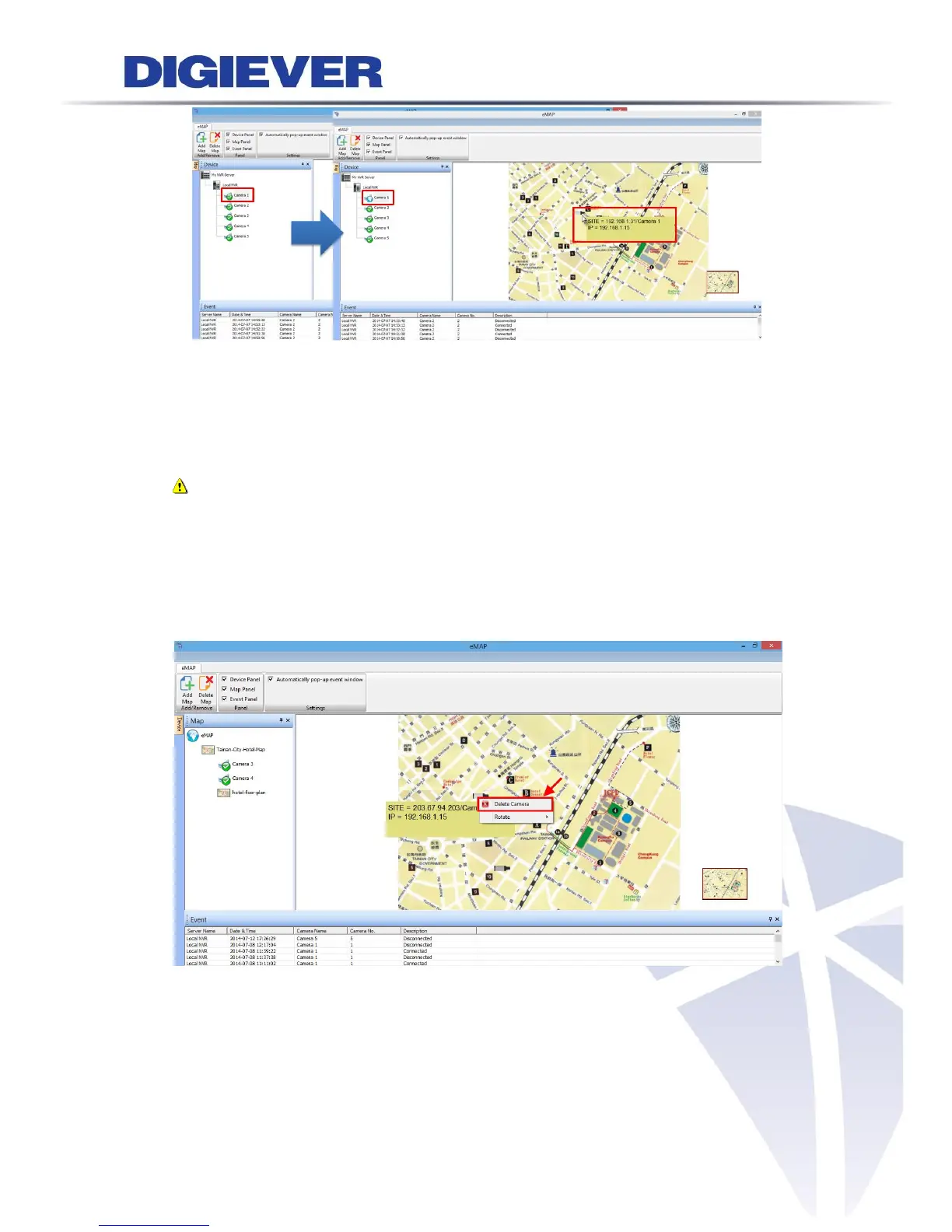
Camera Information
When you move the mouse cursor on a camera icon, camera information will display
in a yellow column such as NVR IP address, Camera name and Camera IP address.
Note: Users can use the mouse scroll to zoom in/ out the map to enlarge or
reduce the view of the E-Map when deploying IP cameras on the map.
(2) Delete a camera: to delete the camera on the map, please right click on the
camera icon. A right-click menu will appear. Click “Delete Camera” to delete the
camera on the map.



 To Next Page