125
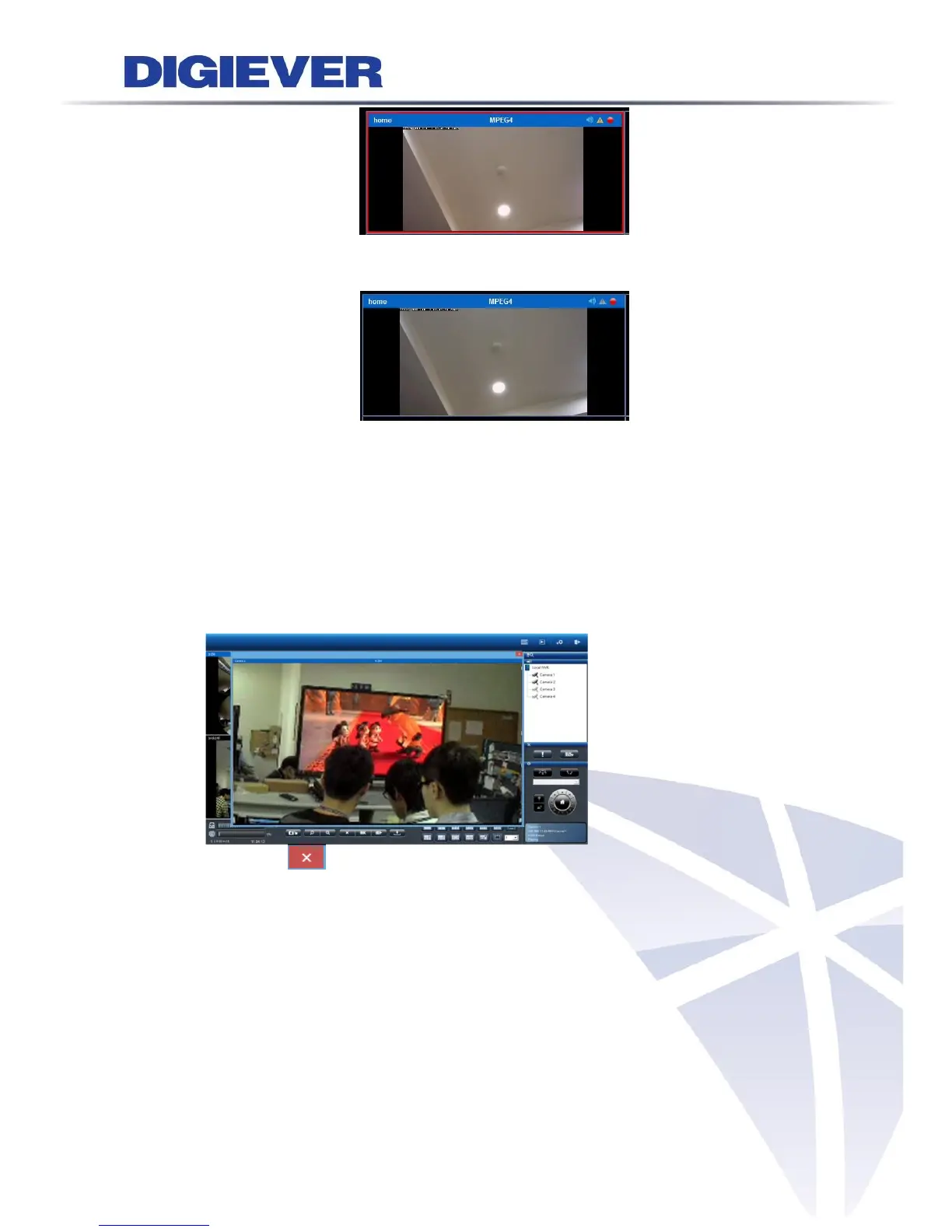
When the motion event is awarded, user can simply click on the channel with
mouse, the warning frame will be stopped.
④ Enable Alert sound
If users enable the function, the remote web browser will sound the alarm to
notify users when motion detection is triggered.
⑤ Liveview event notification with video pop-out window
Once the feature is enabled, a new window will pop out when an event is
triggered so as to inform users of event happened at the very first time.
By clicking button at the top-right corner, users can manually close the
pop-out window.



 To Next Page