135
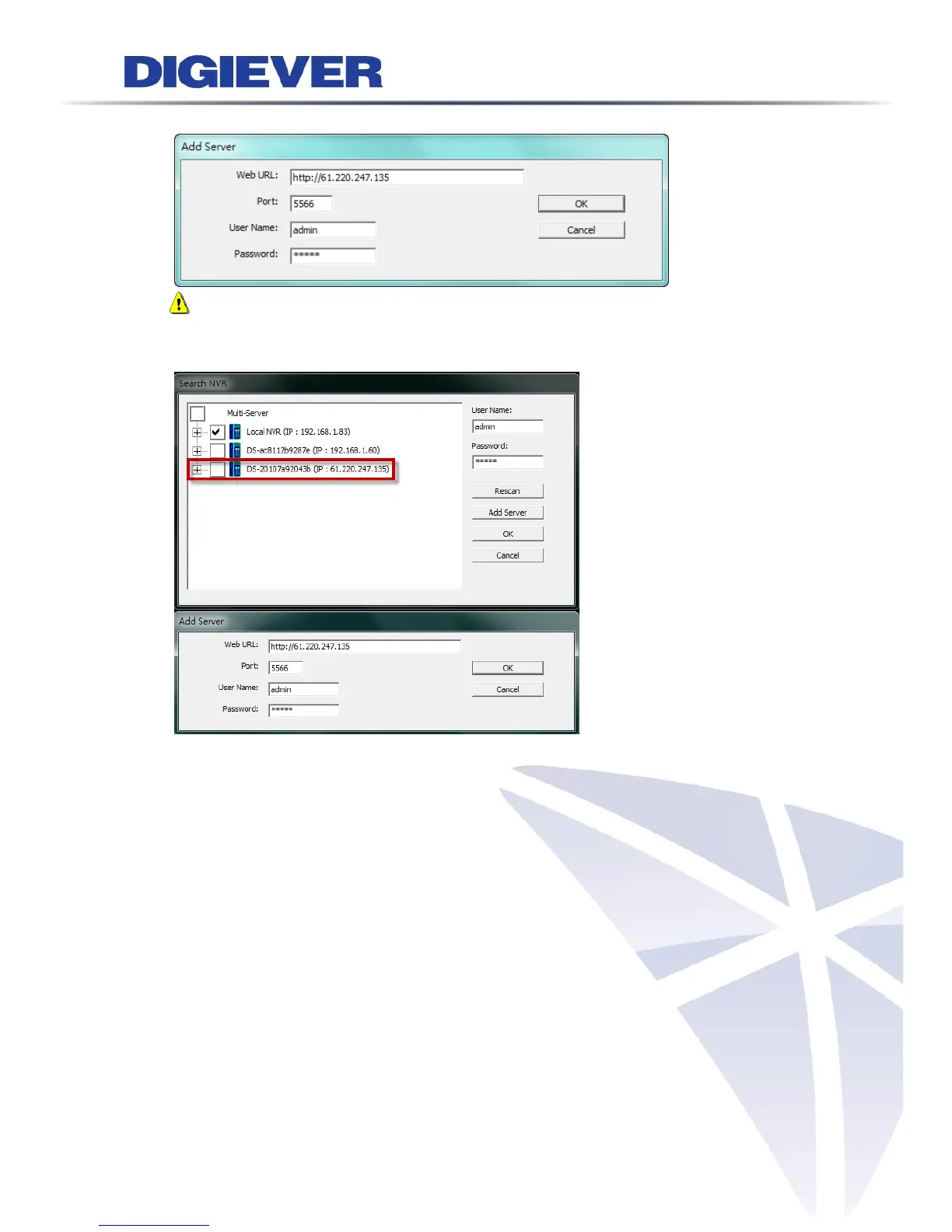
Please enter IP address, port, username and password, then click “OK” to apply.
Note: NVR can be manually added in WAN or LAN.
You can see the NVR in mini-CMS list.
Please choose NVR and camera which you are going to add to the local server and
Click “OK” button. Then, new added channels will display in the cameras list on
remote liveview webpage.



 To Next Page