150
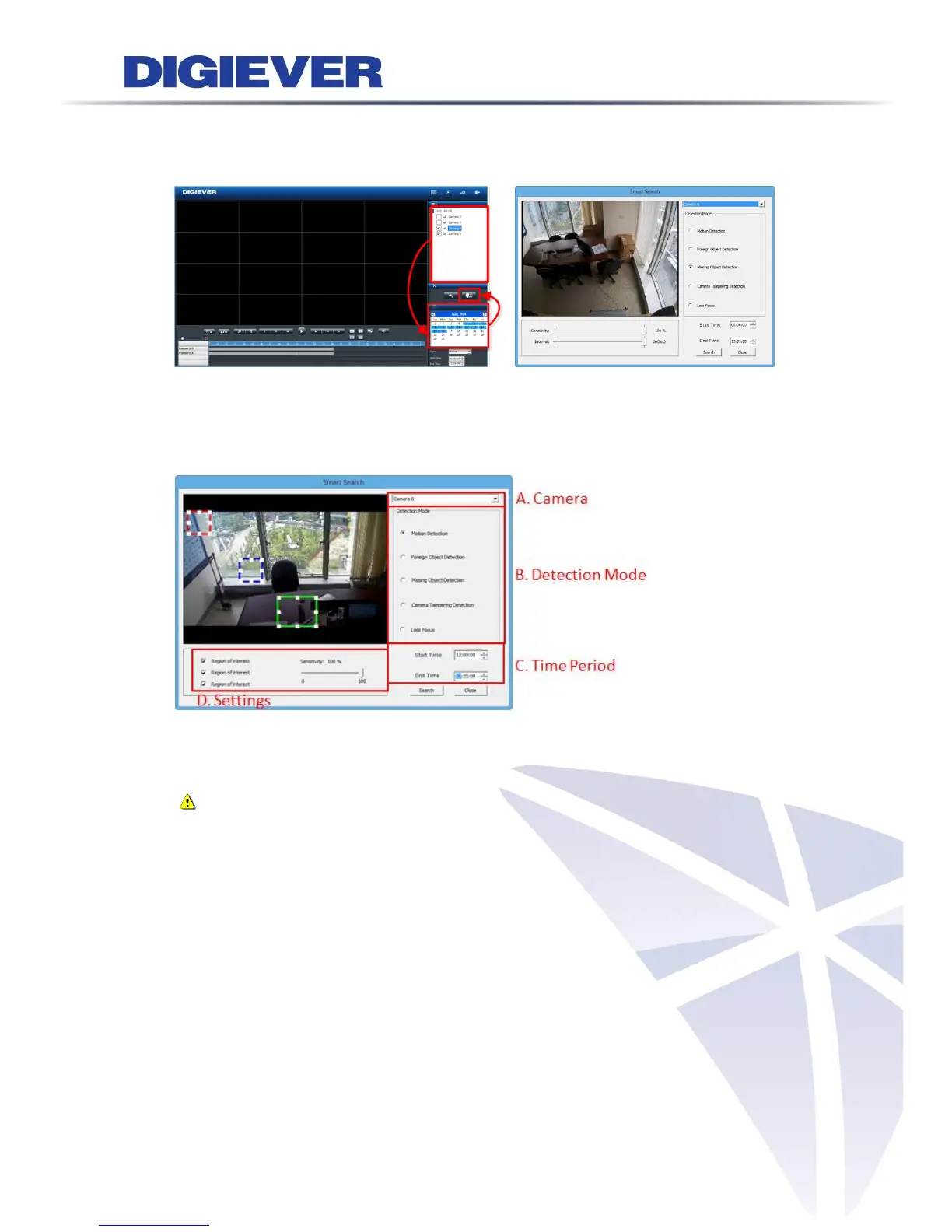
Please select cameras from camera list and the date that you would like to execute
smart search. Then, click “Smart Search” button. A window will pop up to start smart
search configuration.
Select a specific camera, detection mode, time period and settings. Then, click
“Search” button to start smart search.
Introduction of settings:
(1) Region of interest: the location for quick detection
Note: Motion detection, foreign object detection and missing object
detection is needed to arrange region of interest. Except motion detection
which has 3 region of interest, others one have one region of interest.)
(2) Sensibility: the capability to detect event
(3) Interval: the amount of time that the object exists in the region



 To Next Page