160
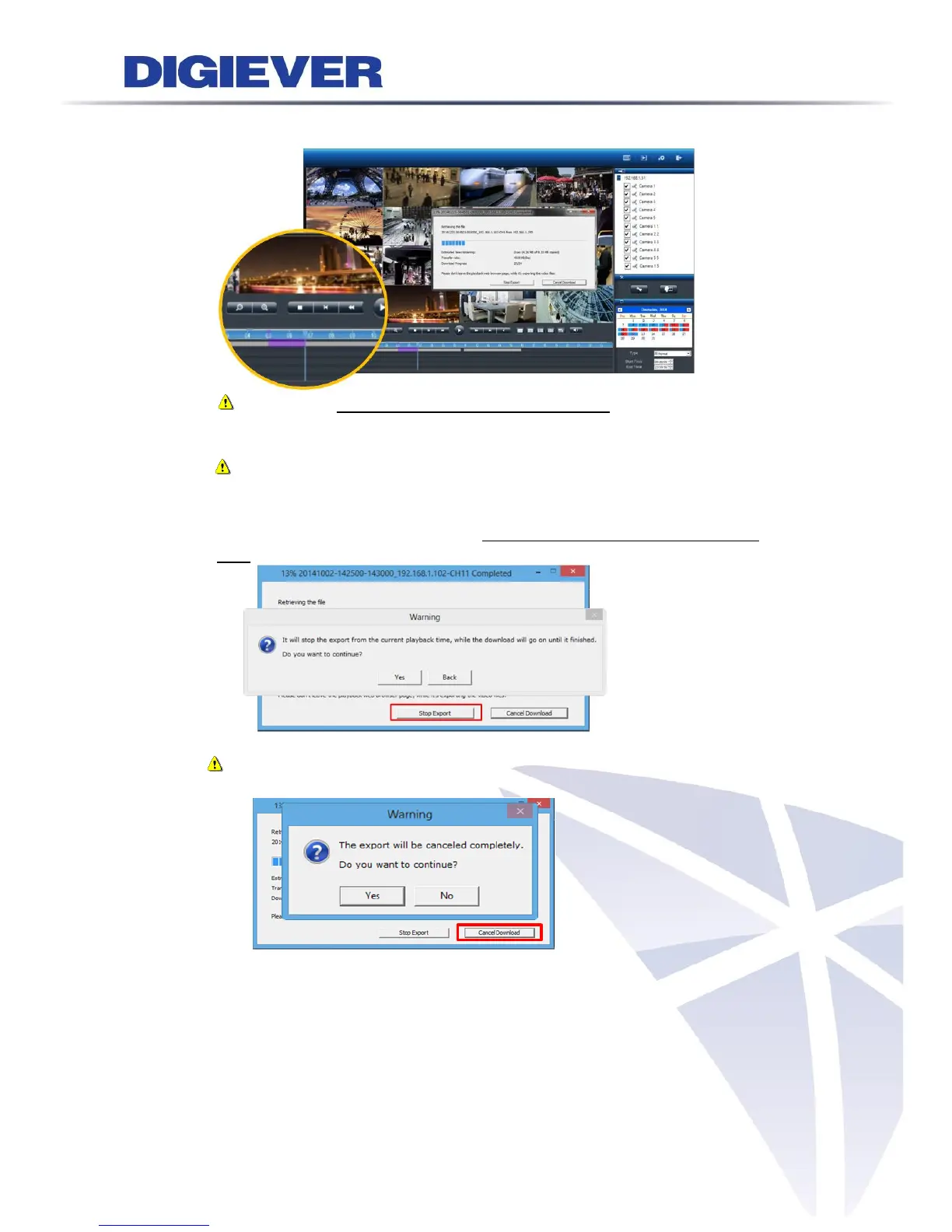
5) A window will pop out to display export status. On time table, exporting time
period will be highlight in purple color.
Note: Please don’t close the playback browser page, while it’s exporting
the video files. Otherwise, the exporting video will not be saved on your
PC.
Note: NVR will also download NVRCheck and NVRPlayer to your PC.
6) Click “Stop Export” button to stop instant export
Once users click “Stop Export”, it will stop export from the current playback
time, while the download will go on until it finish.
Note: If user clicks “Cancel Download”, the export will be canceled
completely without any exported video files.
7) Once the export is finished, a playlist window will pop out to let user modify
folder Name and Playlist Name.



 To Next Page