166
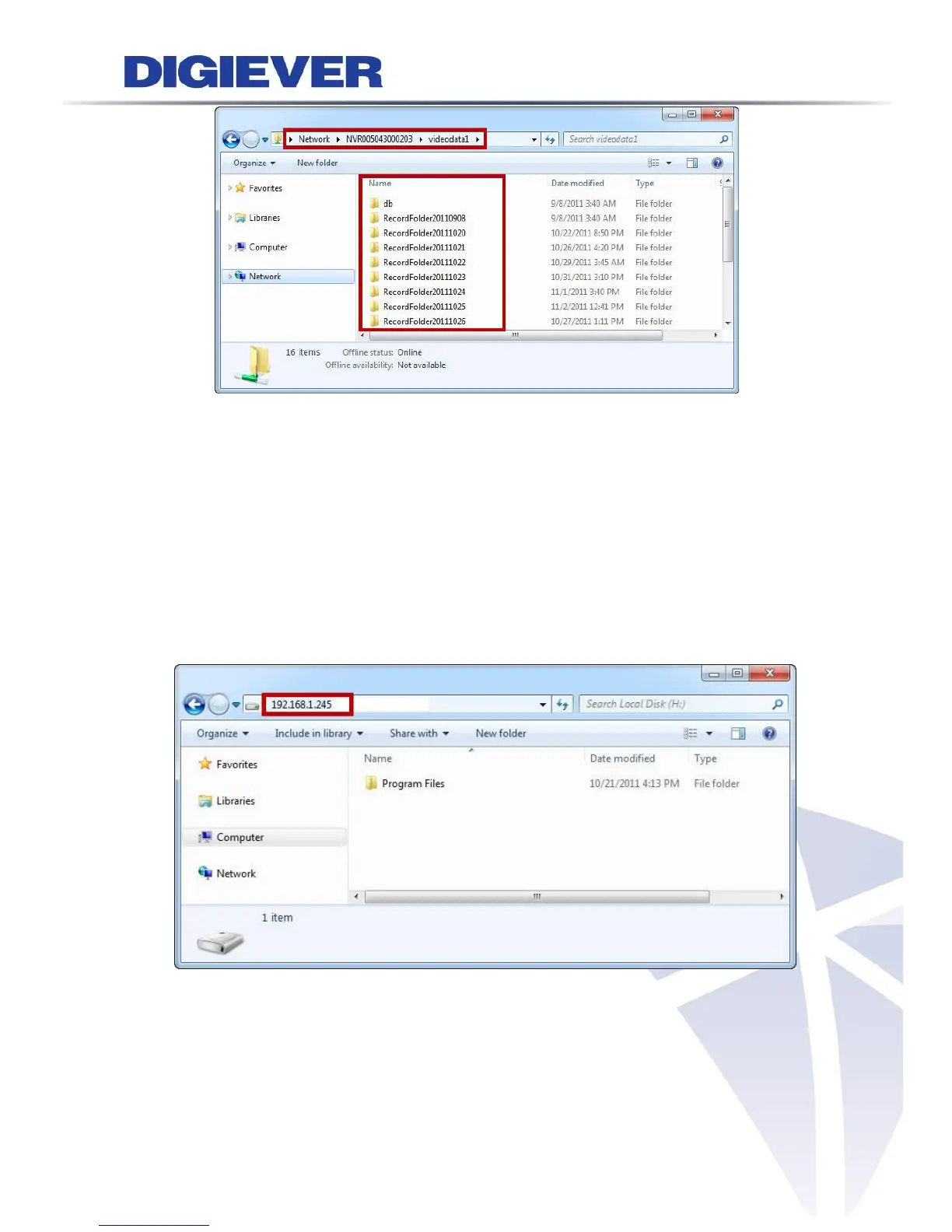
After entering “videodata1,” the folder displays RecordFolderchronologicallyby
recording dates. Please select a folder to enter.
All video files lists chronologically by recorded time and video length of each chunk is
five minutes.
Select a video file to play.
Enter IP Address to Search
Please enter NVR IP address from the Windows Start menu.



 To Next Page