184
① Select the contactor
② Edit the content on Subject and Message column
③ You can choose whether to attach the snapshot with Email (Optional)
④ Apply same setting with other cameras in “Apply Options” (Optional)
⑤ Click “Ok” button to finish E-MAIL Configuration.
E-Mail action will be triggered once per 20 seconds as the event is happening, which
means if an event is lasting for one minute, NVR will send email 3 times per every 20
seconds.
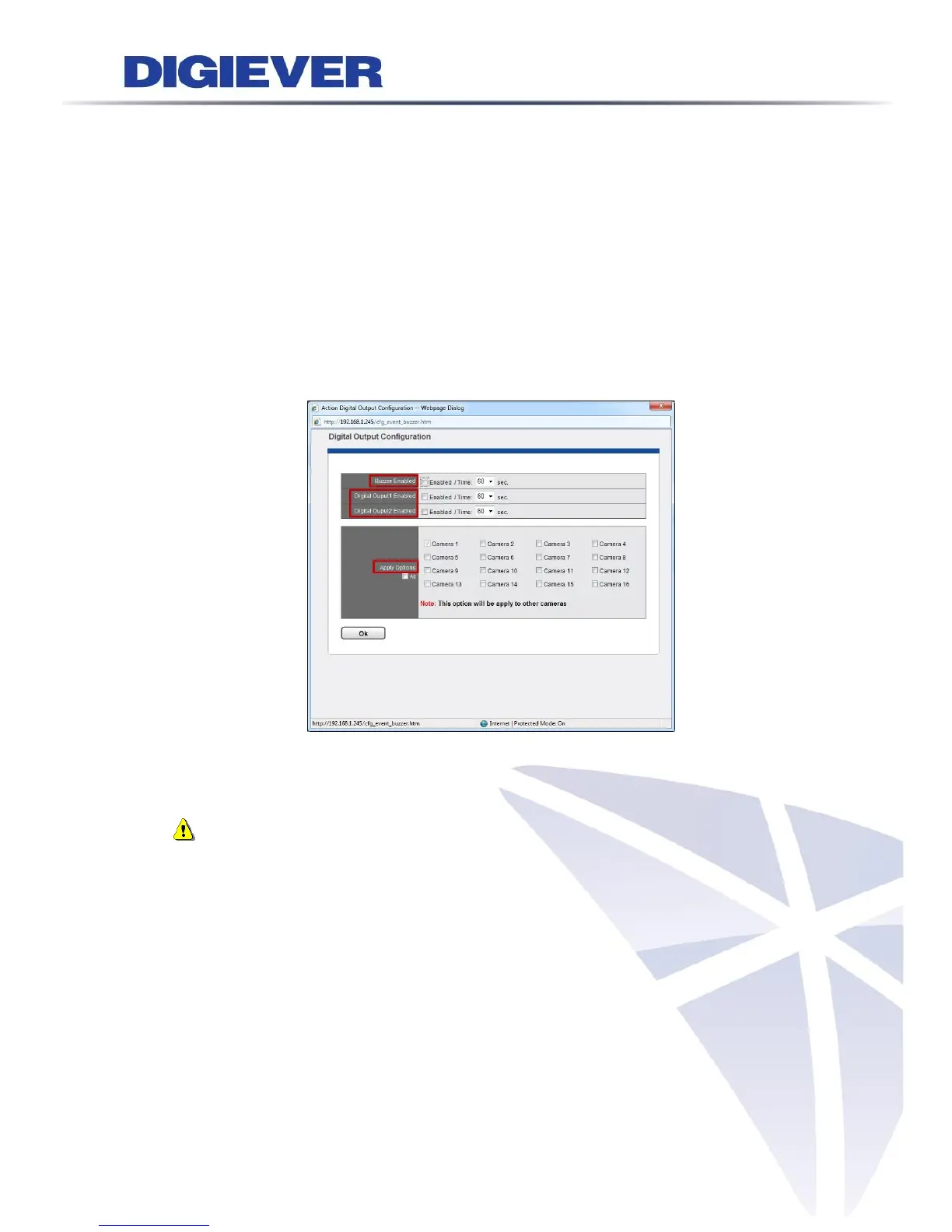
(2) Digital Output and Camera Digital Output
Buzzer can be enabled up to sound for 60 seconds. Digital Output1 and Digital Output2
are supported by other digital outputs of server and can be enabled up to 60 seconds.
Note: User can press “USB BACKUP” button on the front panel of NVR for one
second to stop the buzzer beeping.
(3) User Defined Action
User Defined Action allows users to send the specific HTTP command out when an event
is triggered in order to manage devices such as power controller, fire/smoke protection
device, etc.



 To Next Page