202
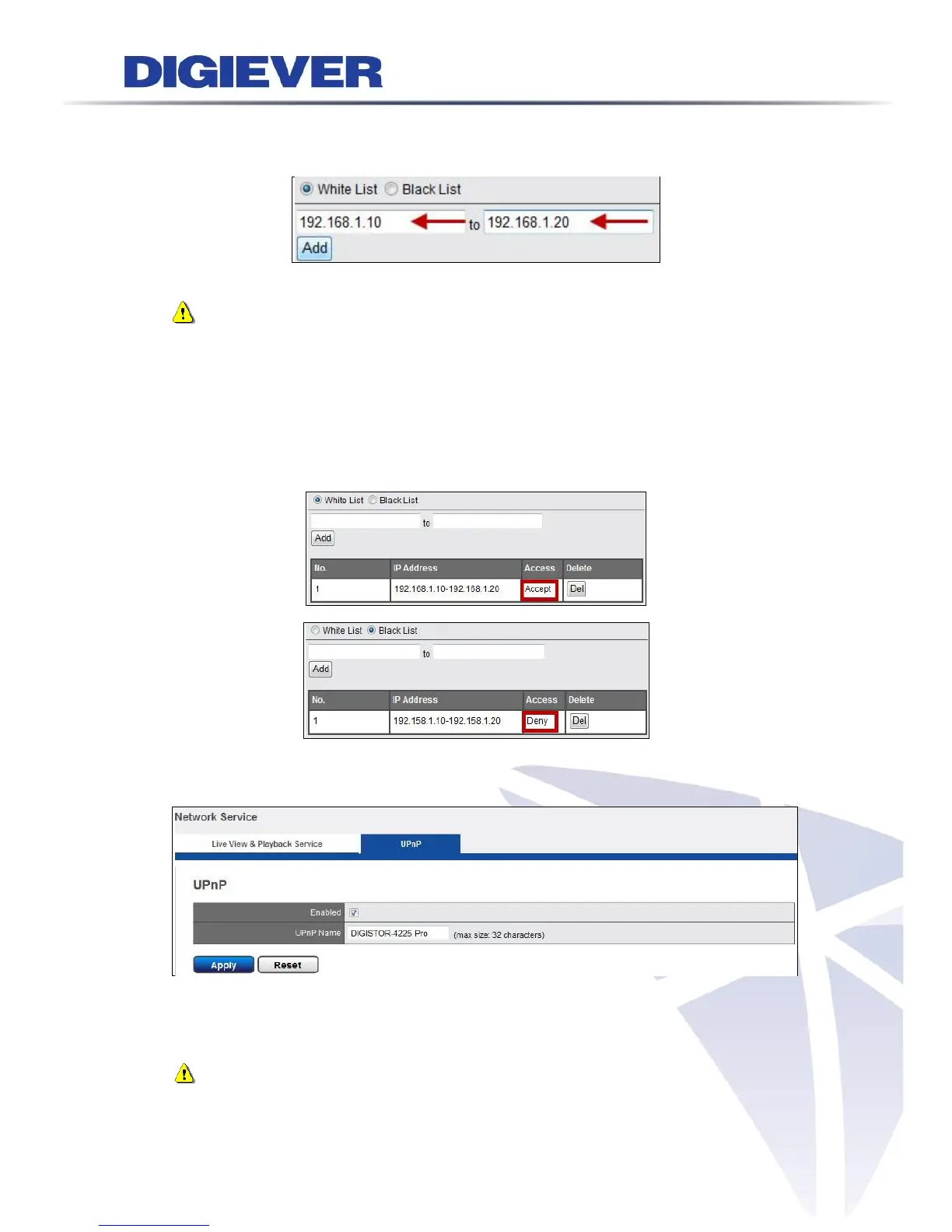
Please enter the IP address range to add to White List or Black List.
Note: The above IP address is only an example for reference. User is
recommanded to add White List or Black List carefully according to
different demand. Also, user can set either White List or Black List in the
same time.
After the White List or Black List is added, the following information will display the
accept access or deny access. You can also delete the list.
2. UPnP
Enable or disable UPnP search.
Rename UPnP.
Note:The maximum character limitation for UPnP Name is 32 characters.
Please click “Apply” to execute the settings.



 To Next Page