47
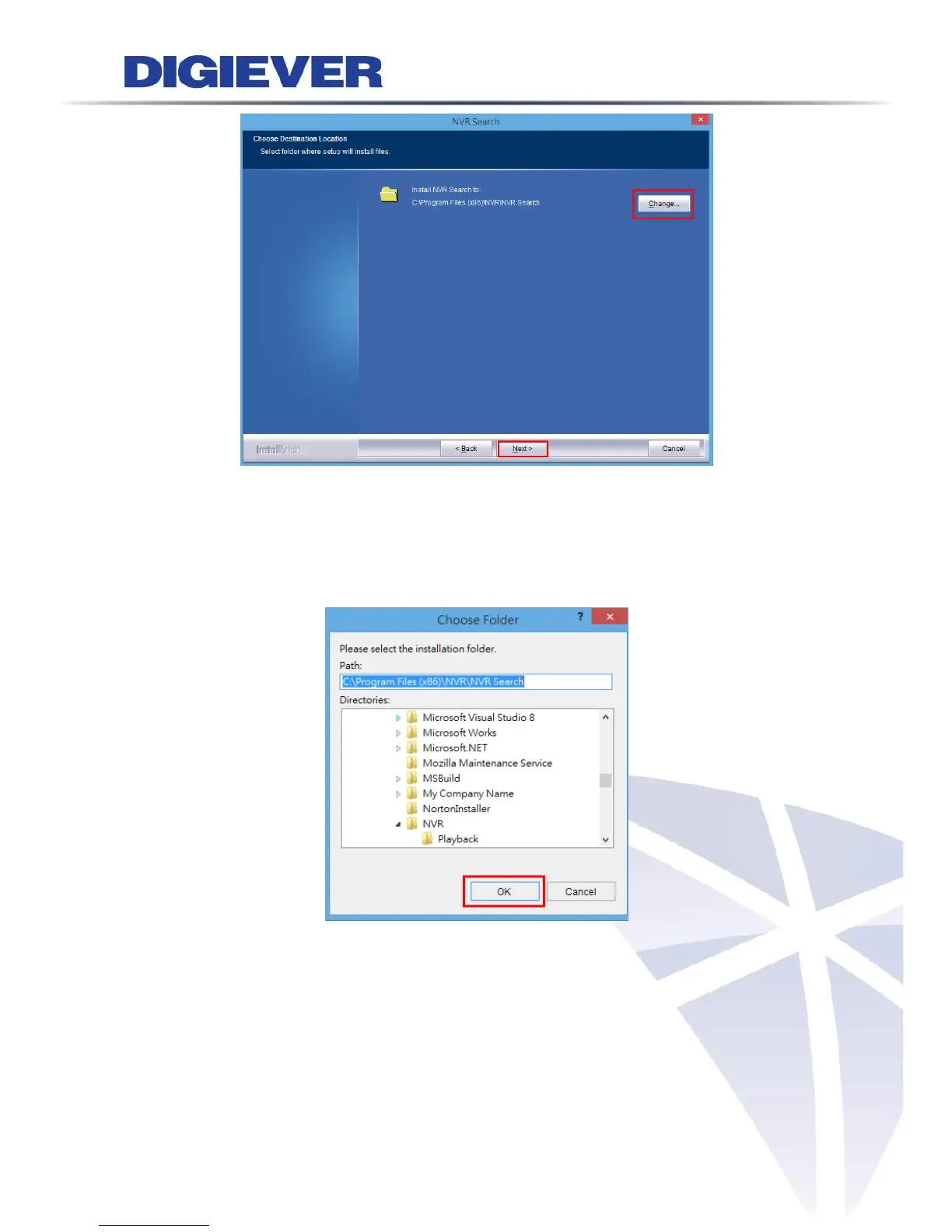
Select a location of destination and select a folder where the setup can install files.
The default location is: C:\Program Files (x86)\NVR\EZ Search. Users can also install
NVR Search in other folder by clicking “Change” and select a location as below. Click
“OK” to save the setting.
Once a folder is selected, please click “OK” to continue installation.



 To Next Page