51
being allowed to change the setting.
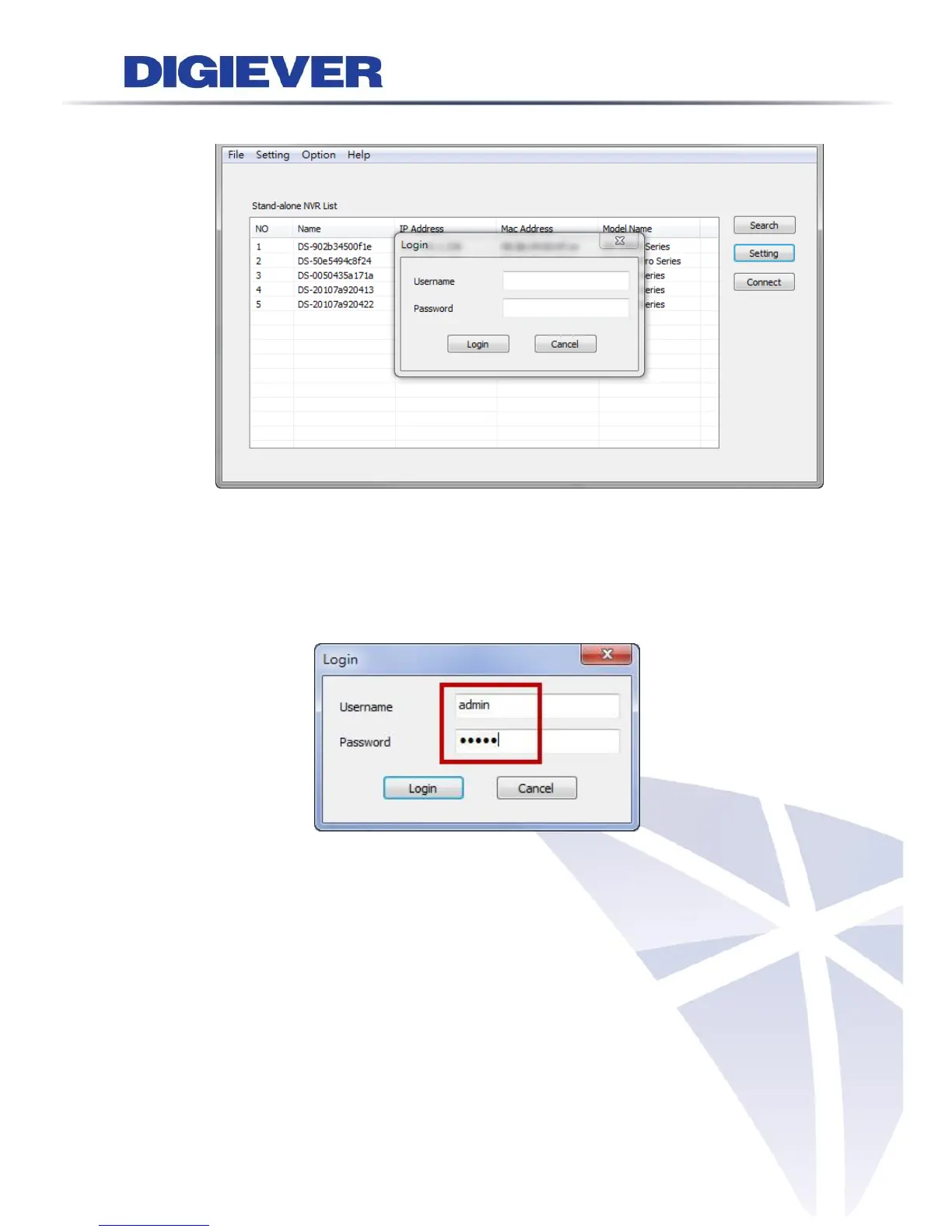
When accessing the NVR setting, users will be prompted to enter username and
password. For the first-time use, the default username and password are
admin/admin. When the correct username and password have been entered, click
“Login” to continue.
1) UPnP
Universal Plug and Play (UPnP) simplifies the process of adding a NVR to a local
area network. Once connected to a LAN, NVR will automatically appear on the
internet. You can rename UPnP Name on the NVR. Click “OK” to finish the
setting.



 To Next Page