65
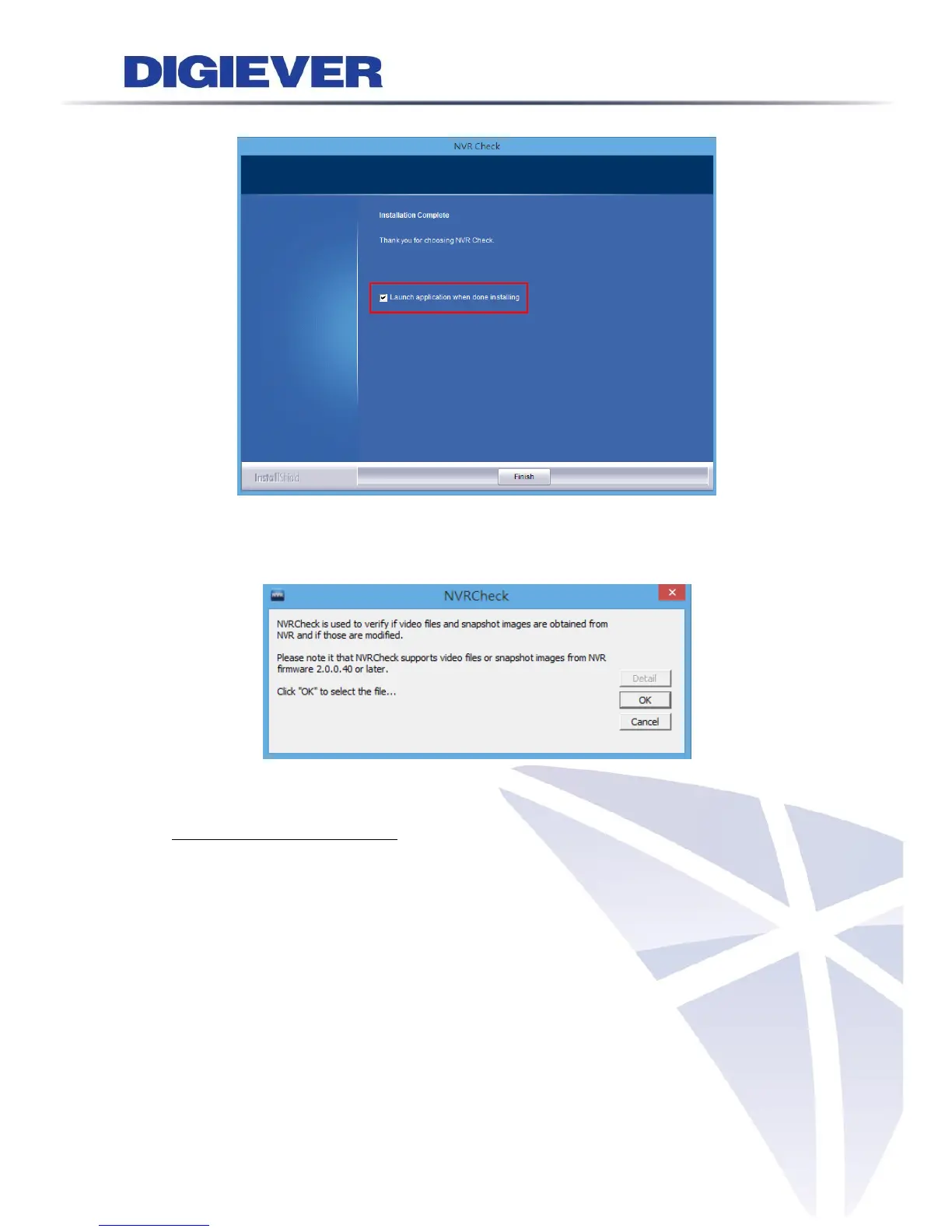
The installation is complete. Please click “Launch application when done installing”
to execute NVR Chec.
After finishing the setup, the window of NVR Check will pop up.
Introduction of NVR Check
While NVR is recording video and snapshot files, the digital watermark will be
embedded automatically in the images.
To ensure the security of videos and snapshots, NVR Check is a useful tool to verify
whether the files are originated from NVR.
Please double click the icon to start the application.
Click “OK” to choose the video clip or picture that wanted to be verified.



 To Next Page