75
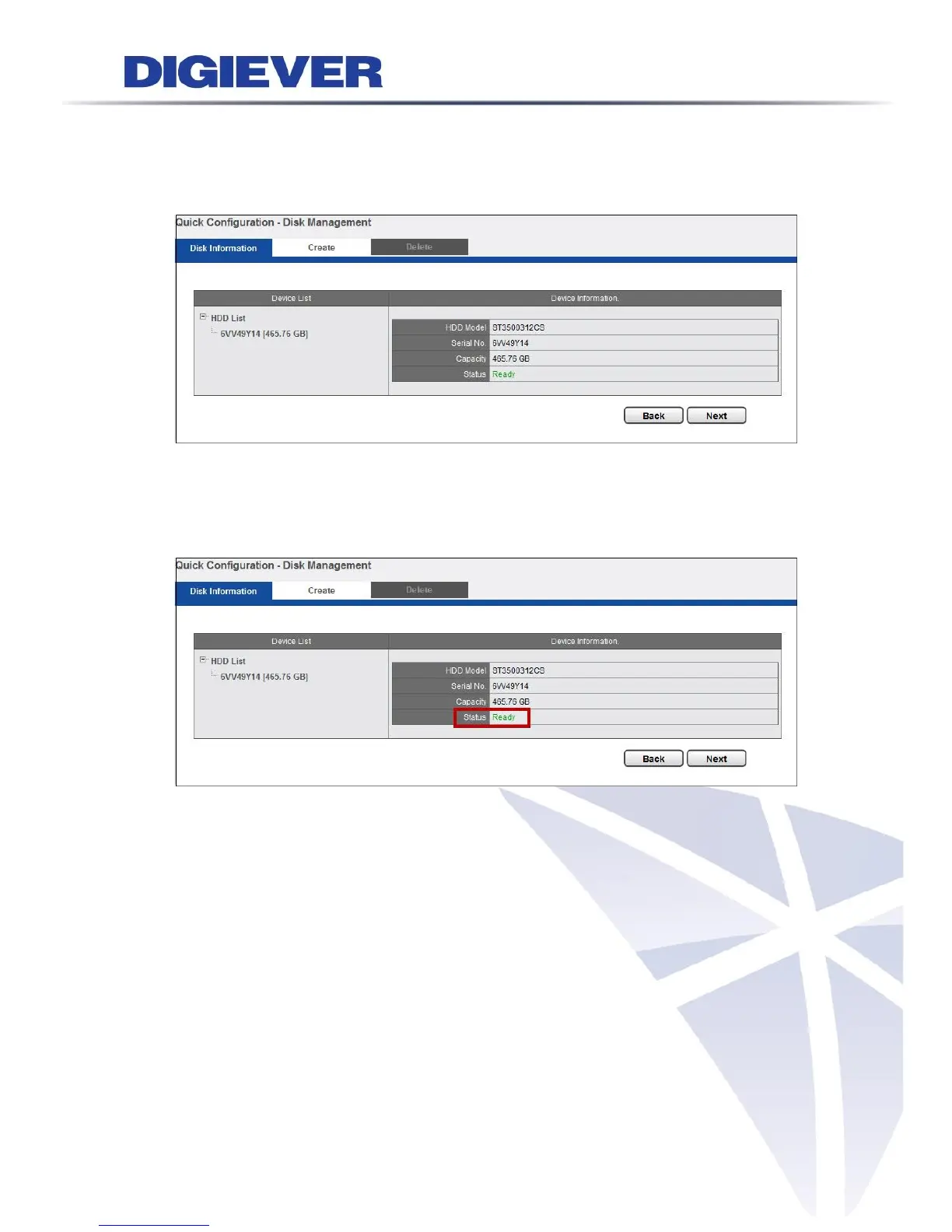
Once an available hard disk drive is inserted into the tray, Disk Information will show
in Device Information and users can start to create new RAID Disk.
1. Disk Information
Device Information provides details of the hard disk drive: HDD Model, Serial NO.,
Capacity and Status.
2. Create
As the hard disk drive is available, the status of Device Information shows “Ready,”
which indicates the hard disk drive is ready to be created.
Please click “Create” to enter the window for building New RAID Disk and select the
hard disk drive in the Free HDDs field.



 To Next Page