4.2 Applet Overview
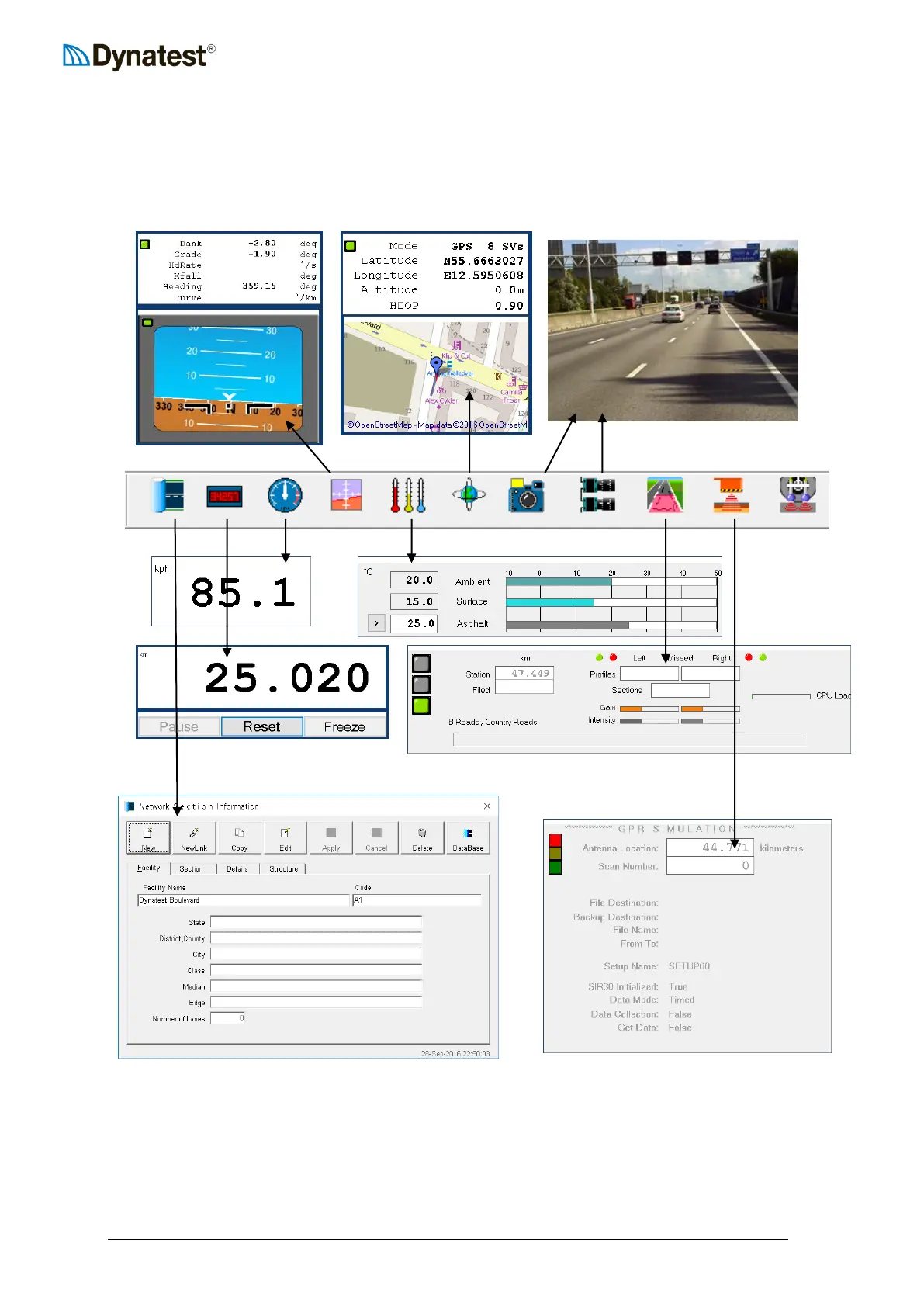
Applets are programs providing specific functionality to the main applications. Most applets
appear in resizable floating windows. The Administrator can arrange the windows but the
resulting layout is locked for the Operator. This page shows the typical appearance of each.
TIP: If you need a second DMI display (e.g. on a secondary monitor) “clone” CS_DMI.EXE
as follows:
In C:\Program Files (x86)\Dynatest\Elements
Copy CS_DMI.EXE to CS_DMI2.EXE



 To Next Page