2017.06.19 FwdMan2.8.17.docx 9-67
9.6 Sub-Windows
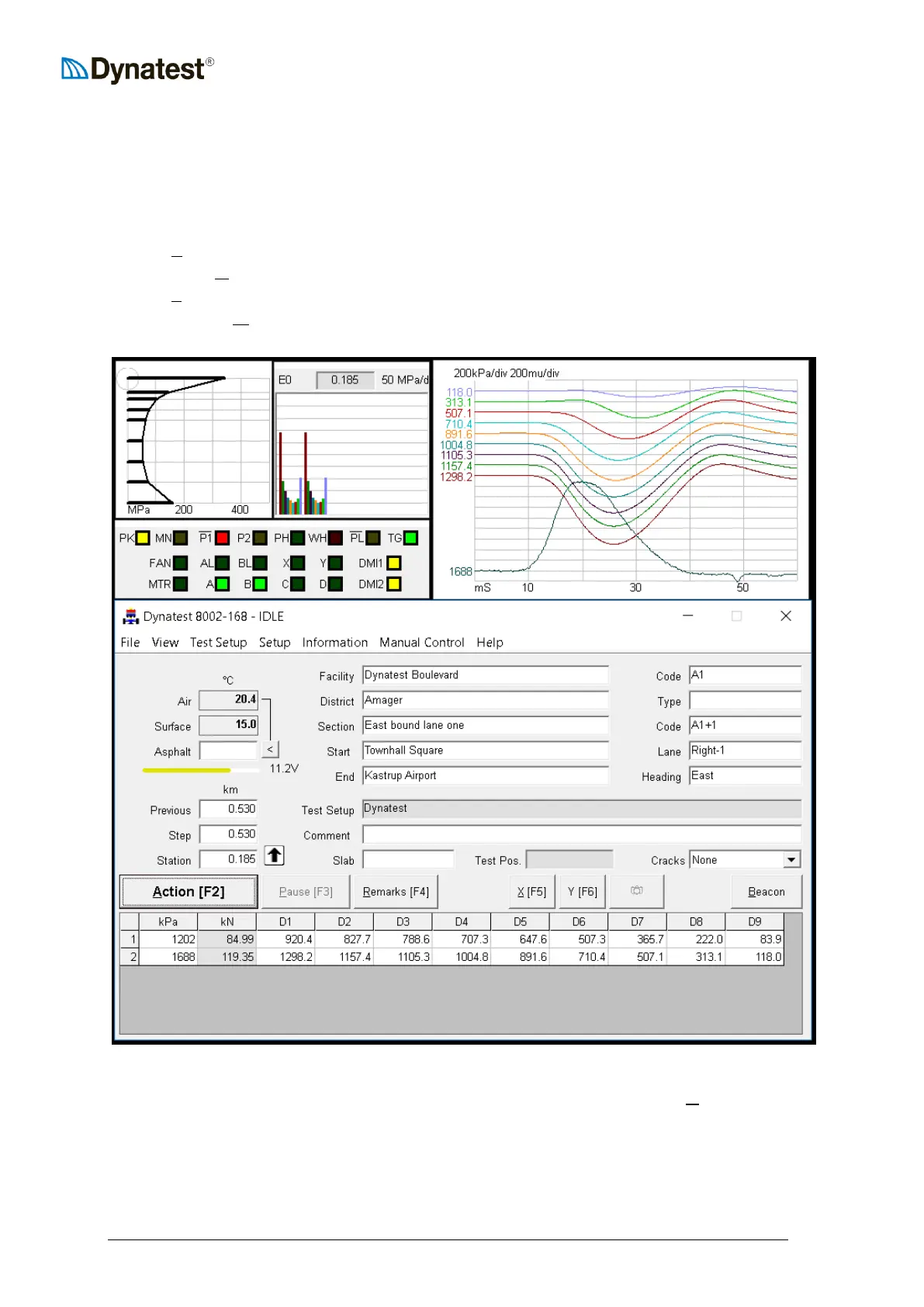
The sub-windows listed here are FWD/HWD dedicated windows. General functions are
handled by the previously described applets.
UULUUED Panel
Time UUHUUistories Plot
UUSUUurface Modulus Plot
Surface UUMUUoduli Chart
The additional display components can be toggled on and off by clicking the UUVUUiew menu item
at the upper left corner of the data collection screen.



 To Next Page