9. Running the Program
9.1 Switch ON
IMPORTANT: DO NOT DRIVE while you or your co-pilot switches on the system!
You must switch on the computer and Compact 15 as follows:
1. Make sure everything is switched off (Check Power key at Compact15 front panel).
2. Switch ON the computer and wait until it is ready (harddisk idle).
3. Make sure that the PARK/ALARM signal is active.
4. Switch ON Compact 15 by pressing ON at the Remote Control Box (after approx 30
seconds Compact15 sounds a beep).
5. Wait at least one minute (watch LEDs for network activity at the RJ45 socket).
6. Start “Dynatest Data Collection” (Shortly after the Welcome screen is shown the
Compact 15 sounds another beep).
Windows Firewall
The first time you run “Dynatest Data Collection” the Windows Firewall may show a
message saying it is blocking certain functionality of the DDC. You will have the option to
remove the blocking. Please do so.
Network Timeout
If you get a “Network Timeout” error, then check the 12V power on the Trailer, Network
cables, Router/Switch and Park/Alarm circuit and then re-sequence power.
9.2 Warnings
9.2.1 Emergencies
If you have to move away from the test site swiftly:
1) Go OUT OF PARK or RELEASE the HAND BRAKE. This will instantaneously
initiate a Raise Plate operation.
2) WAIT until the Plate AND the deflectors are OFF GROUND.
3) Drive away.
The automated Raise Plate action in step 1 is on condition that Alarm circuits have been
installed properly! See 2.2.4, “Plate-Low Alarm Connection”.
9.2.2 Stopping a Sequence
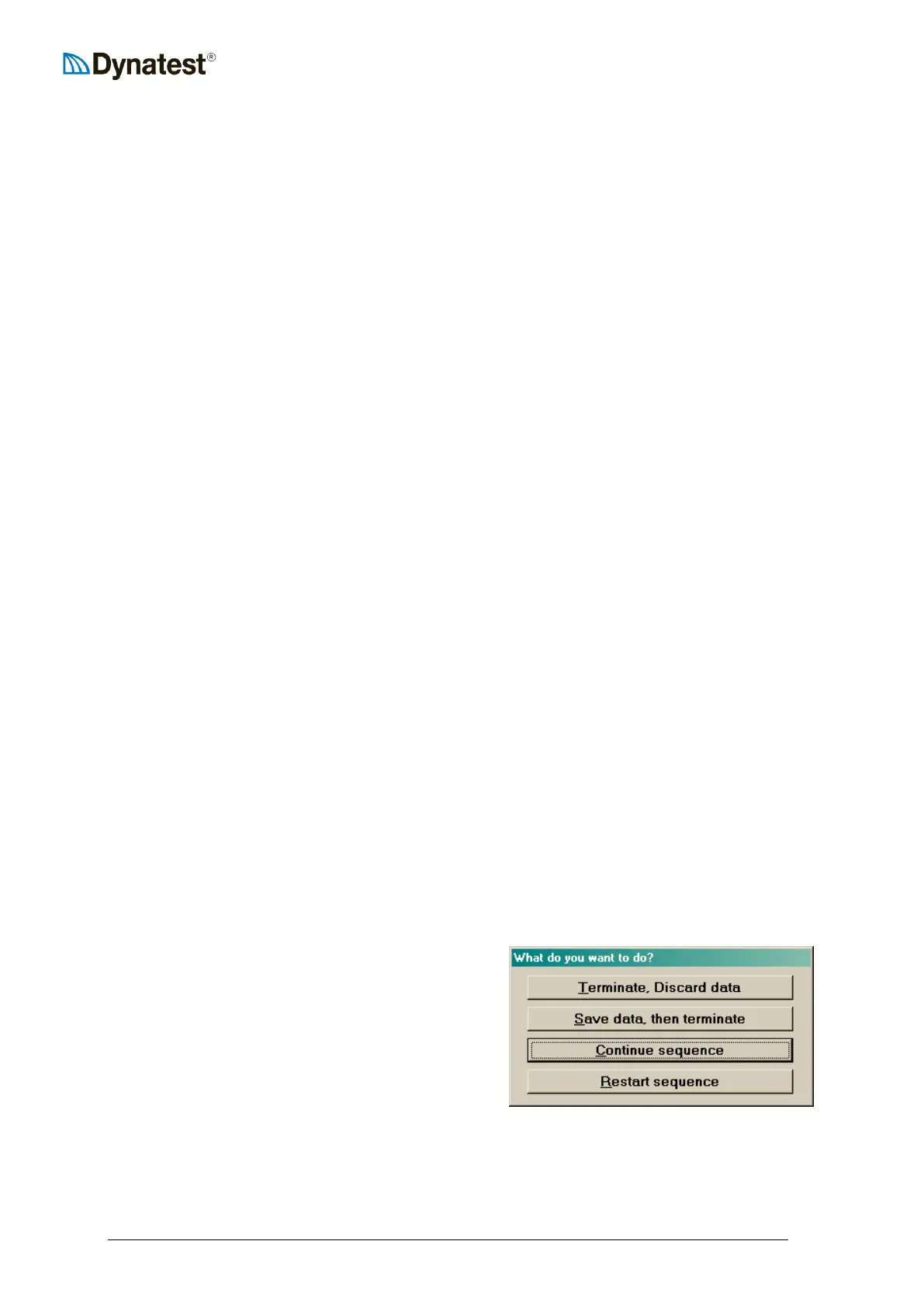
If e.g. someone approaches the equipment it may
be necessary to Stop or Pause an ongoing test
sequence. Pressing ESCape or any of function keys
F1, F2 or F3 will pause the test and bring up a
screen with the following options:
In any case, be very careful what you do next!
If you stopped because you suspect some malfunction, do NOT continue the sequence.
Instead, lower the weight manually and do trouble shooting.



 To Next Page