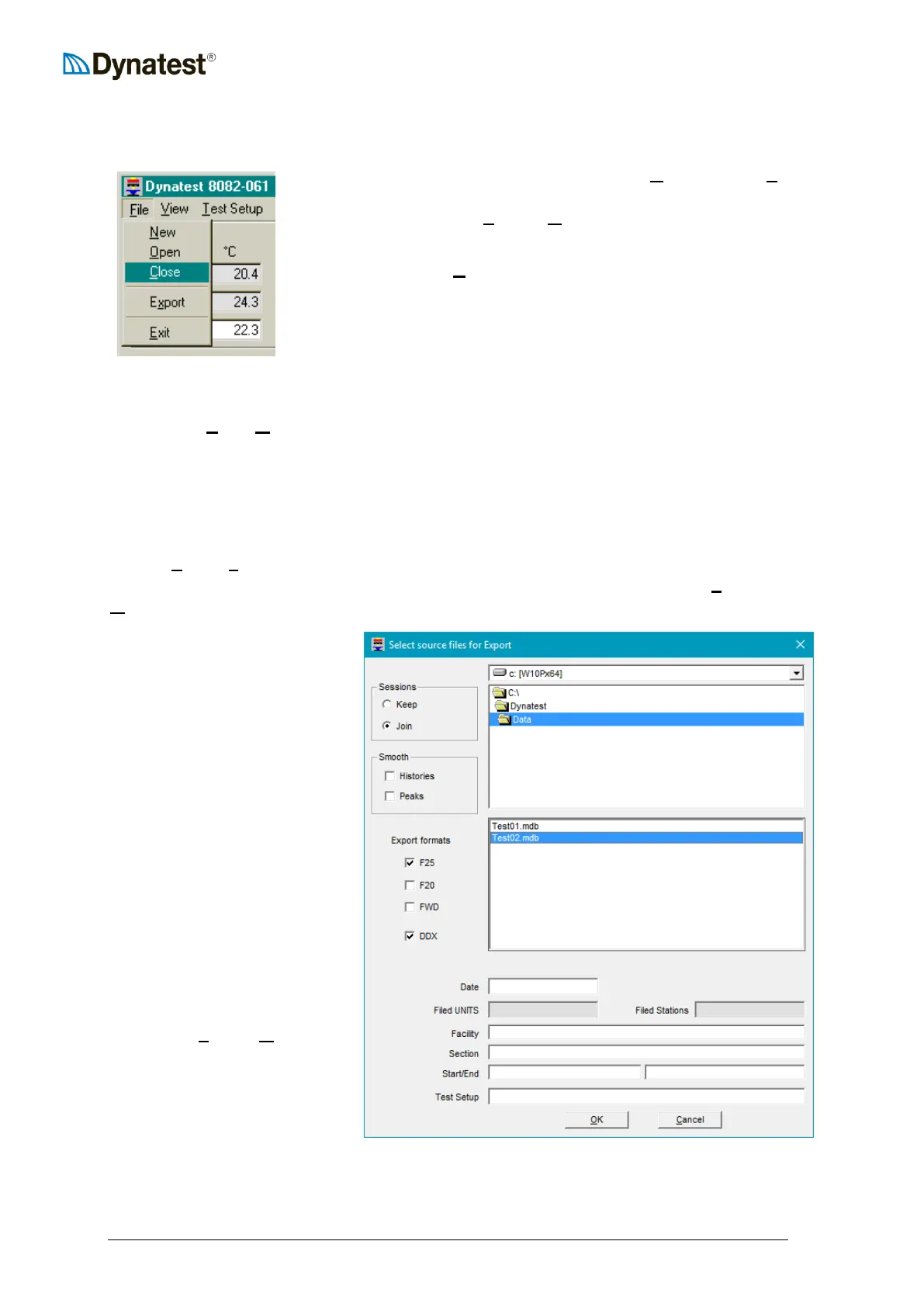
10.7 Closing the Data File
The operator can close the data file by selecting UUCUUlose from the UUFUUile
menu item. The Microsoft Access (MDB) file closes and optional
ASCII files as selected in UUSUUetup – UUOUUptions are subsequently written
(se also 10.9 Exporting Data).
Closing the program (UUEUUxit) will automatically close the data file
properly before shutting down.
10.8 Opening a Data File
You can use UUFUUile – UUOUUpen to re-open an MDB file in order to store another data collection
session. Note that you cannot re-open an ASCII file, i.e. the program cannot append data to
such files. Instead, additional sessions generate additional ASCII files with sequenced file
names (se also 10.9 Exporting Data).
10.9 Exporting Data
Use the UUFUUile - EUUxUUport facility to generate ASCII files based on MDB files at a later time (in
the office). This option means that you can safely un-check all ASCII options in UUSUUetup –
UUOUUptions.
Sessions – Keep generates
multiple files from multiple
sessions.
Sessions – Join merges
multiple sessions (from re-
opened files)
Smooth - This option enables
post-smoothing of stored
histories. The resulting files
contain smoothed peak results.
Check “Histories” to generate
CSV files with smoothed
histories.
The selection of formats here is
independent of the chosen
“real-time” UUSUUetup - UUOUUptions.
Note that you may select
multiple source files from the
same folder.



 To Next Page