2017.06.19 FwdMan2.8.17.docx 4-39
4.3.10 Global Positioning System (Optional)
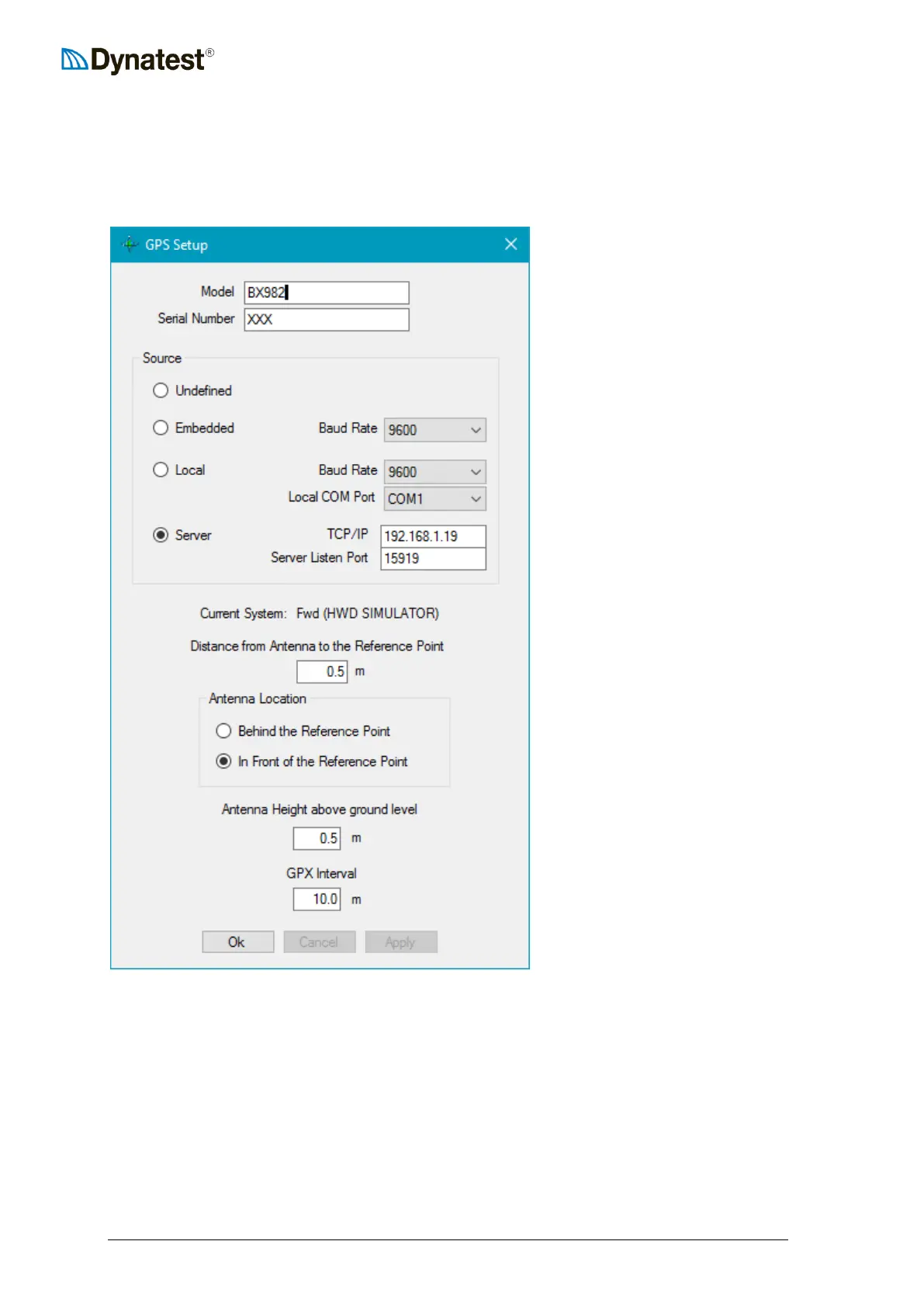
Right click the GPS applet and choose Setup. This window shows the Model, Serial Number,
Source options, geometric parameters and GPX option:
Embedded means that the GPS
device is connected to CP15
electronics.
Local is for a GPS connected
directly to the computer.
Server is for Ethernet-enabled GPS
servers (e.g. Trimble BX982 or an
iPhone).
The Reference Point is typically the center of the Load Cell.
For preparation of maps see 14.1.1 Prefetch Maps.



 To Next Page