7.2.2 Set general operating parameters
Personnel:
n
Manufacturer
n
Service personnel
Protective equipment:
n
Protective eyewear
n
Protective gloves
n
Safety shoes
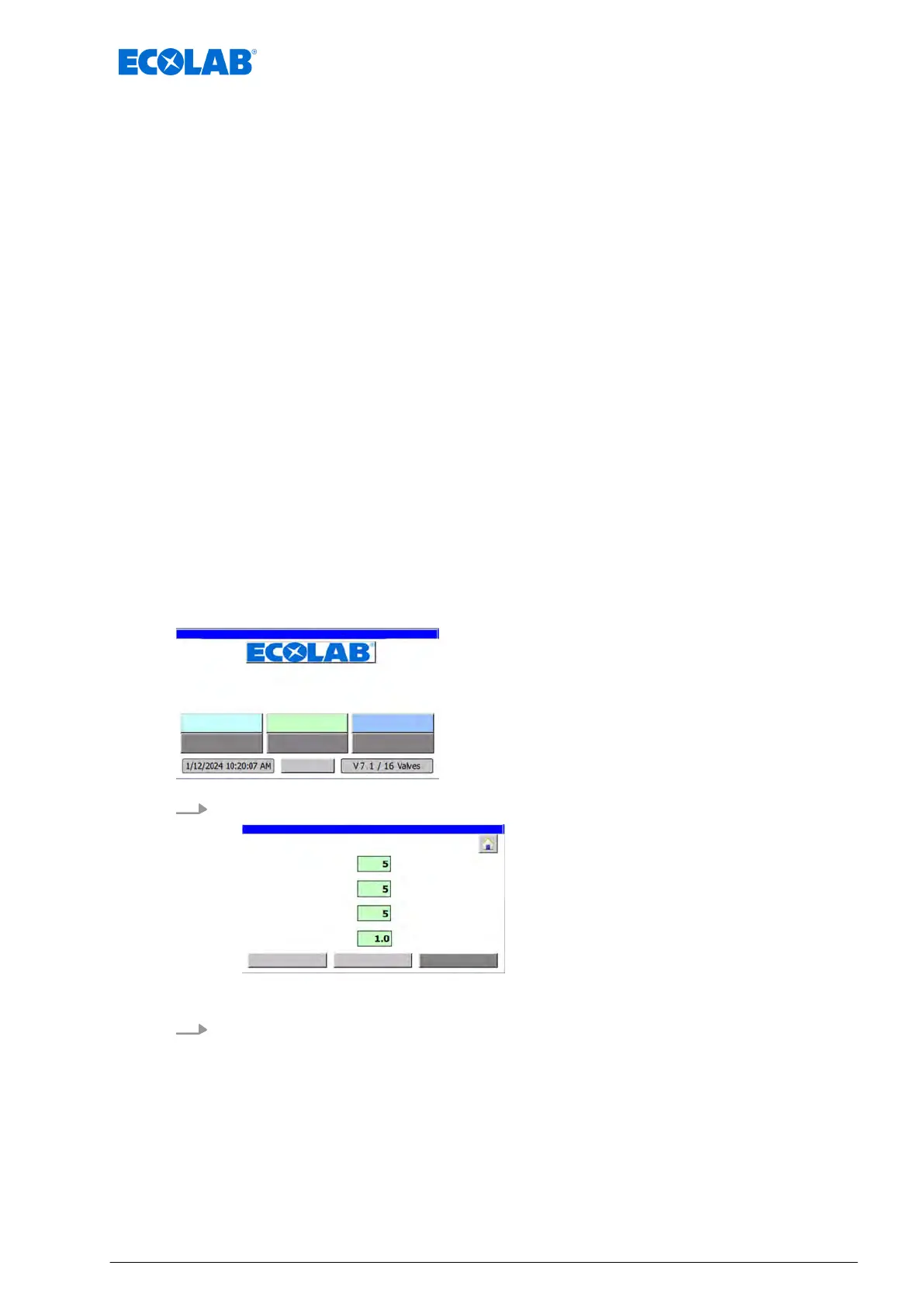
The following settings are made in the menu ‘Para. Generaly
’:
n Assignment of valves to the desired installation.
n Number of containers/cylinders per pulse of the optional counter
.
n System pre-tensioning time:
– Ensures that all circuits are supplied with the same output pressure for the
conveyor belt lubricant.
n System relief time:
– Ensures that there is no leakage on the nozzle fittings.
n Delay time for the empty signal:
– No error message during a normal container change.
n Quantity of metered conveyor track lubrication per pulse from the optional oval gear
meter.
Requirements:
n The valve assignment is complete.
Starting point: ‘home screen
’
"DryExx Advanced-ETH"
ECOLAB Engineering
GmbH
releases via "Ethernet" selected,
1. [Param. Generaly] Press .
ð
‘Param. Generally
’ appears.
2. Perform or check the following settings:
n Set the operating parameters.
Ä
Chapter 8.6 ‘Set the operating parameters’ on page 75
n Configure the units counter.
Ä
Chapter 8.6.2 ‘Configure the units counter’ on page 78
Commissioning / operation
43 Ver. 08-04.2024



 To Next Page