The following information and settings can be viewed/edited:
- Back to ‘Home screen
’
Ä
Chapter 8.1 ‘Home screen’ on page 52
[Return] - Screen ‘operation mode’
Ä
Chapter 8.6.1 ‘Set the operating mode’ on page 76
8.6.2 Configure the units counter
An intermittent production signal is sent to the DryExx®-Advanced-ETH control unit from
the system control of the lubricated installation. This information is processed or displayed
in the production reports.
Ä
Chapter 8.5 ‘Accessing reports’ on page 73
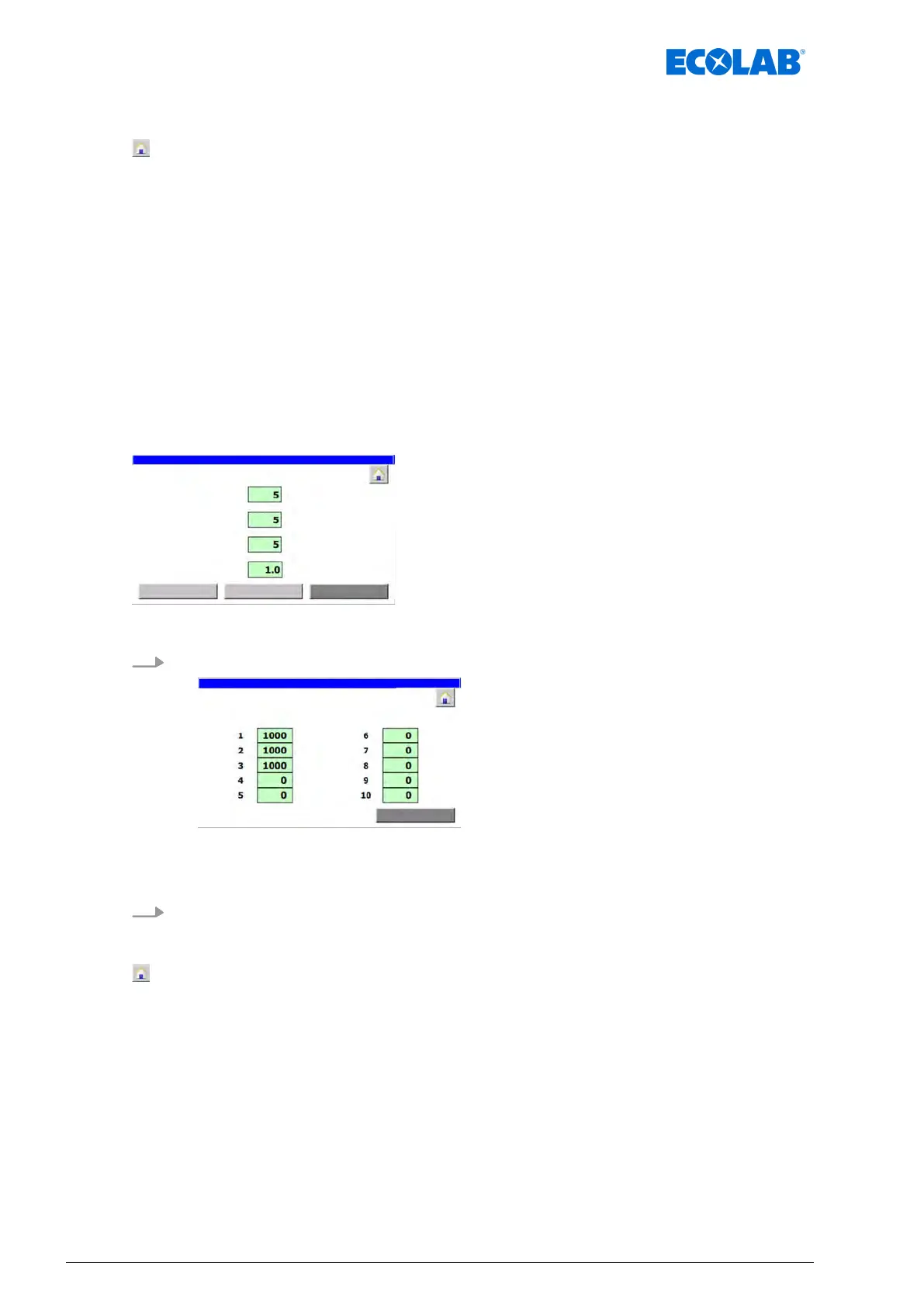
On the ‘Param. Generaly’ screen, you can set how many produced or processed units
(bottles or boxes) are counted per pulse in DryExx®-Advanced-ETH.
Starting point: Screen ‘Param. Generally’
Fig. 35: Param. Generally
1. [unit counter
] Press .
Fig. 36: 44
ð
‘Param. Generaly
’ appears.
2. For each installation, enter the number of units to be counted per pulse.
The following information and settings can be viewed/edited:
- Back to ‘Home screen
’
Ä
Chapter 8.1 ‘Home screen’ on page 52
[Return] - Screen ‘Param. Generally’
Ä
Chapter 8.6 ‘Set the operating parameters’ on page 75
Software description
78Ver. 08-04.2024



 To Next Page