8.3.6 Resetting the control unit to factory settings
The [start up]
button can be used to reset the controller to the factory setting and/or to
delete the consumption archives.
NOTICE!
All settings in the ‘
System settings è start up ’ menu may be changed only
following consultation with the manufacturer and only by authorised personnel.
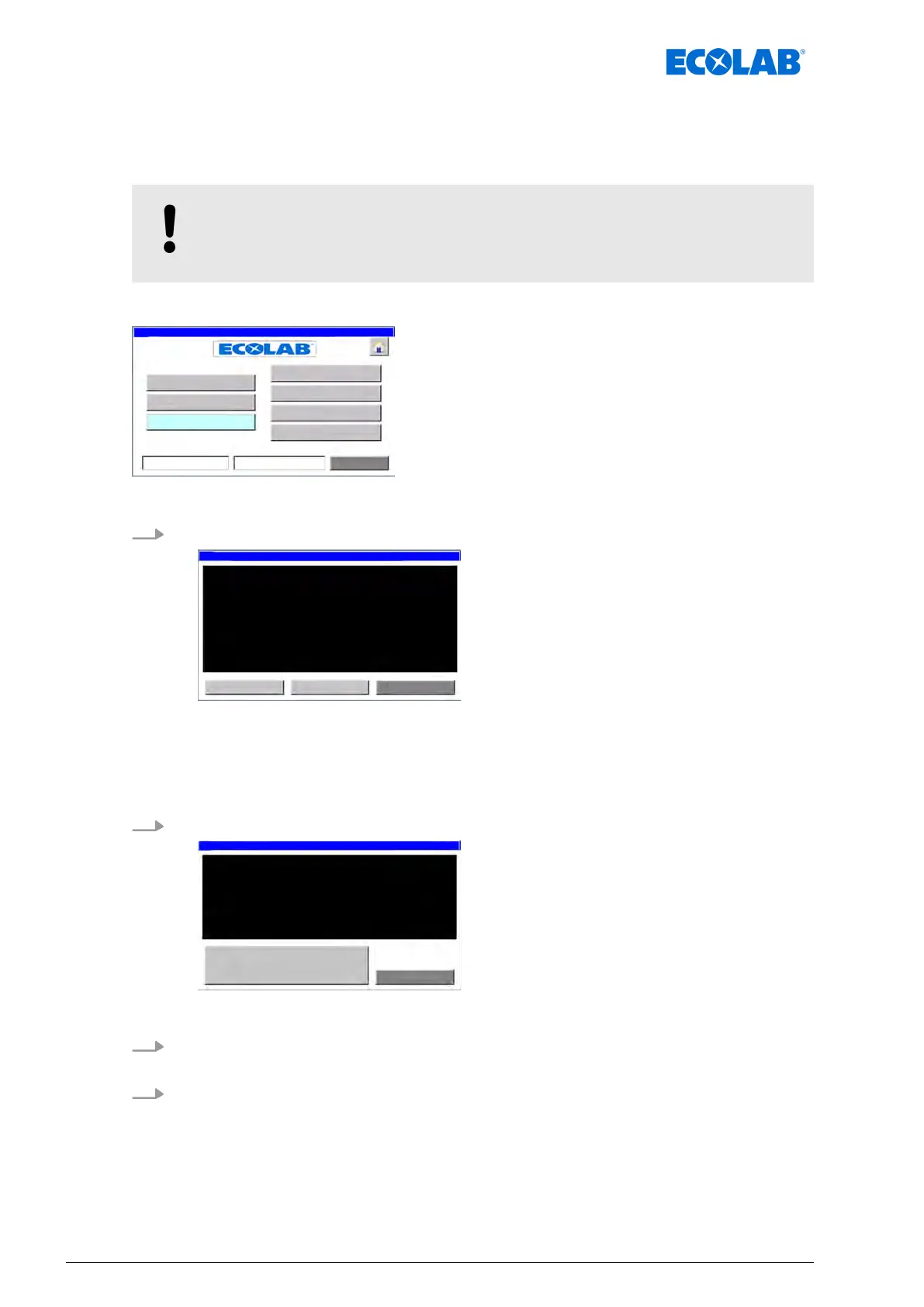
Starting point: The ‘System settings screen’
Fig. 28: System settings
1. [start up] Press
Caution!
If you should
leave, parts of the
program wich are necessary for
the control unit will be deleted.
Exclusive for installation purposes!
ð
Screen ‘start up’ appears with a warning message.
ð
The following options can be selected:
n [delete part 1
] = Valve assignment
n [delete part 2] = Consumption log
2. [delete part 1
] Press .
Are you sure
you want to delete
the
constellation of valves?
Exclusive for installation purposes!
ð
‘delete part 1
’ appears with a warning message.
3. [delete part 1
] Press .
ð
All valve assignments are deleted.
4. [delete part 2
] Press .
Software description
70Ver. 08-04.2024



 To Next Page