8.6.1 Set the operating mode
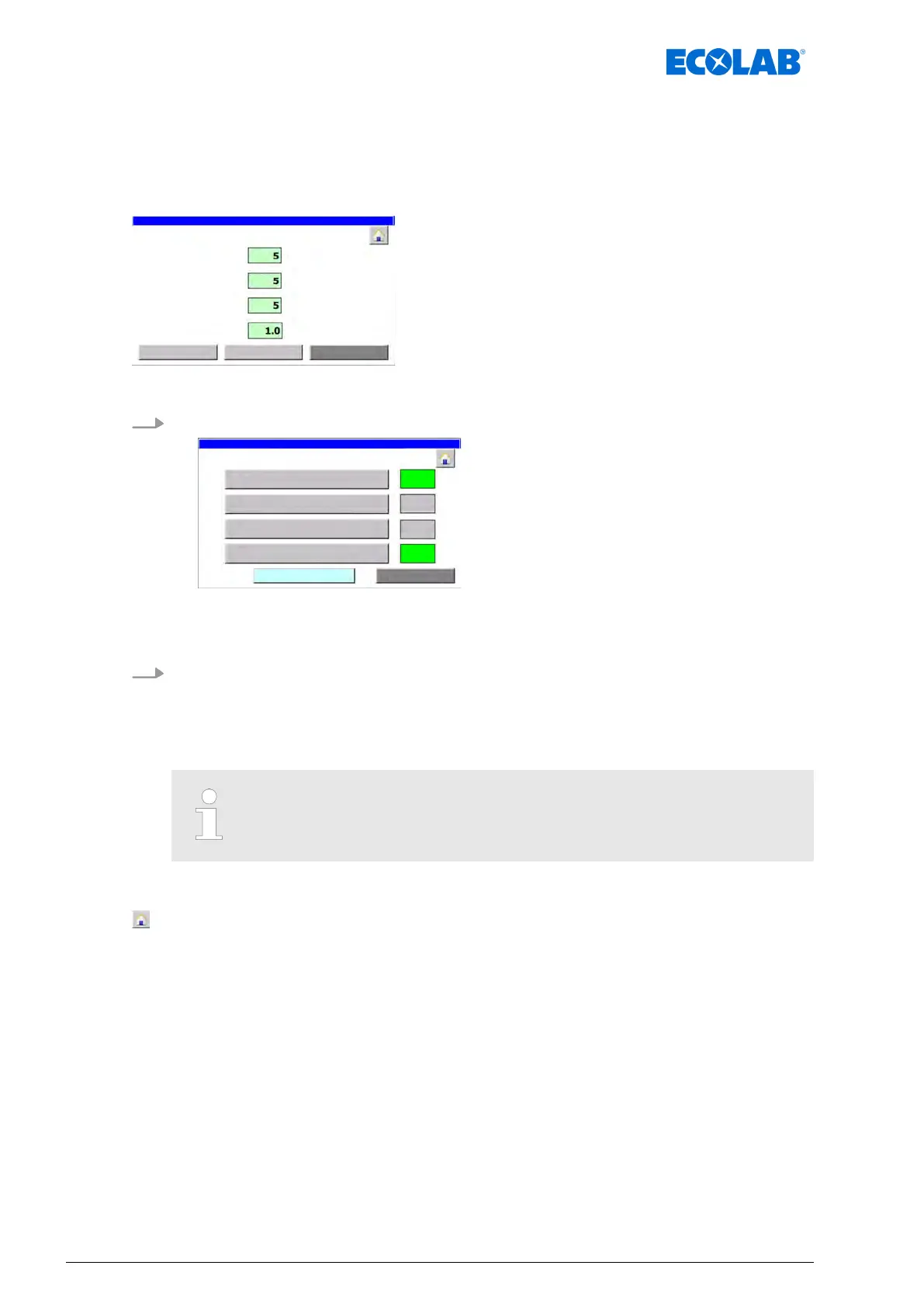
The screen ‘operation mode
’ sets the mode in which the LuboDryExx system is operated.
Dosing quantity monitoring can also be called.
Starting point: Screen ‘Param. Generally’
Fig. 32: Param. Generally
1. [operation mode
] Press .
Fig. 33: 39
ð
‘operation mode
’ appears.
2. Select the operating mode:
n [System Automatic]: The system is operated in automatic mode
n [System Manual
]: The digital outputs can be controlled manually
Ä
Chapter 8.3.3.2 ‘Check the digital outputs’ on page 66
n [System Off]: No belt lubrication is performed
Only one mode can be selected at a time.
The following information and settings can be viewed/edited:
- Back to ‘Home screen’
Ä
Chapter 8.1 ‘Home screen’ on page 52
[control dosing
amount]
- Screen ‘Parameter control consumption’
Ä
Chapter 8.6.1.1 ‘Set the consumption management’ on page 77
[Return] - Screen ‘Param. Generally’
Ä
Chapter 8.6 ‘Set the operating parameters’ on page 75
Software description
76Ver. 08-04.2024



 To Next Page