8.3 System settings
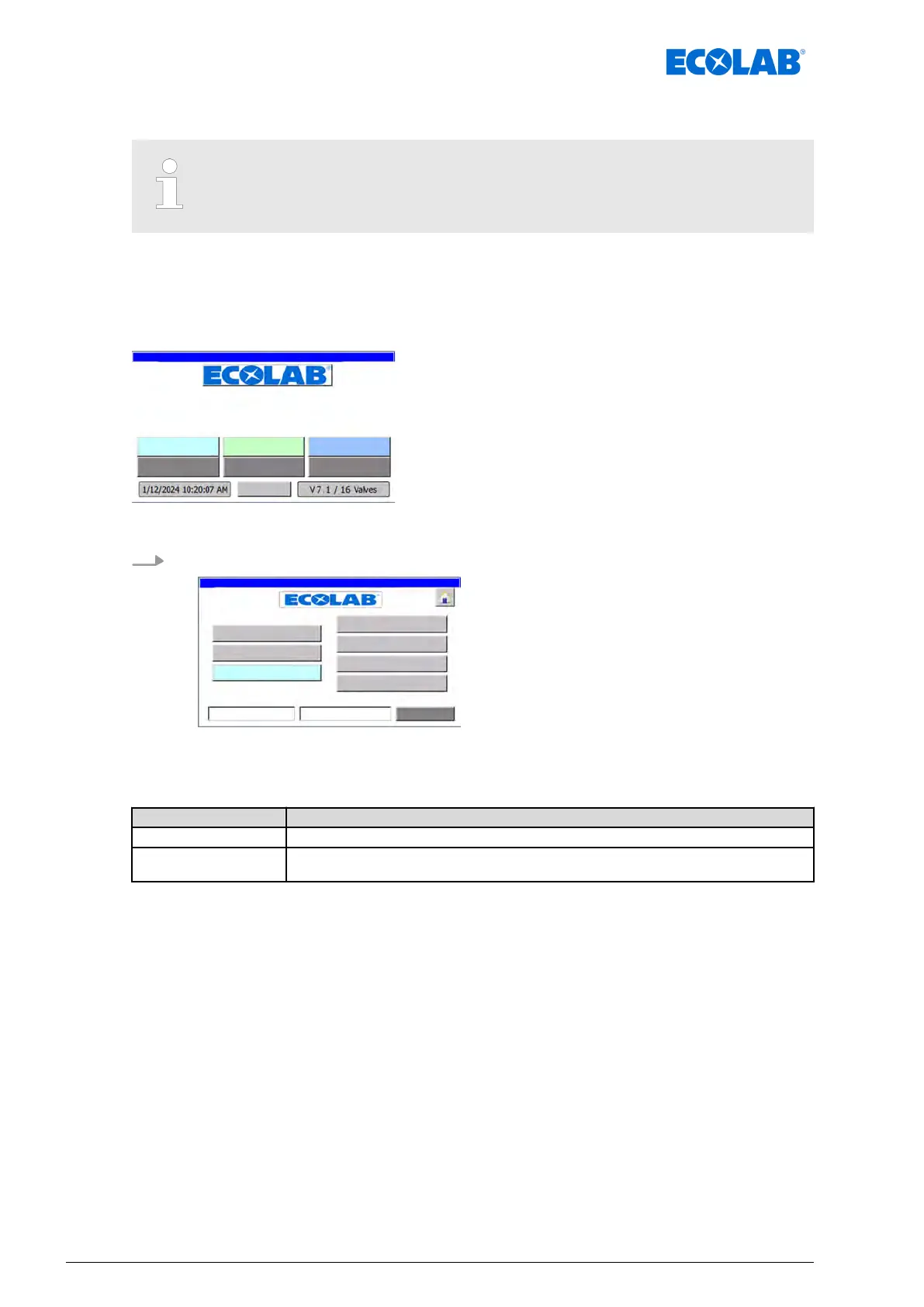
Access to the ‘system settings’ of the control unit is not immediately
visible and is hidden behind the manufacturer logo. Pressing the
[ECOLAB]
manufacturer logo brings up the ‘system settings’.
The ‘System settings’ main menu is used to configure the control unit itself and the
installation controlled by the control unit.
Access
Starting point: ‘home screen’
"DryExx Advanced-ETH"
ECOLAB Engineering
GmbH
releases via "Ethernet" selected,
Fig. 13: Home screen
1.
Press the [ECOLAB
®
] logo.
ð
The ‘System settings’ screen appears.
ð
The following information is displayed.
Field Description
Version Panel: V7.1 Version of the installed control software.
Version Hardware:
V4.1
Version of the installed control unit.
Software description
56Ver. 08-04.2024



 To Next Page