8.3.2.1 Assign dosing station / valves
Depending on how many lubrication circuits are used, the valves can be divided into up to
10 zones/areas (e.g. Filler 1 / Filler 2). The overview shows the activated valves [x].
NOTICE!
Dosing stations and valves must never be assigned to more than one zone/
area.
Starting point: Screen ‘setup: selection
’
setup dosing units/valves
Fig. 17: 4
1. [setup dosing units/valves
] Press .
Caution, assignment must be urgently correct,
because
of system errors!
Fig. 18: 5
ð
‘circuit selection
’ appears.
2. [kind of valve] Press and set the valve type:
n ‘Direct operated
’ (= standard setting)
n ‘differential pressure operated
’
3. Set the system size:
n [DryExx "Advanced" 16V
], when a DryExx system with up to 16 valves is
actuated.
n [DryExx "Advanced" 24V], when a DryExx system with up to 24 valves is
actuated.
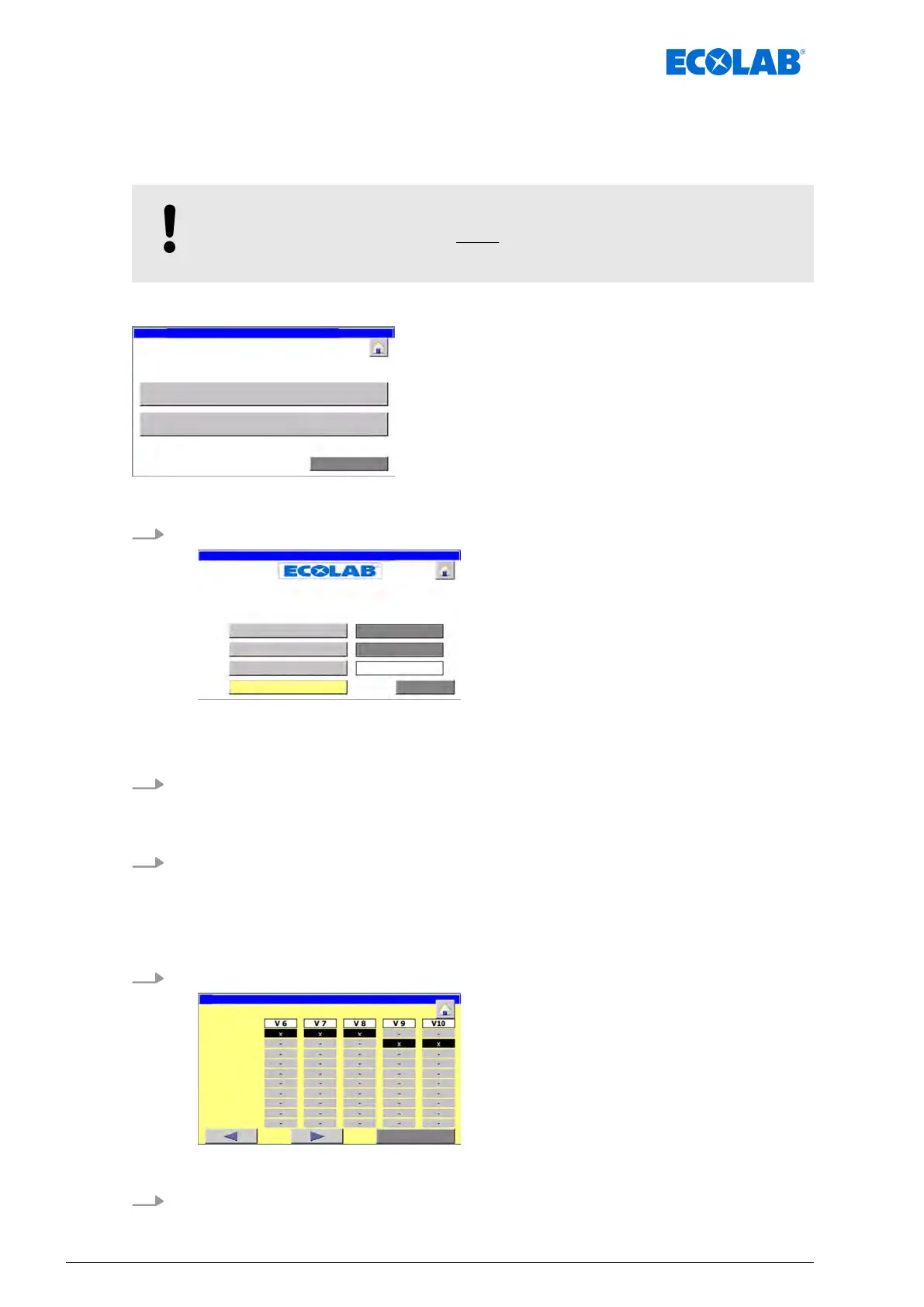
4. [valve assignment
] Press .
valve assignment: V6 - V10
ð
‘valve assignment: V1 - V5
’ appears.
5. T
o assign a valve to an area, press the corresponding button.
Software description
60Ver. 08-04.2024



 To Next Page