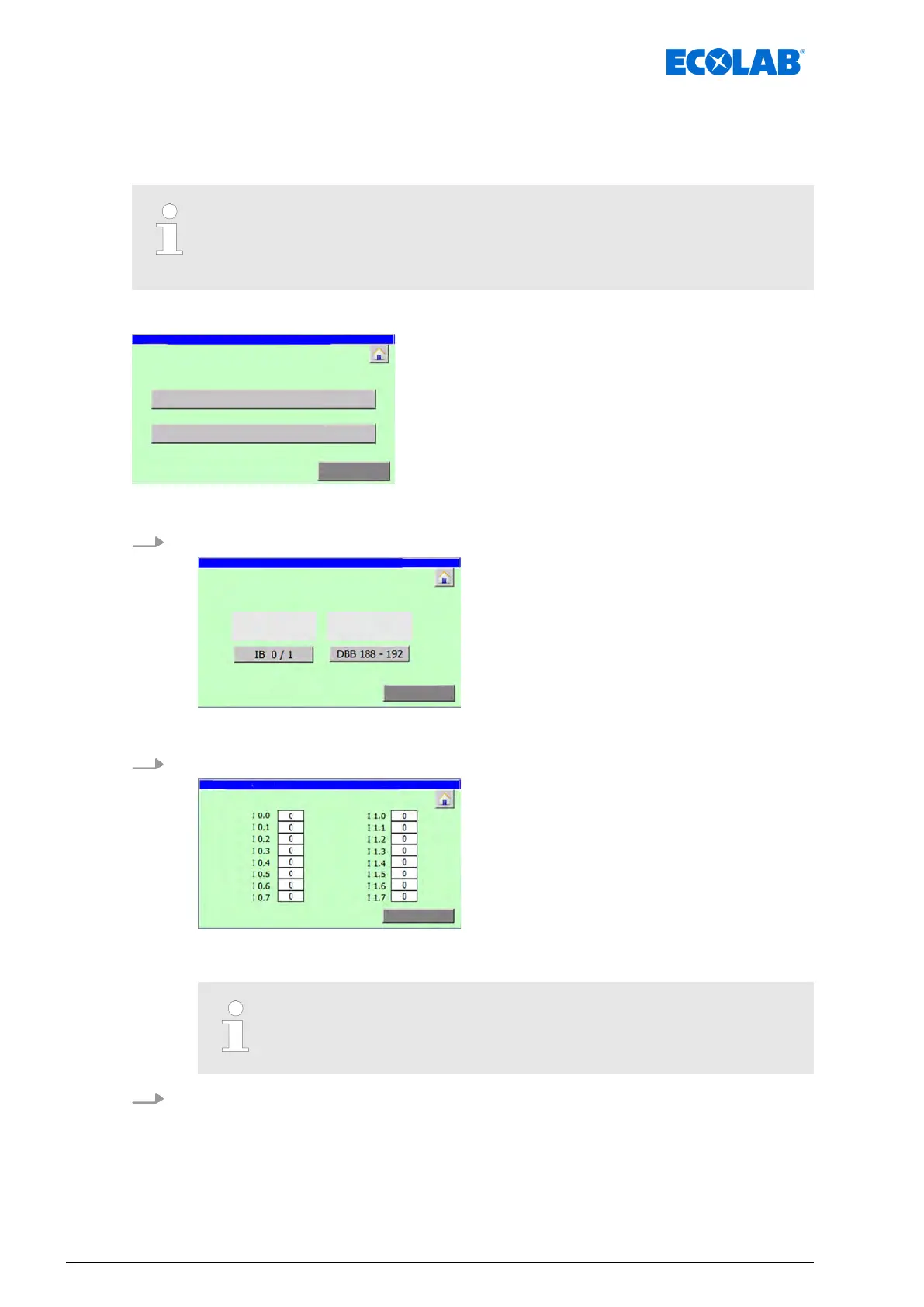
8.3.3.1 Check the digital inputs
In the ‘System settings è signals
è digital input ’ menu, the input bytes passed into the
control unit can be monitored during start-up and maintenance.
A distinction is made between the following input signals:
– Connected to digital input interface (
Inputbytes integreated)
– Transferred via Ethernet (Inputbytes Ethernet)
Starting point: Screen ‘manualy control / signal exchange
’
manualy control /
signal exchange
Fig. 23: manualy control / signal exchange
1. [digital input
] Press .
observation digital Inputs /
signal
exchange
ð
‘observation digital Inputs / signal exchange
’ appears.
2. [ Press IB 0/1 ].
ð
Screen ‘dig. Inputbytes IB 0 / 1
’ opens and shows the switching status of the
digital inputs on the input interface.
Exit the screen with [Return]
3. [DBB 188 - 192
] Press .
Software description
64Ver. 08-04.2024



 To Next Page