9.2 Displaying faults
Alarm warning
If faults are detected by the DryExx®-Advanced-ETH, an alarm is triggered as follows:
n A warning light comes on.
n If applicable, display the last active alarm message on the message bar of each
screen.
Ä
Chapter 7.1 ‘Operating and display elements’ on page 39
Depending on the spatial conditions, additional horns and alarm lights may be
mounted at other visible locations in the building.
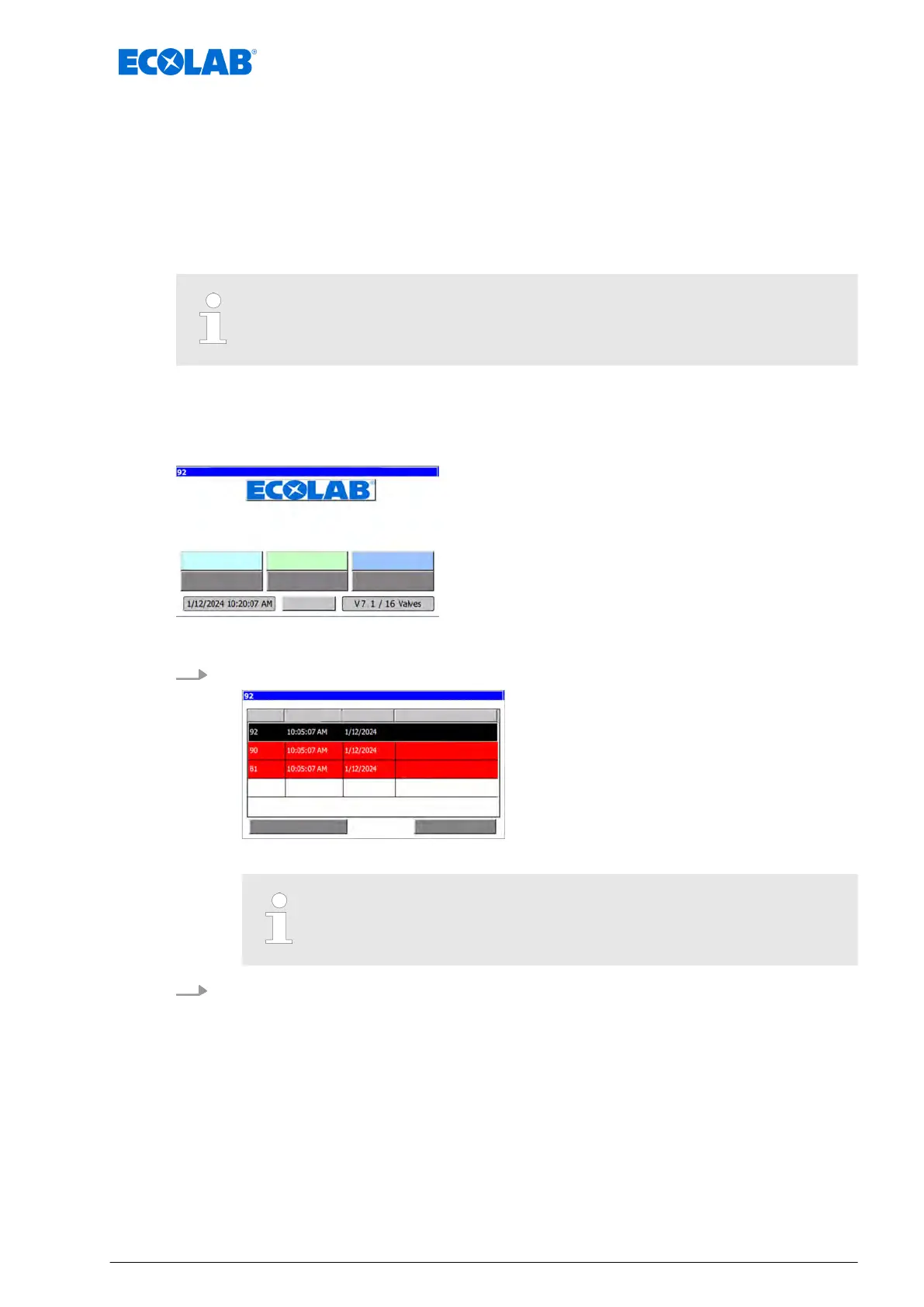
Calling up the alarm screen
Fault messages are displayed on the ‘
Message’ screen.
Starting point: ‘home screen’
"DryExx Advanced-ETH"
ECOLAB Engineering
GmbH
releases via "Ethernet" selected,
communication fault with partner (releases)
Fig. 40: Home screen
1. [Message
] Press .
communication fault with partner (releases)
fault -aut. circuit breaker: digital outputs
communication fault with partner (releases)
ð
The ‘Messages
’ screen appears.
This screen displays only active, unacknowledged error messages.
2. [Return
] Press to go back to the home screen.
Malfunctions and troubleshooting
87 Ver. 08-04.2024



 To Next Page