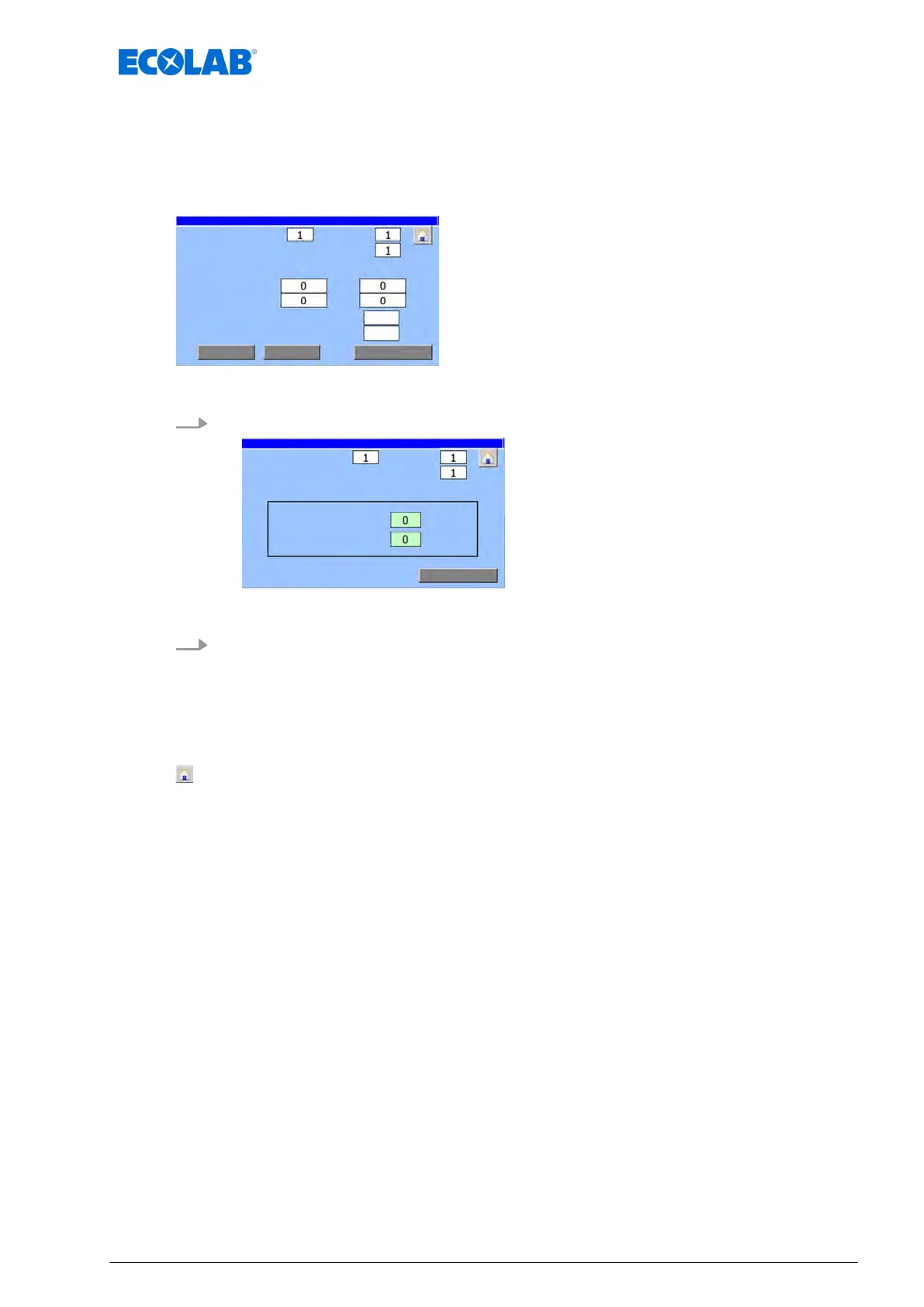
8.7.1 Set the valve times
The ‘V
alve Times :’ screen sets the valve and pause times for the selected lubrication
circuit.
Starting point: Screen ‘Parameter circ.’
continual no. of this valve:
Fig. 38: Parameter circ.
1. [V
alve Times] Press .
continual no. of this valve:
ð
‘V
alve Times :’ appears.
2. Set the valve times
n ‘pulse time :’: The time for which the valve is activated after the pause time has
expired.
n ‘break time :’: Wait time after which the valve may be actuated again.
The following information and settings can be viewed/edited:
- Back to ‘Home screen
’
Ä
Chapter 8.1 ‘Home screen’ on page 52
[Return] - Back to the screen ‘Parameter circ.’
Software description
81 Ver. 08-04.2024



 To Next Page