8.3.3 Check signals
For commissioning or maintenance work, the signal exchange can be checked here, but
not set. Digital outputs can be set for maintenance purposes.
The settings made are automatically deleted again following expiry of a preset
timer as they are only set for maintenance purposes in this situation.
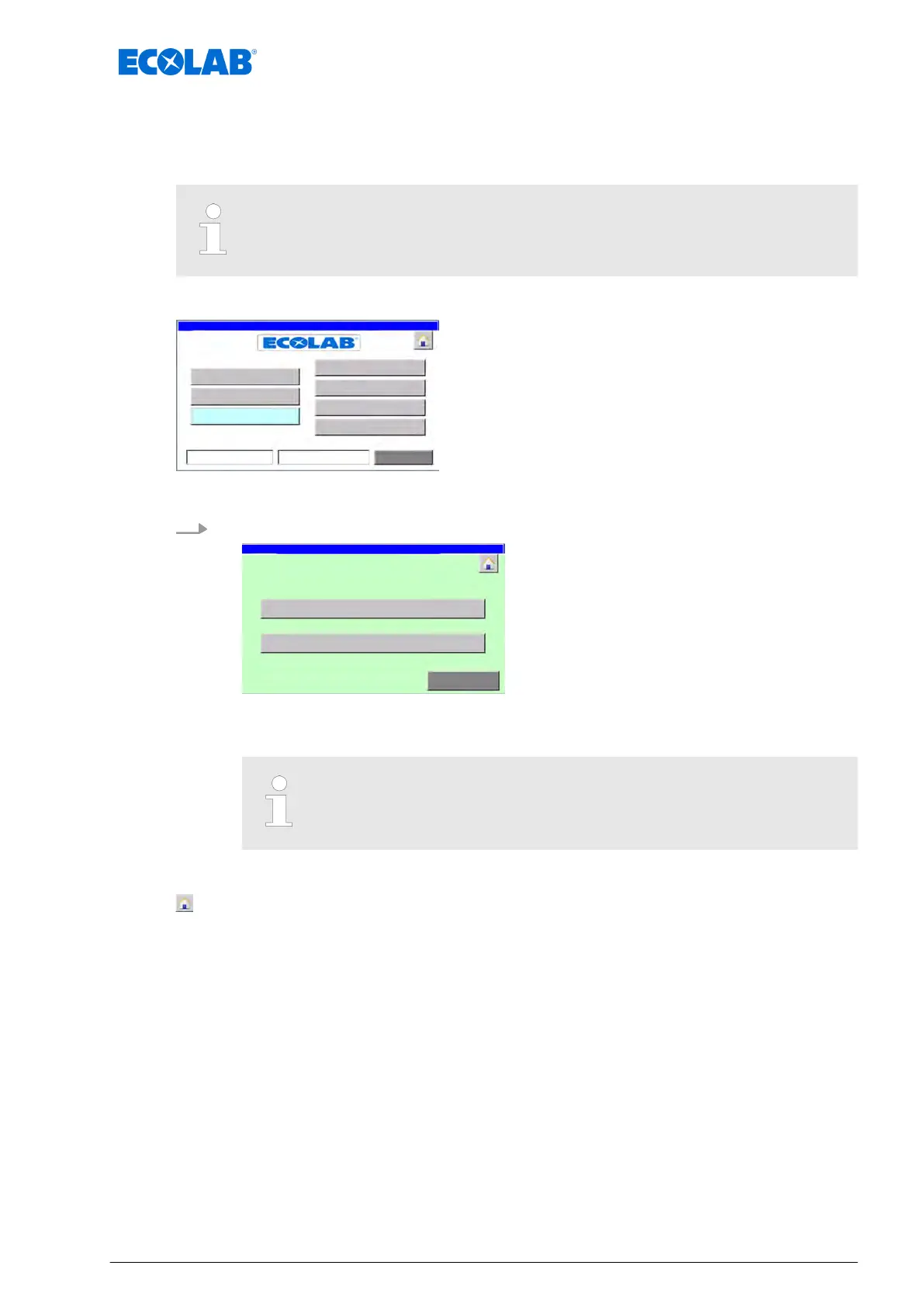
Starting point: The ‘System settings screen’
Fig. 21: System settings
1. [signals
] Press .
manualy control /
signal exchange
Fig. 22: 9
ð
‘manualy control / signal exchange
’ appears.
In some versions and operating modes, not all buttons displayed. The
[digital outputs
] button appears only if the system is in ‘System Off’ or
‘System Manual’ mode.
The following information and settings can be viewed/edited:
- Back to ‘Home screen
’
Ä
Chapter 8.1 ‘Home screen’ on page 52
[digital input] - Screen ‘observation digital Inputs / signal exchange’
Ä
Chapter 8.3.3.1 ‘Check the digital inputs’ on page 64
[digital outputs] - Screen ‘manualy control / digital outputs’
Ä
Chapter 8.3.3.2 ‘Check the digital outputs’ on page 66
[Return] - Back to the ‘System settings screen’
Ä
Chapter 8.3 ‘System settings’
on page 56
Software description
63 Ver. 08-04.2024



 To Next Page