8.7 Set up the lubrication circuits
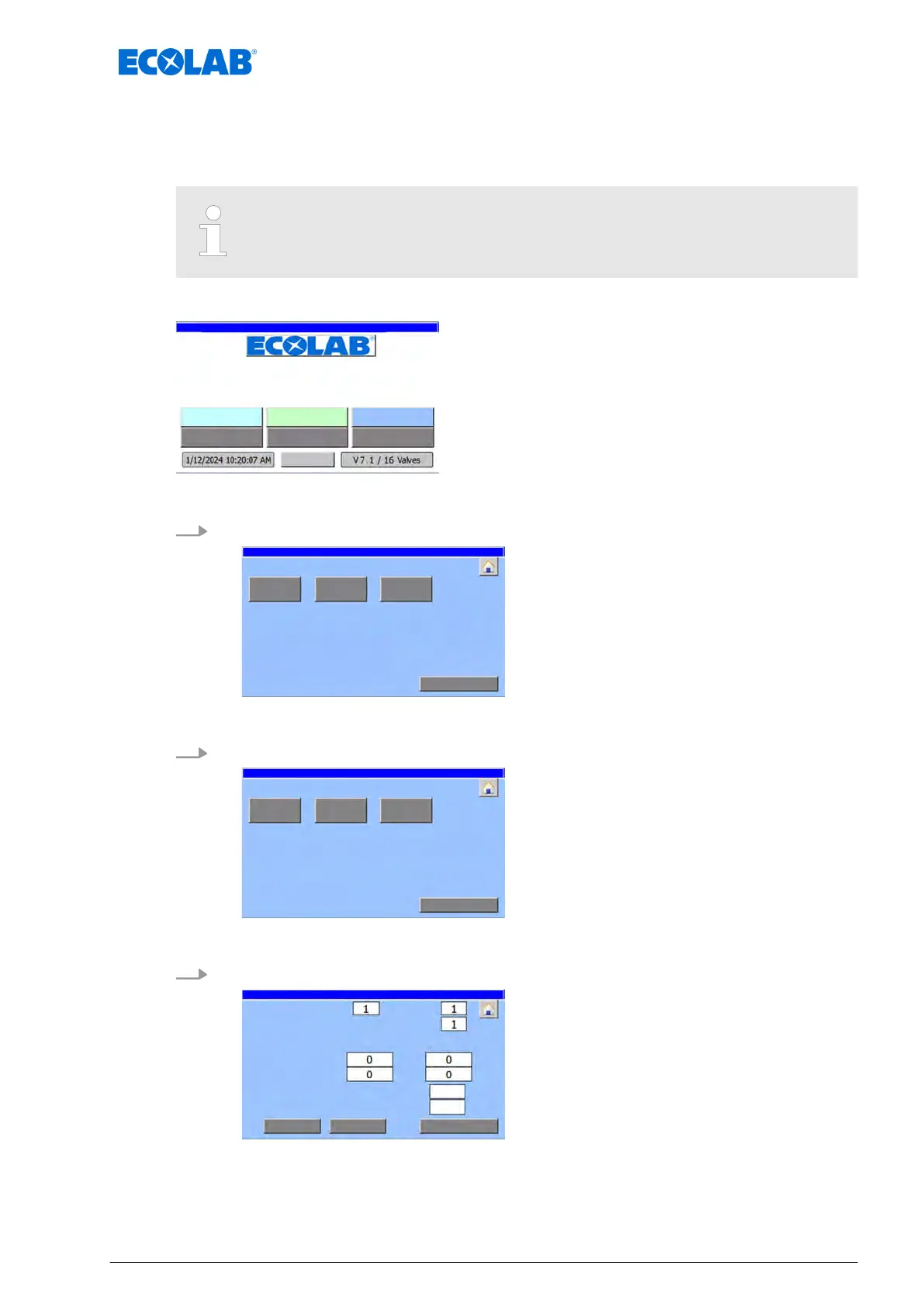
The lubrication circuits/valves installed in the system are configured in the menu
‘Parameter circ.’.
Only sections (plants) to which valves have been allocated are displayed.
Starting point: ‘home screen
’
"DryExx Advanced-ETH"
ECOLAB Engineering
GmbH
releases via "Ethernet" selected,
Fig. 37: Home screen
1. [Parameter circ.] Press .
parameter: Area selection
ð
‘parameter: Area selection
’ appears.
2. Select the relevant area (example: [
Area 1])
Parameter: circuit selection area 1
ð
‘
Parameter: circuit selection area 1’ appears.
3. Select the relevant circuit (example [
circuit 1])
continual no. of this valve:
ð
The ‘Parameter circ.’ screen opens for the selected circuit.
Software description
79 Ver. 08-04.2024



 To Next Page