8.3.1 Set the date/time
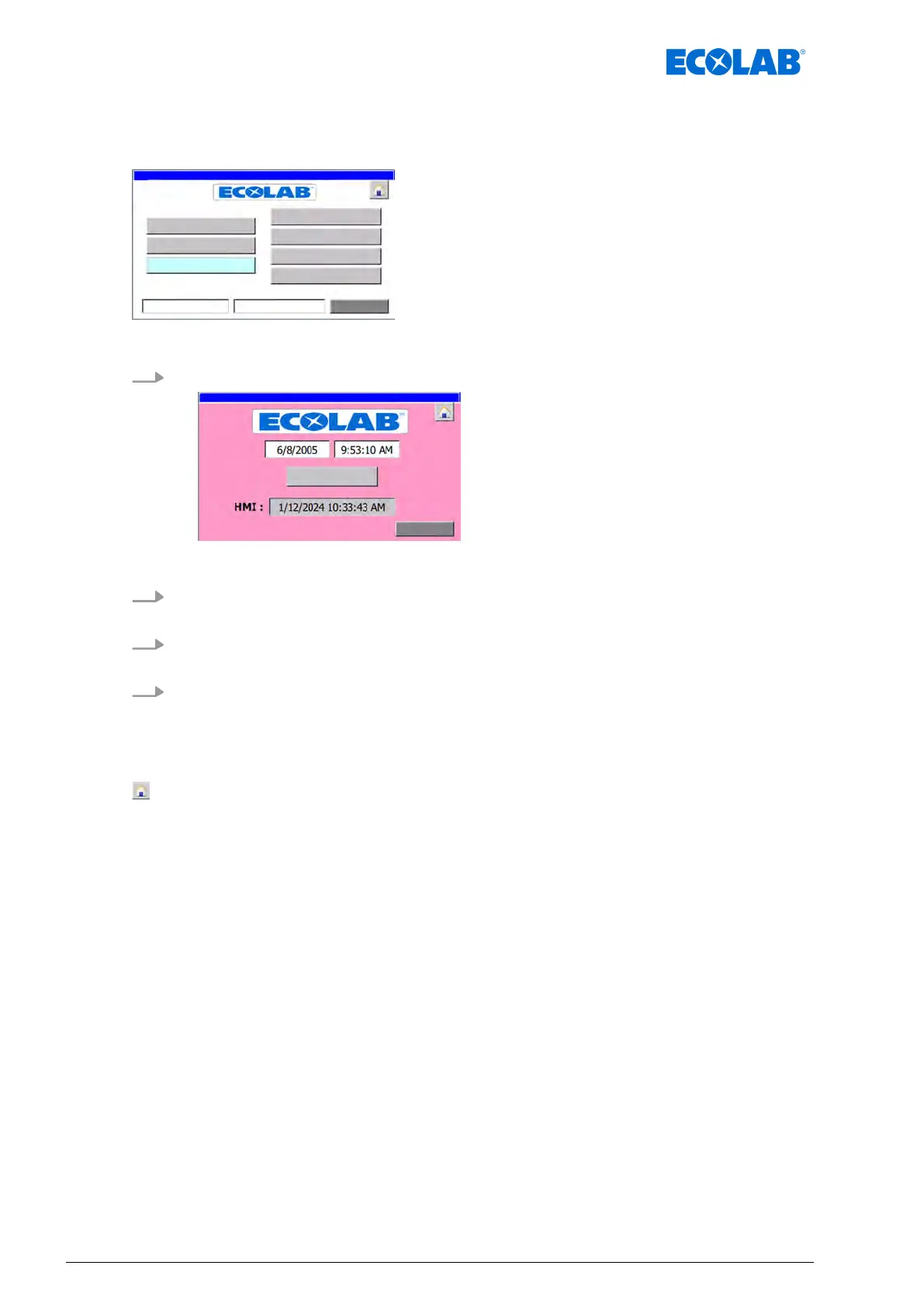
Starting point: The ‘System settings screen’
Fig. 14: System settings
1. [time] Press .
ð
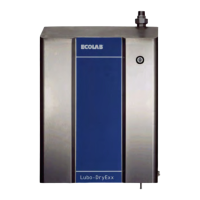
The ‘Date/T
ime’ screen appears.
2. Press the field containing the time.
ð
The time can be set.
3. Press the field containing the date.
ð
The date can be set.
4. [time to PLC] Press .
ð
The values are transferred into the PLC and displayed in the field underneath the
button.
The following information and settings can be viewed/edited:
- Back to ‘Home screen
’
Ä
Chapter 8.1 ‘Home screen’ on page 52
[Return] - Back to the ‘System settings screen’
Ä
Chapter 8.3 ‘System settings’
on page 56
Software description
58Ver. 08-04.2024



 To Next Page