7.2.3 Enter the circuit parameters
Personnel:
n
Manufacturer
n
Service personnel
Protective equipment:
n
Protective eyewear
n
Protective gloves
n
Safety shoes
The following settings are made in the menu ‘Parameter circ.’:
n Pulse time for the spray phase.
n Pause time between two spray phases.
Requirements:
n The valve assignment is complete.
n General parameters are set.
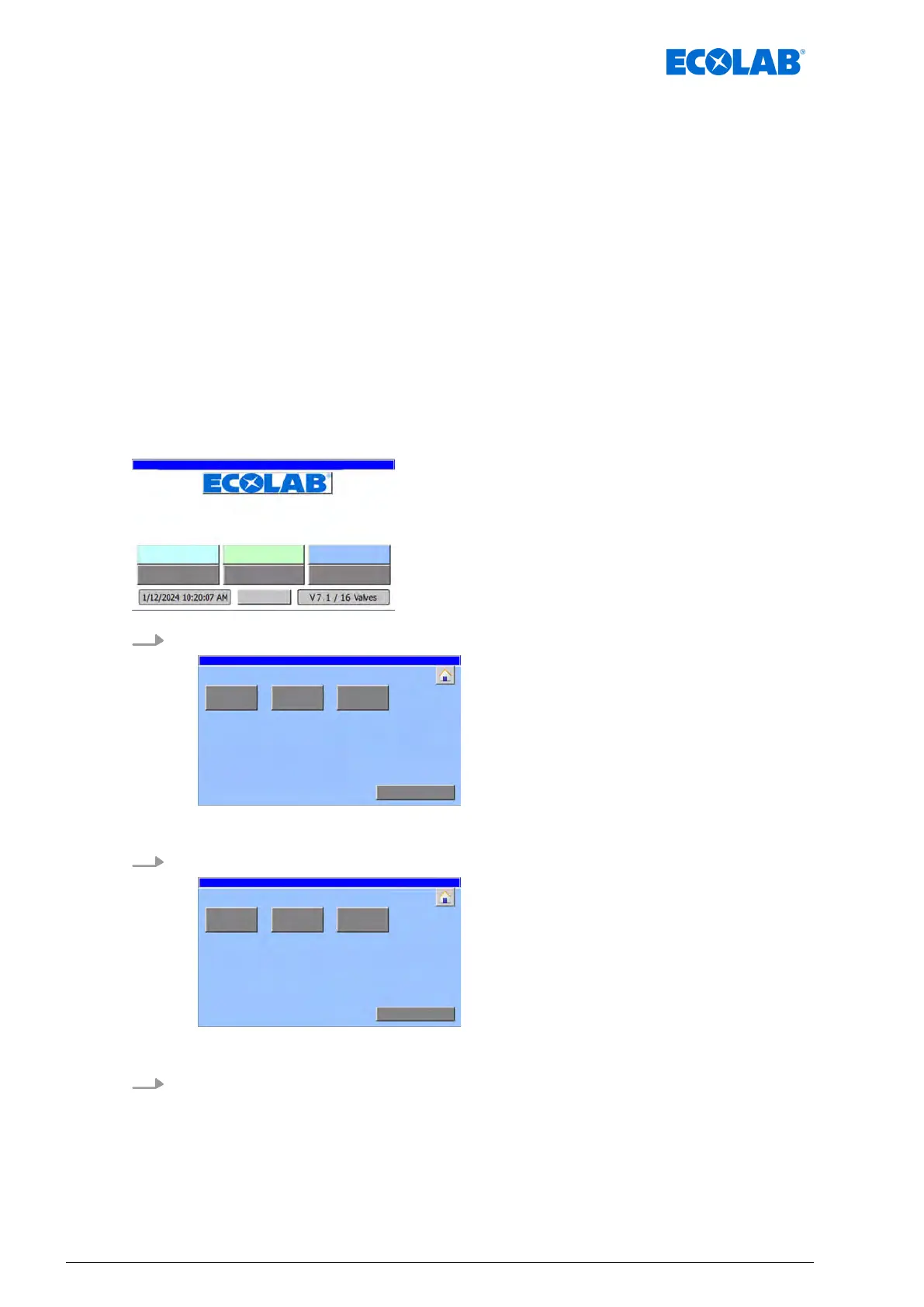
Starting point: ‘home screen
’
"DryExx Advanced-ETH"
ECOLAB Engineering
GmbH
releases via "Ethernet" selected,
1. [Parameter circ.
] Press .
parameter: Area selection
ð
‘parameter: Area selection
’ appears.
2. Select the relevant area (example: [
Area 1])
Parameter: circuit selection area 1
ð
‘
Parameter: circuit selection area 1’ appears.
3. Select the relevant circuit (example [
circuit 1])
Commissioning / operation
44Ver. 08-04.2024



 To Next Page