8.3.3.2 Check the digital outputs
The [digital outputs] button appears only if the system is in ‘System Off’ or
‘System Manual
’ mode.
In the ‘System settings è signals
è digital outputs ’ menu, the digital output signals
coming from the control unit can be checked and monitored during start-up and
maintenance.
Starting point: Screen ‘manualy control / signal exchange’
manualy control /
signal exchange
Fig. 24: manualy control / signal exchange
1. [digital outputs
] Press .
manualy control /
digital outputs
ð
‘manualy control / digital outputs
’ appears.
The control of the digital outputs is explained using the example ‘Outputbyte
OB 0 /1 /2’.
2. [Outputbyte OB 0 /1 /2
] Press .
man. control dig. OB 0 /1 /2
ð
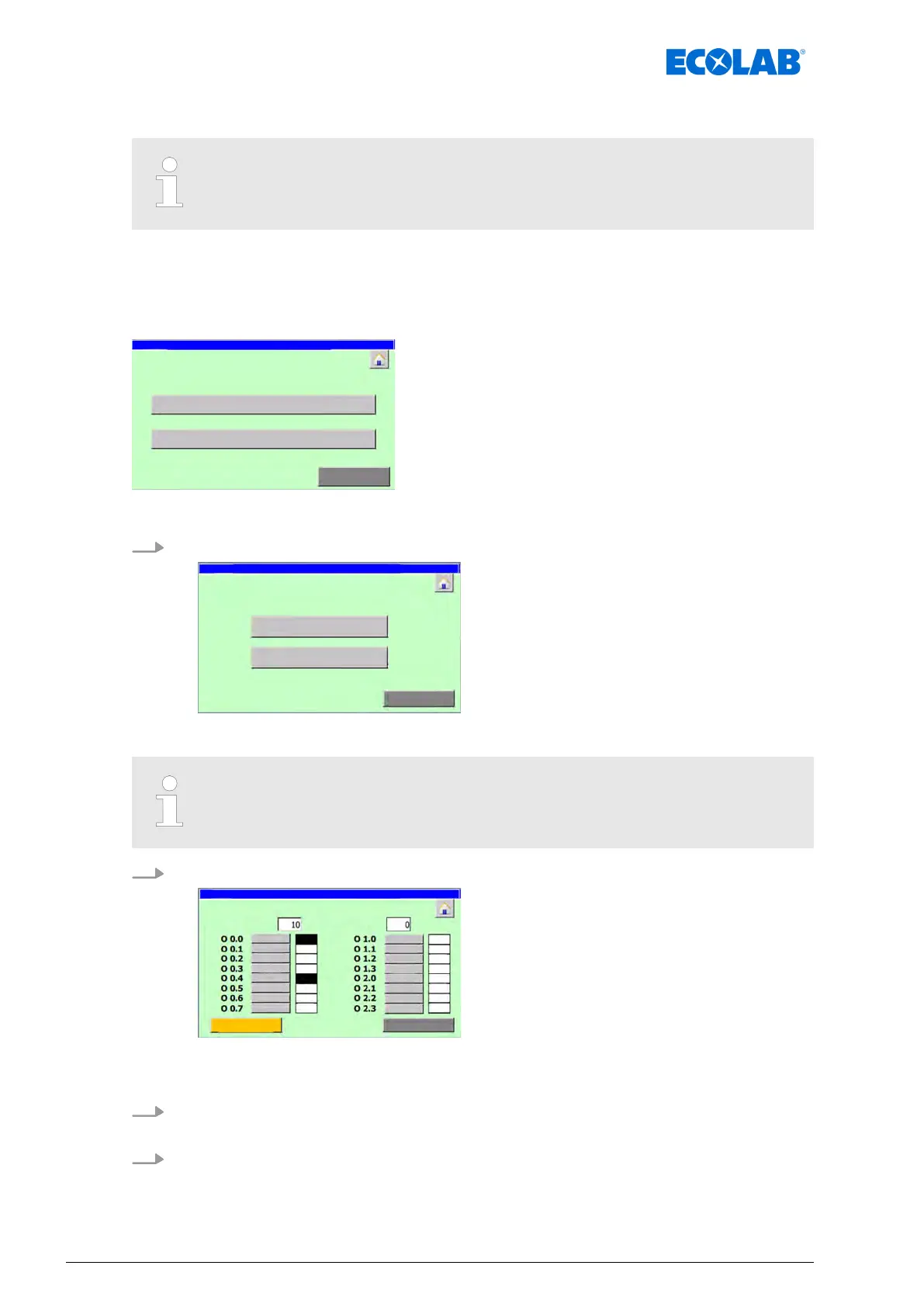
Screen ‘man. control dig. OB 0 /1 /2’ opens and shows the switching status of
the digital outputs on the corresponding output interface.
3. In the ‘max. time on :’ field, enter the time in seconds for which an activated output
should remain active.
4. Press [Start] for the output in question.
ð
The colour of the box next to the button changes to black.
ð
The field next to the button shows ‘on’.
Software description
66Ver. 08-04.2024



 To Next Page