8.3.5 Issue PIN codes
CAUTION!
To prevent potential misuse of the control unit and/or accidental adjustment of
the system parameters, the software should be protected using the integrated
password protection (PIN code).
–
Activate the PIN codes during the initial configuration of the control unit and
make them available only to the authorised group of persons.
Based on the current password level, not all levels may be visible on the
display.
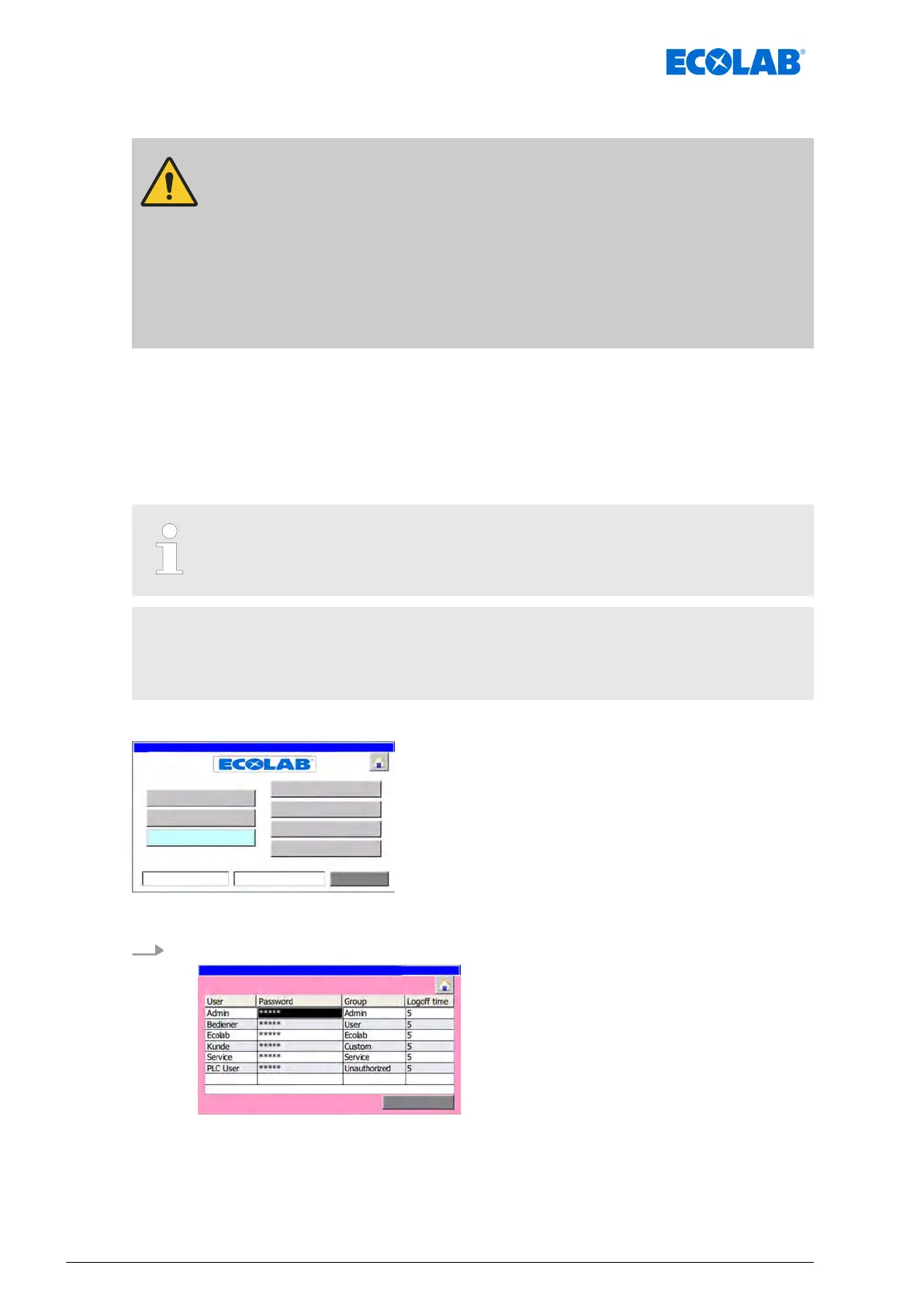
The following password levels (groups) can be assigned in the DryExx®-Advanced-ETH:
n User
n Custom
n Service
n Ecolab
n Admin
When creating users, you can assign password levels only up to the current
user's group.
Example
The logged-in user belongs to the group ‘Service
’.
Newly created users can be assigned only to groups ‘User’, ‘Custom’ or ‘Service’.
Starting point: The ‘System settings screen’
Fig. 26: System settings
1. [password
] Press .
Fig. 27: 18
ð
‘password list
’ appears.
Software description
68Ver. 08-04.2024



 To Next Page