8.5 Accessing reports
The ‘Archive’ menu displays daily, monthly and annual reports.
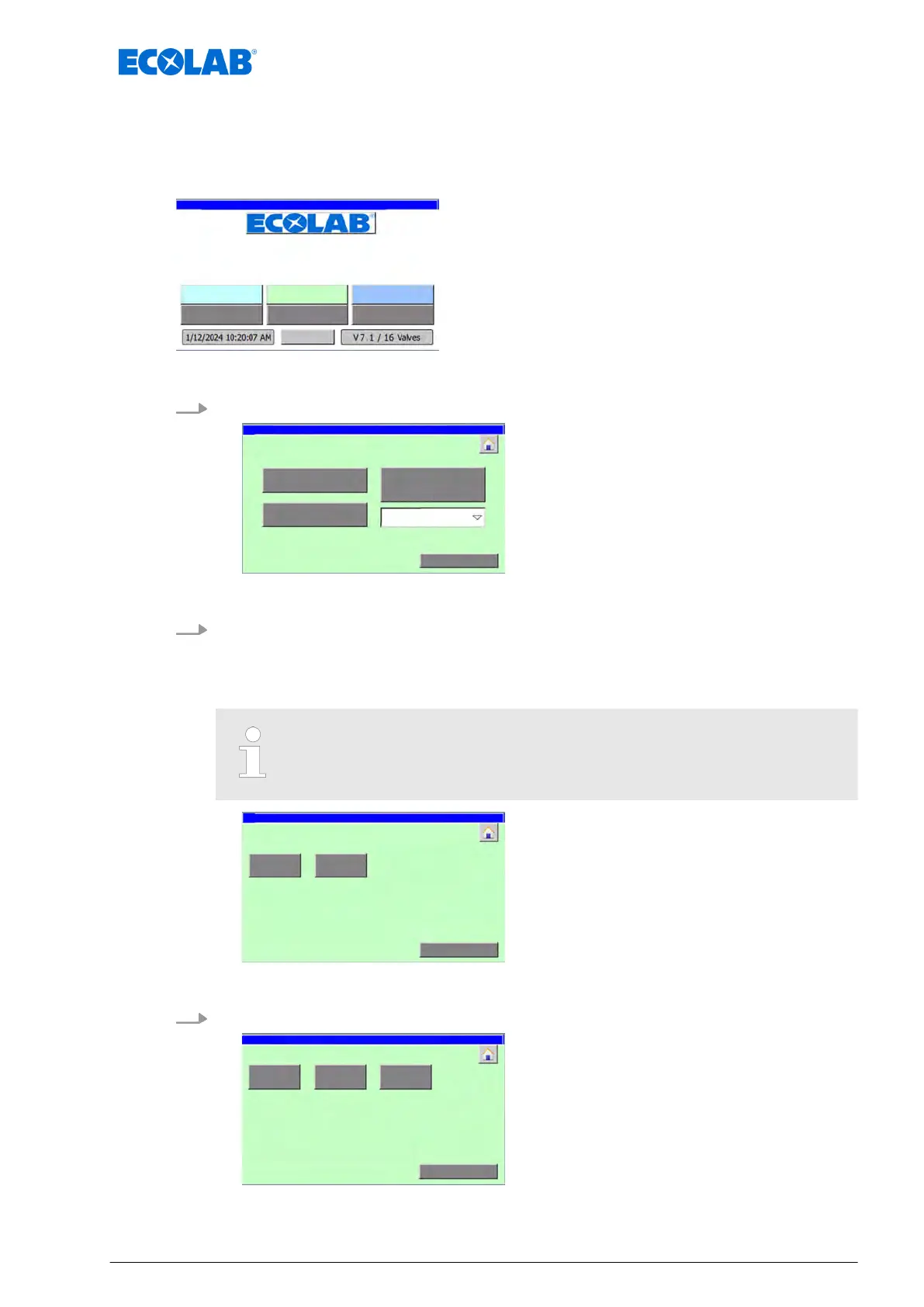
Starting point: ‘home screen’
"DryExx Advanced-ETH"
ECOLAB
Engineering GmbH
releases via "Ethernet" selected,
Fig. 30: Home screen
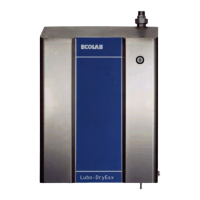
1. [Archive
] Press .
ð
‘Archiv V
iew’ appears.
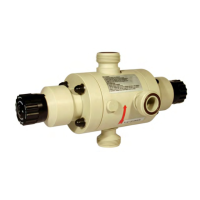
2. Select a report:
n [actual day
]
n [actual month]
n [archive of the year] (select the month first)
This example displays the report ‘Archive actual month’ for ‘Area 1:’ and
‘circuit 1’.
ð
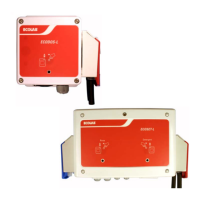
‘Archiv: Area selection’ appears.
3. Select the relevant area (example: [
Area 1:])
Archive: circuit selection area 1
Software description
73 Ver. 08-04.2024


 To Next Page