ð
‘Archive: circuit selection area 1
’ appears.
4. Select the relevant circuit (example [
Area 1:])
continual no. of this valve:
ð
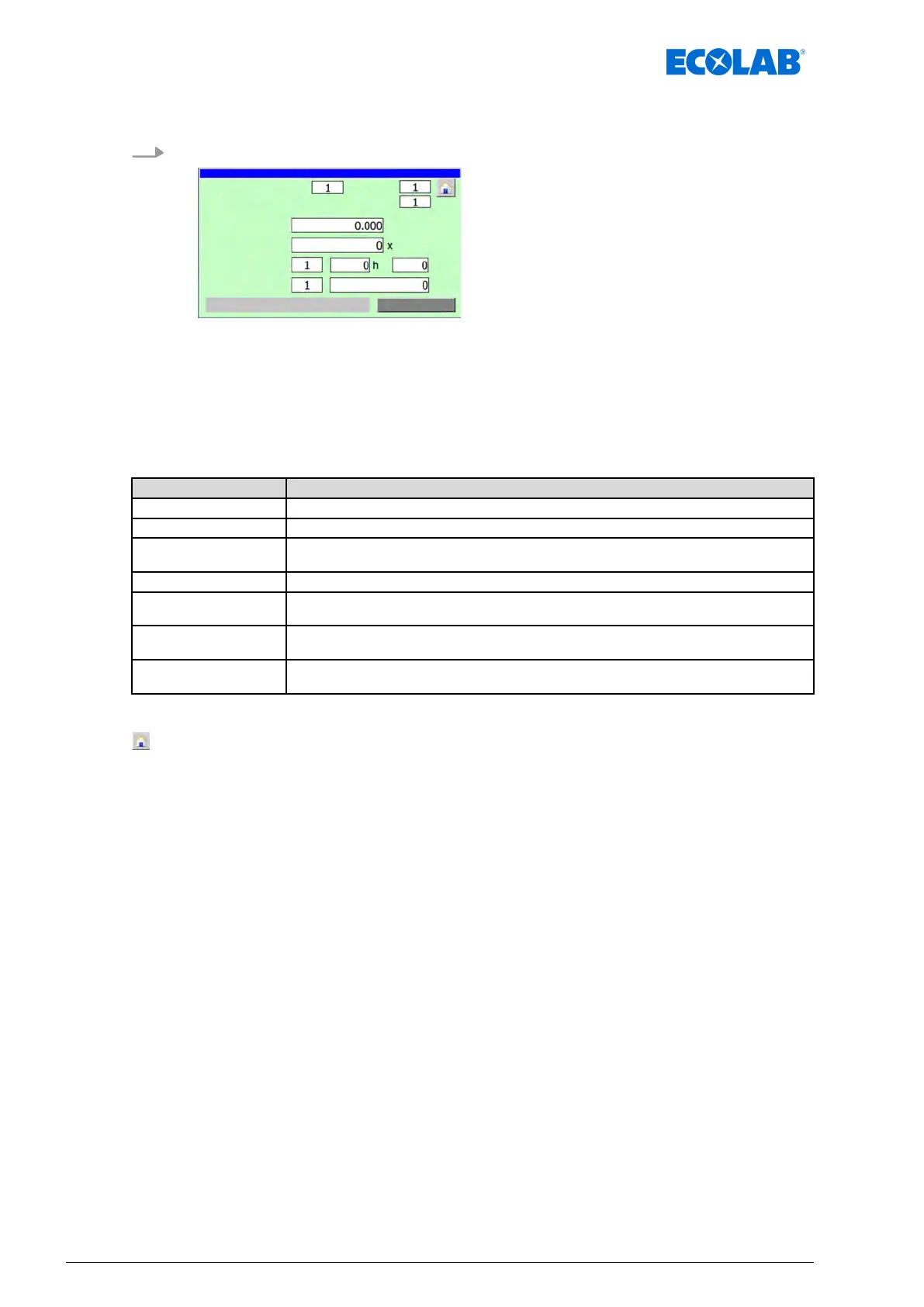
The corresponding report opens:
n [Archive actual day
]
n [Archive actual month] (Example)
n [archive of the year] for the selected month
The following information is displayed:
Field Description
circuit: Number of the selected circuit (lubrication circuit or valve)
area: Number of the selected area (installation or zone)
continual no. of this
valve:
Number of the valve assigned to the selected circuit in the selected range.
lubricant: The amount of track lubricant in litres that was metered during the reporting period.
booster : Displays the number of times the booster feature was active during the reporting
period.
work : time line : Operating time of the lubricated system in hours and minutes during the reporting
period.
units : line : Number of units that have been processed or produced on the lubricated system
during the reporting period.
The following information and settings can be viewed/edited:
- Back to ‘Home screen
’
Ä
Chapter 8.1 ‘Home screen’ on page 52
[Return] - Back to ‘Home screen’
Ä
Chapter 8.1 ‘Home screen’ on page 52
Software description
74Ver. 08-04.2024



 To Next Page