ð
The valve allocation is indicated by the x symbol [] .
If more than 16 metering stations/valves are installed, the activation
of valves V17–V24 must be ordered as an option when ordering the
system. Y
ou can then go to the relevant screen to assign more.
You can make the following settings:
The following information and settings can be viewed/edited:
- Back to ‘Home screen
’
Ä
Chapter 8.1 ‘Home screen’ on page 52
[Return] - Back to the screen ‘setup: selection
’
Ä
Chapter 8.3.2 ‘Configure the system’
on page 59
8.3.2.2 Network settings
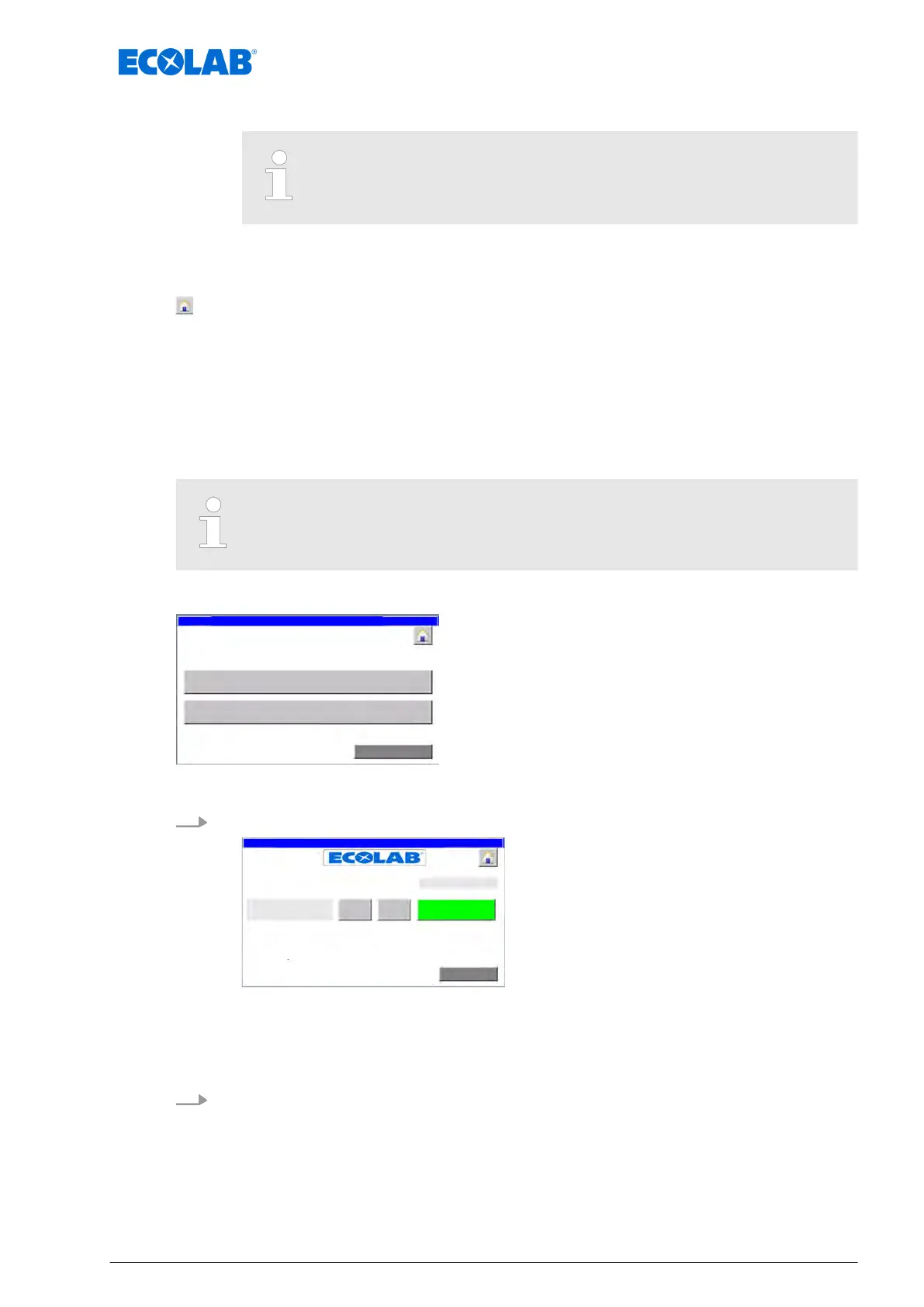
On the ‘setup: communication’ screen, you can turn on/off Ethernet communication.
The Ethernet interface settings (IP, subnet mask and router IP) are made by
the manufacturer during production as part of the initial configuration.
Starting point: Screen ‘setup: selection
’
setup dosing units/valves
Fig. 19: 4
1. [setup communication] Press .
for final storage press
"Return"
- Button!!!
Fig. 20: 7
ð
‘setup: communication
’ appears.
Switch Ethernet communication on or off
2. Press [ON] or [OFF] next to the field ‘releases via Ethernet’.
ð
Depending on the switching state, ‘active’ or ‘not active’ appears in the ‘actual
status’ column.
Software description
61 Ver. 08-04.2024



 To Next Page