8.2 General operating instructions
Password levels
Access to the controls is protected by password levels, with each password
level including the functions of all lower password levels.
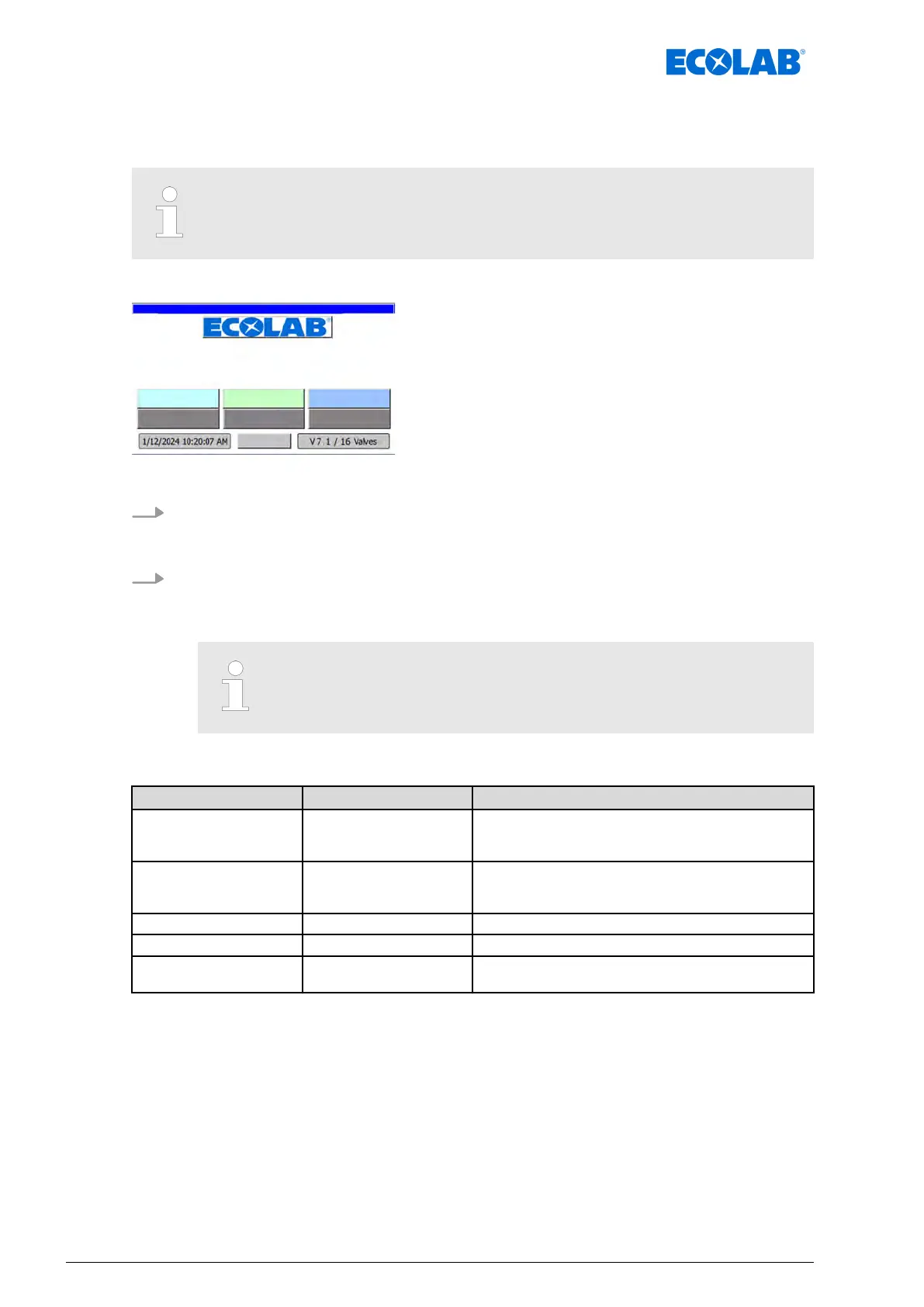
Starting point: ‘home screen
’
"DryExx Advanced-ETH"
ECOLAB Engineering
GmbH
releases via "Ethernet" selected,
Fig. 12: Home screen
1. Press any key
.
ð
If the selected function requires the entry of a PIN or higher-level PIN, a PIN
prompt appears.
2. When the activities are complete, press [Logout
] on the home screen.
ð
The main screen remains unchanged.
ð
To perform any further actions in the system, the PIN code for the corresponding
access level (user level) must be entered again.
After a preset time has elapsed without any activities on the control
unit, the user is automatically logged out.
The following user groups (password levels) are available:
Password level User group Functions
‘Admin ’ Administrator All rights, plus user administration, access to user
interface of Windows CE and calibration of the touch
screen
‘Ecolab’ Ecolab service team Maintenance and adjustment of the system: Delete
consumptions, delete fault and operating message
buf
fer
‘Service’ Service personnel Change parameters, change date and time
‘Customer’ Shift manager View reports and fault messages
‘Operator’ Operating staff Display parameters, view fault messages, change
operating language
Software description
54Ver. 08-04.2024



 To Next Page