8.7.2 Set the boost times
During commissioning and after maintenance, servicing and cleaning work, it may be
necessary to dispense more than the usual amount of conveyor track lubrication for a
certain period of time. The booster function ensures that additional track lubrication is
metered for a certain length of operating time.
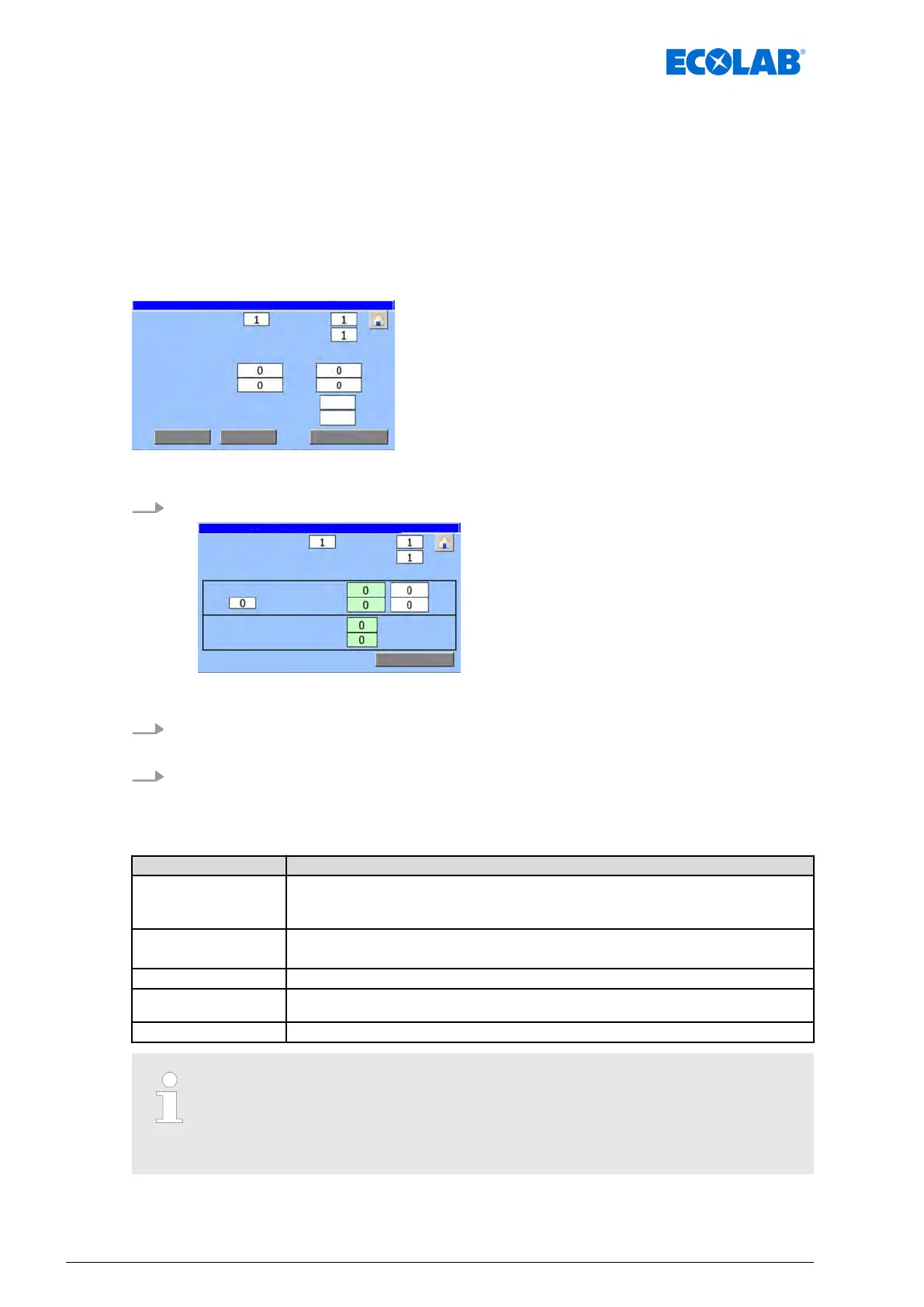
The ‘Boost T
imes’ screen is used to activate the booster function and set the valve and
pause times for the selected lubrication circuit.
Starting point: Screen ‘Parameter circ.’
continual no. of this valve:
Fig. 39: Parameter circ.
1. [Boost T
imes] Press .
continual no. of this valve:
ð
‘Booster T
imes :’ appears.
2. In the ‘Activation :’ area, set when the booster function should be activated and for
how long.
3. In the ‘T
imes :’ area, enter the valve and pause time to be used during the booster
function.
You can make the following settings:
Field Description
After :
n ‘default
’ : Time in seconds after which the booster function should be activated.
n ‘actual’ : When an enable signal is present, counts up until the set time is
reached.
For :
n ‘default
’ : Time in seconds that the booster function should remain activated.
n ‘actual’ : Counts up when the booster is activated until the set time is reached.
Activation : Displays if the booster function is active.
pulse time : The time for which the valve is activated during the booster phase after the pause
time has expired.
break time : Wait time after which the valve may be actuated again during the booster phase.
This function is only switched on when values have been entered in both
"After" and "For" times.
This function is switched off when "Zero" has been entered for the values for
the "After" and "For" times.
Software description
82Ver. 08-04.2024



 To Next Page