6.1.14. Stand-by feature
With the crane system on, if you do not move any lever
for a certain amount of time, Progress and the controller
change to stand-by mode.
Restart the crane operation using the controller:
1. Push the emergency stop button of the controller.
2. Release the emergency stop button.
3. Push the 'RESET' button.
NOTE
• The active features before the stand-by mode will still be active when you restart
the crane operation.
• When the crane idle time reaches 8 hours, the whole system automatically
switches off. You need to start it again to use the crane.
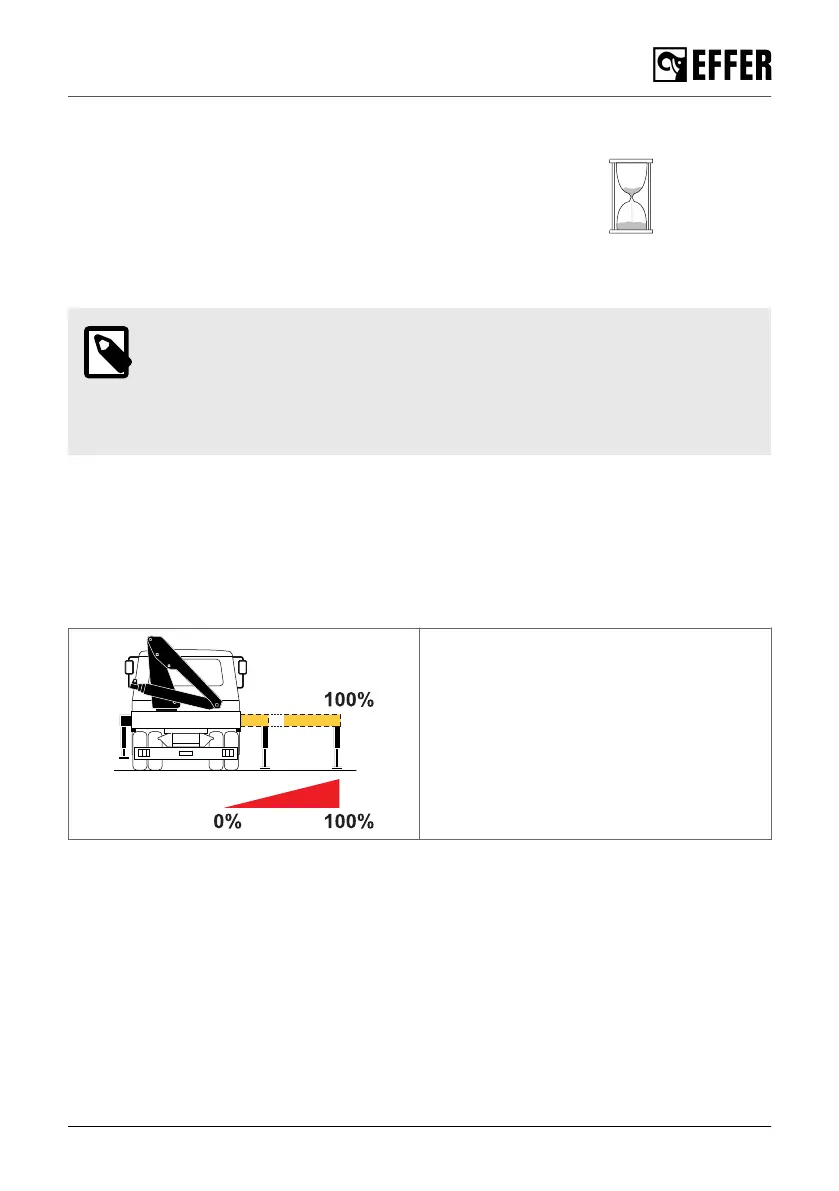
6.1.15. Progress - Stability control device
Progress allows you to work safely with the crane by reducing the crane lifting capacity, even if
the stabiliser system is not fully extended. The performance of the crane depends on the stabiliser
extensions position that the system detects.
The position of the crane stabiliser extensions is detected proportionally by Progress to calculate
the stability.
All positions detected:
• From 0% to 100%
During operation
EFFER 265-315-395-525 Progress 2.0 CE 105



 To Next Page